Console Tour
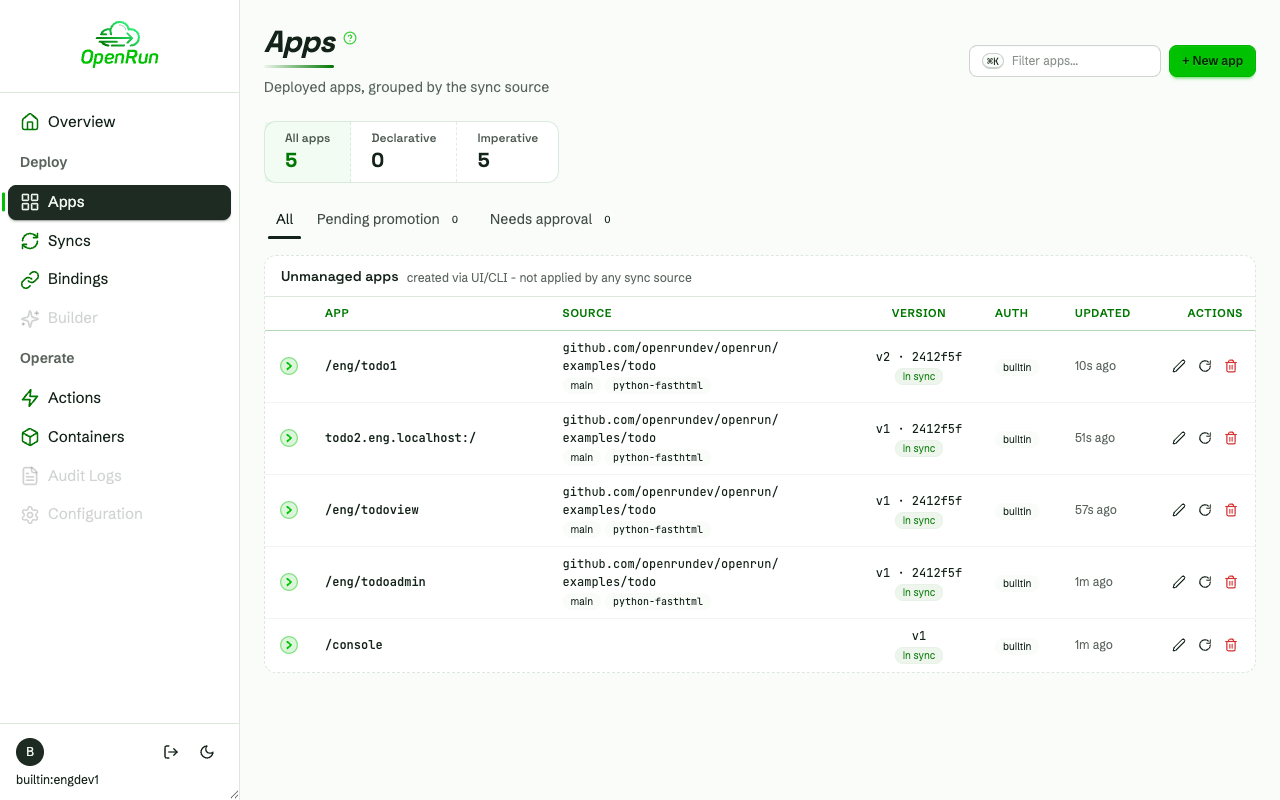
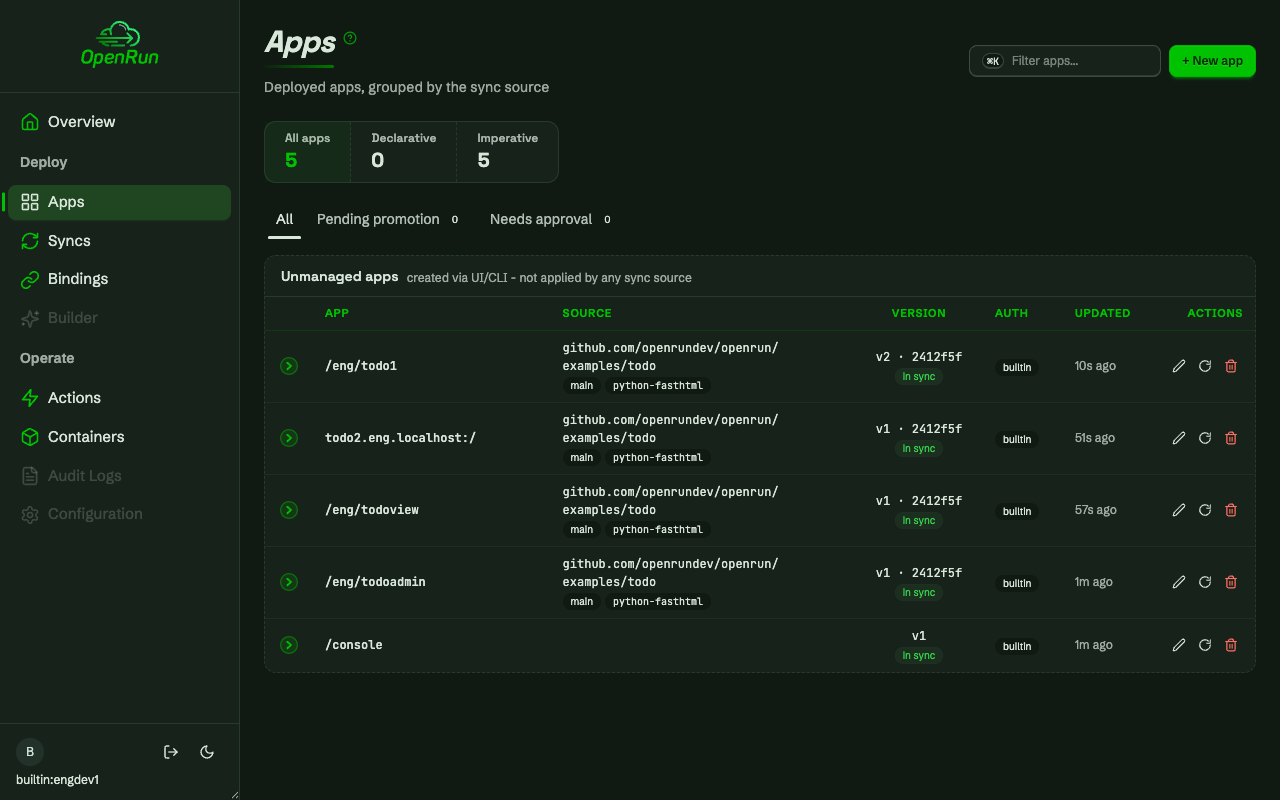
A visual tour of the OpenRun management console, in two parts. First the deploy flow: creating a database service with its connection url stored as a secret, binding an app to it, deploying a containerized app from a git repo, and the operational pages. Then the RBAC flow: configuring role-based access control from the console and working with team-scoped grants. The screenshots follow the site theme - toggle light/dark to see the console in the other theme. A live demo of the console is available. See console install for installing the console on your own server.
Overview
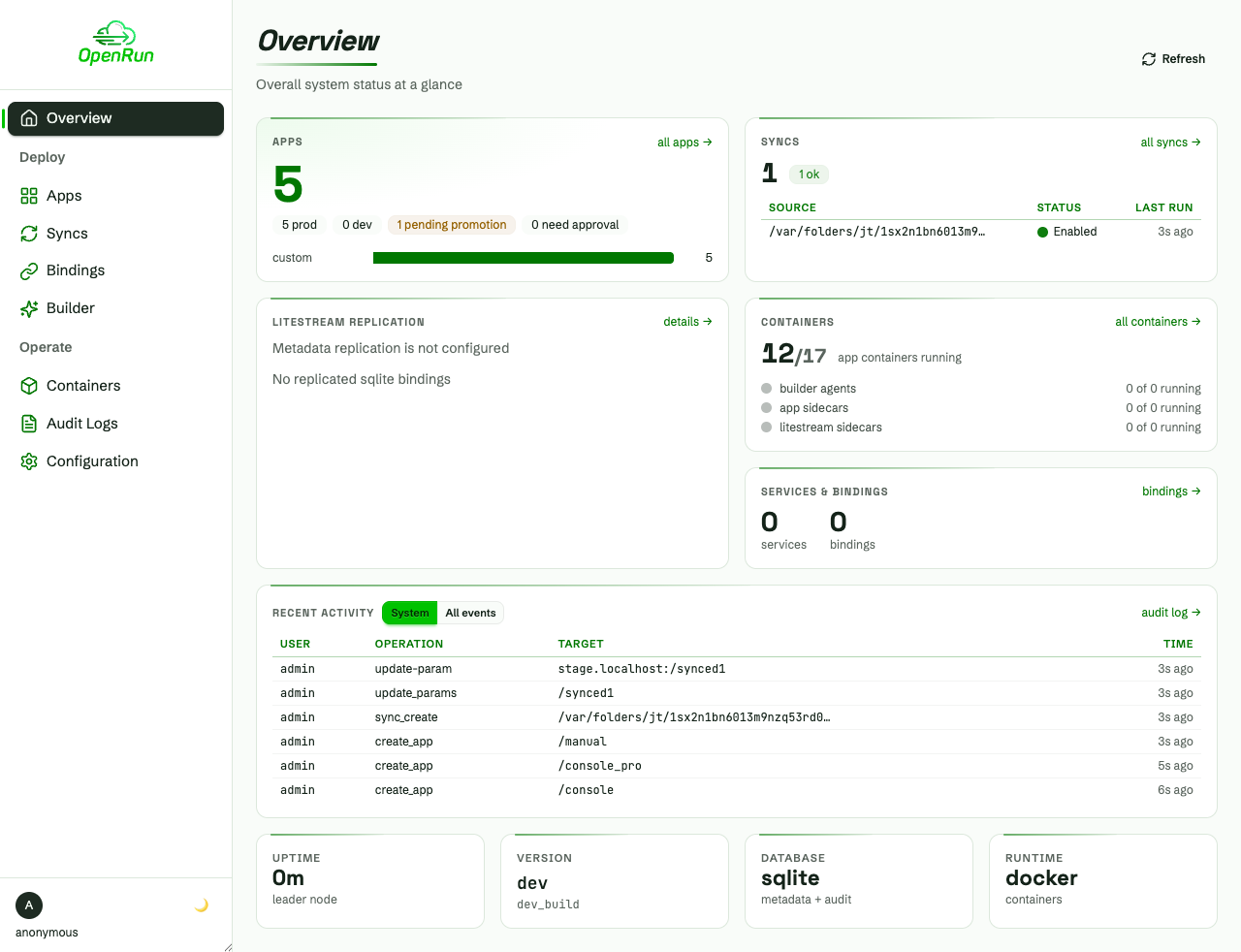
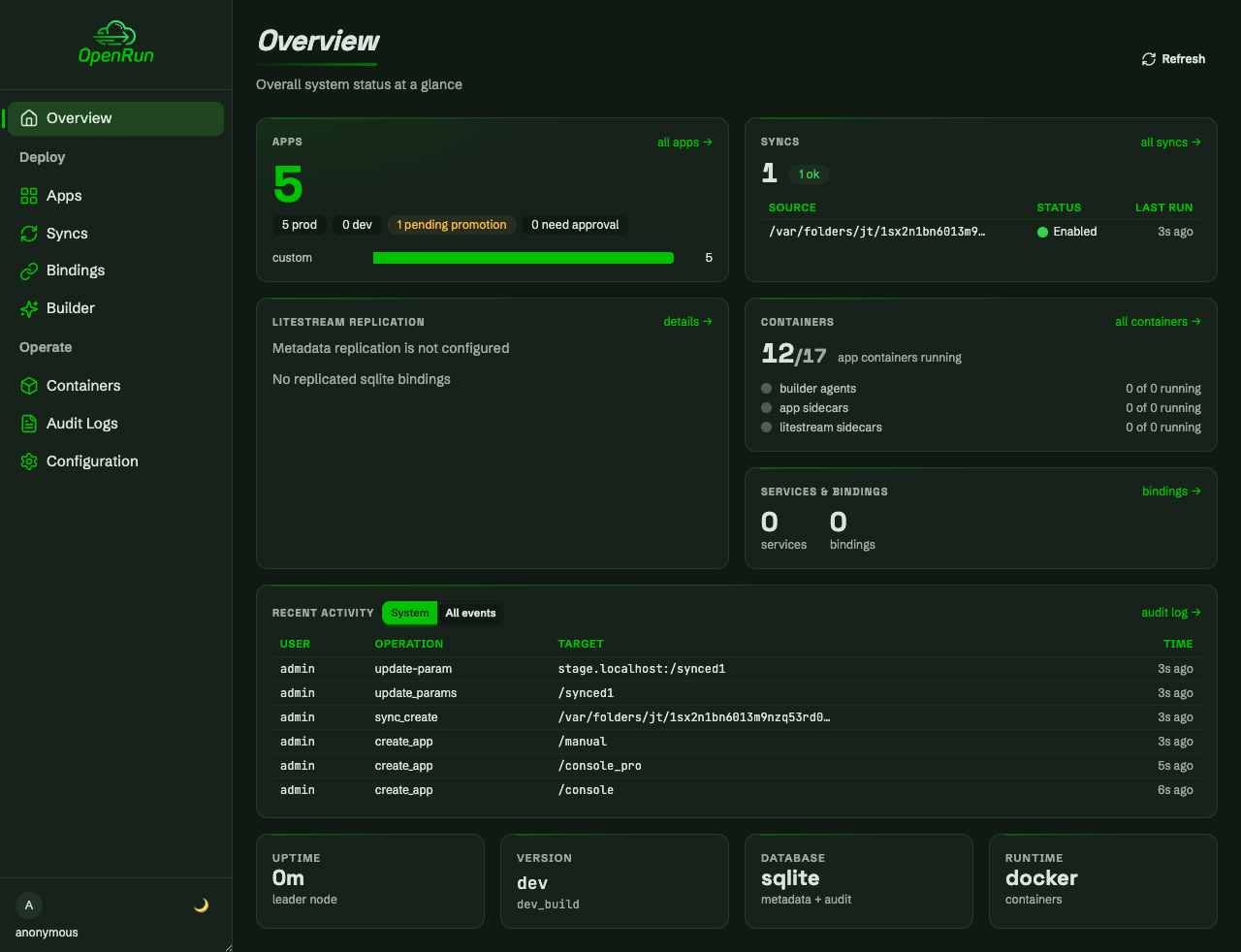
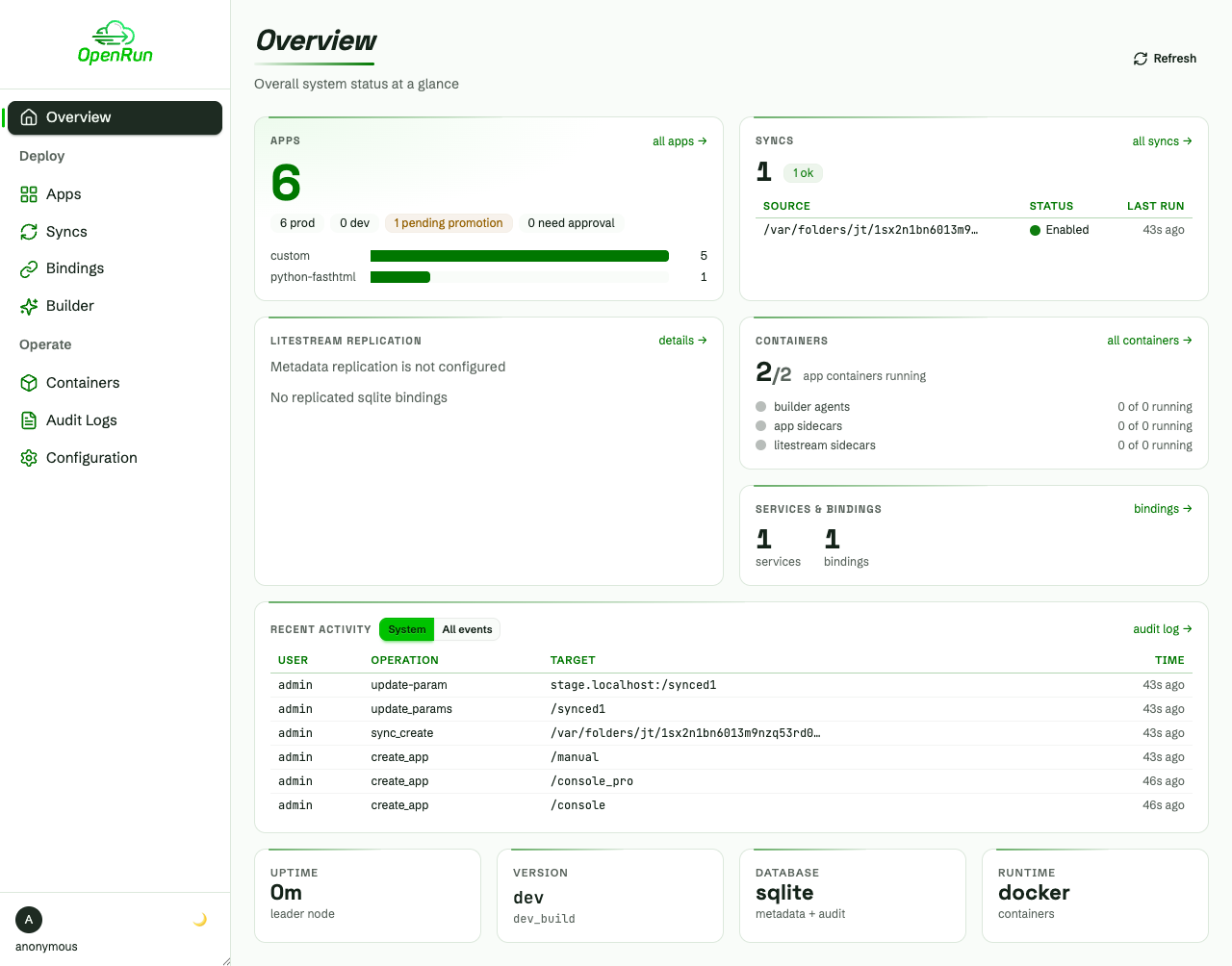
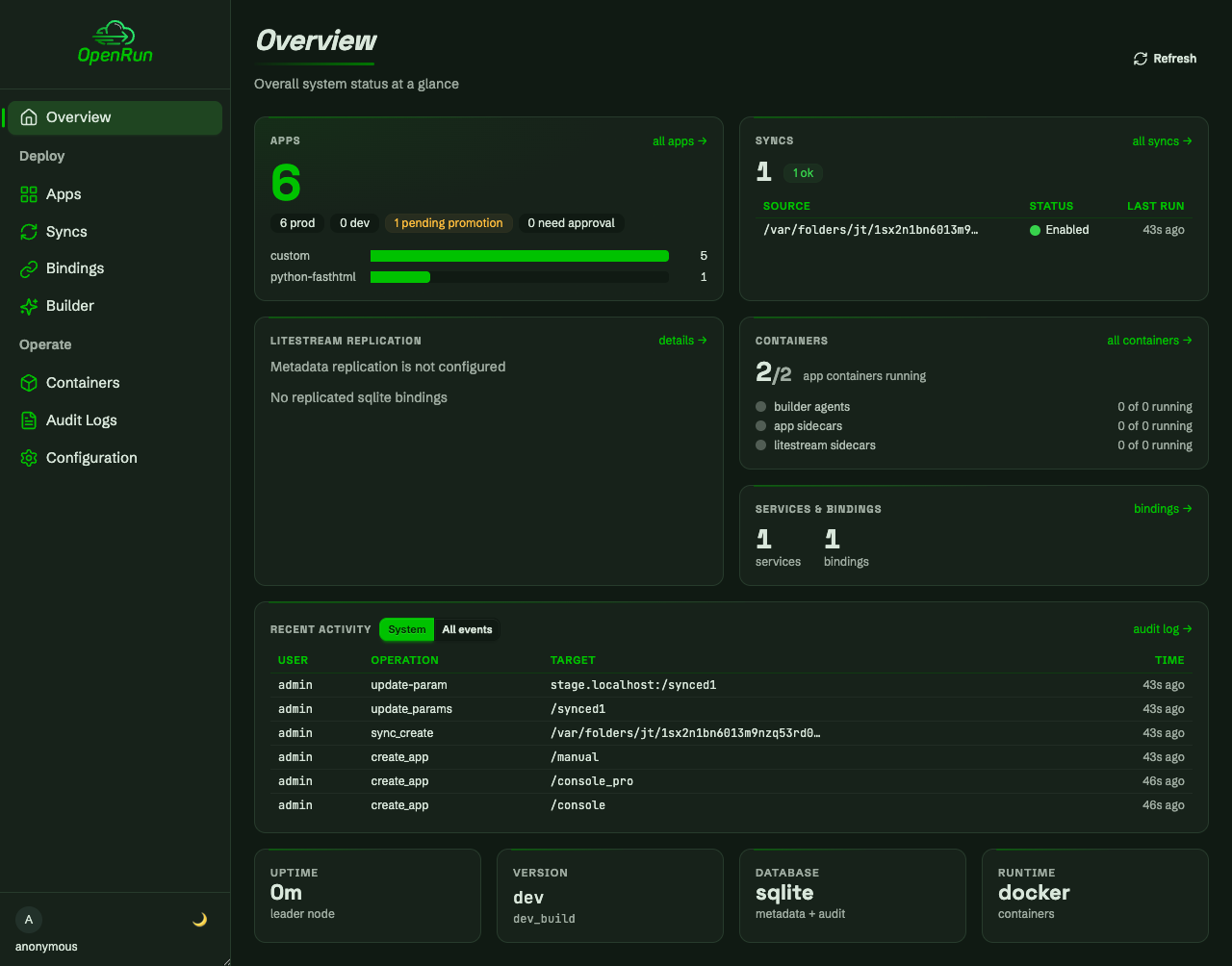
The console home page shows the system at a glance: apps, syncs, containers, services and recent activity. Every tile links into its area page.
Create a service
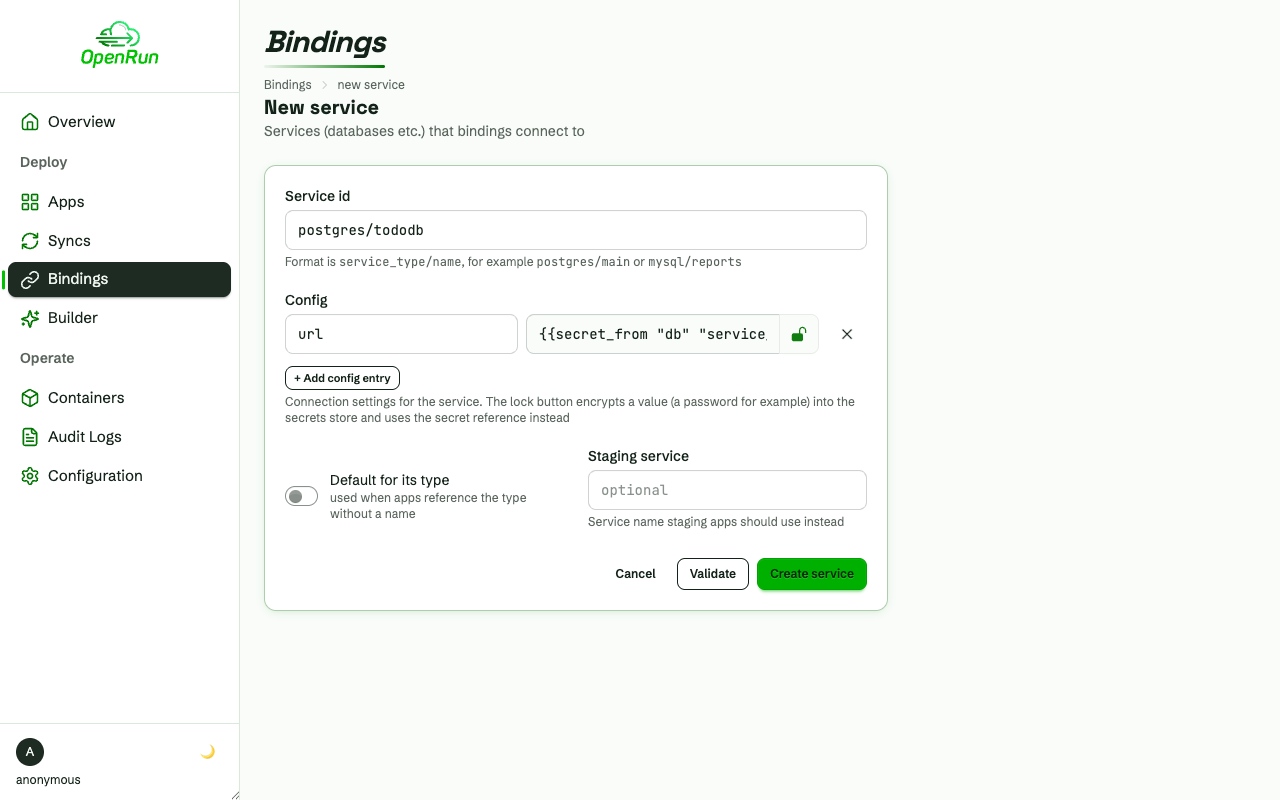
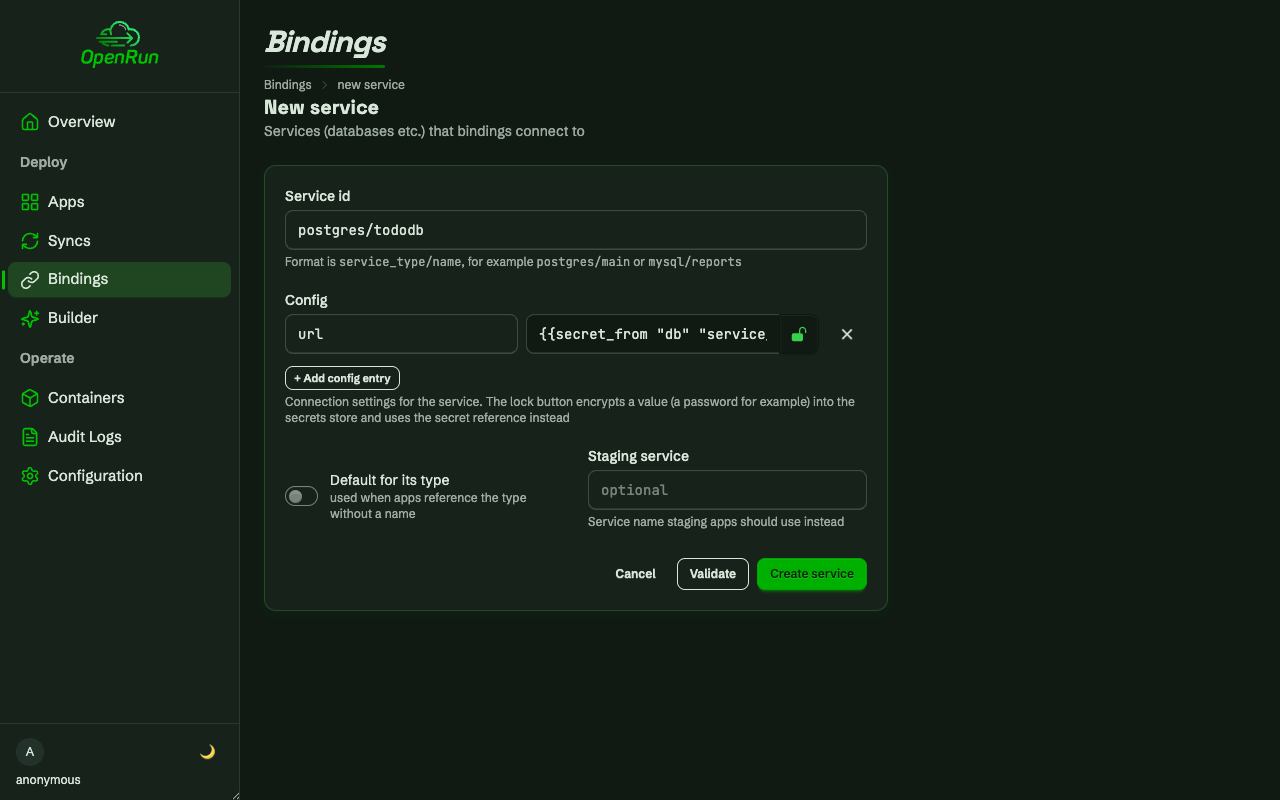
Services are named backing resources (Postgres, MySQL, Redis) that apps connect to through bindings. The lock button encrypts the connection url into the secrets store; the service config keeps only the secret reference, so credentials never appear in config listings.
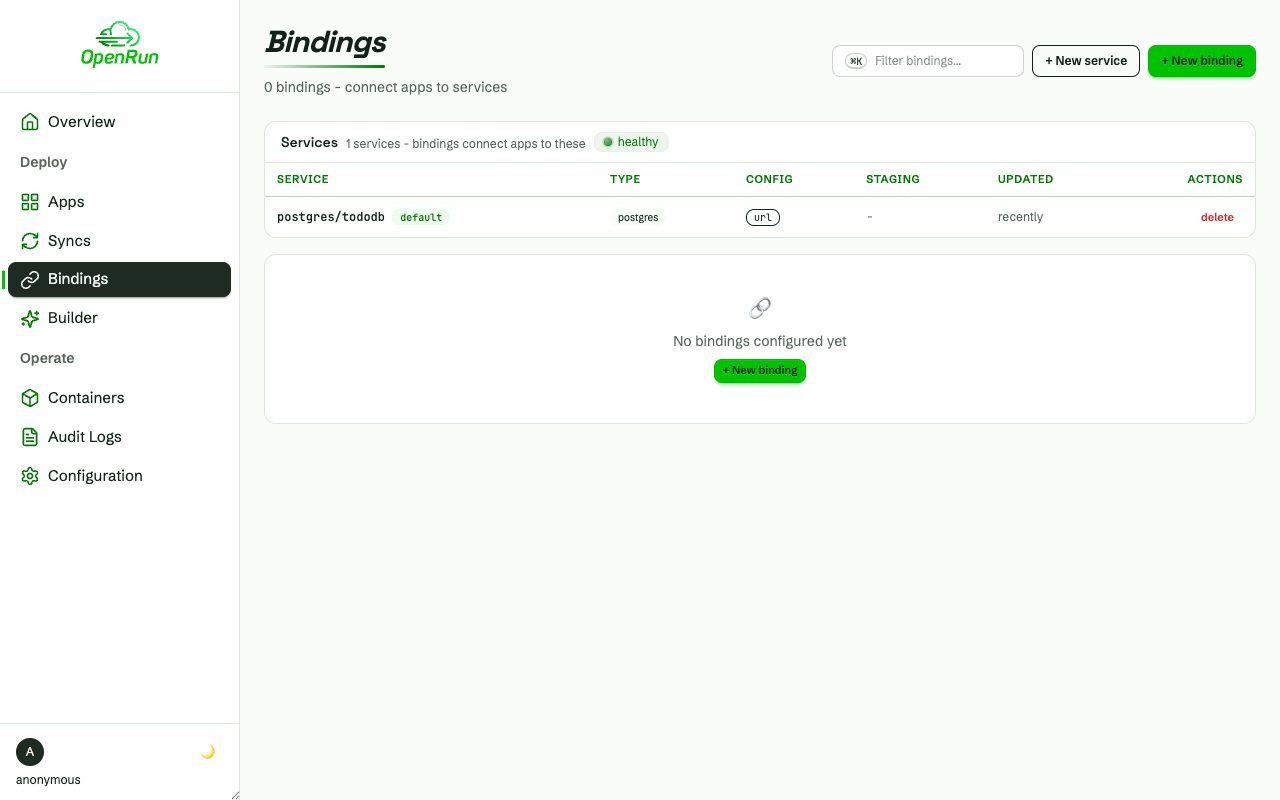
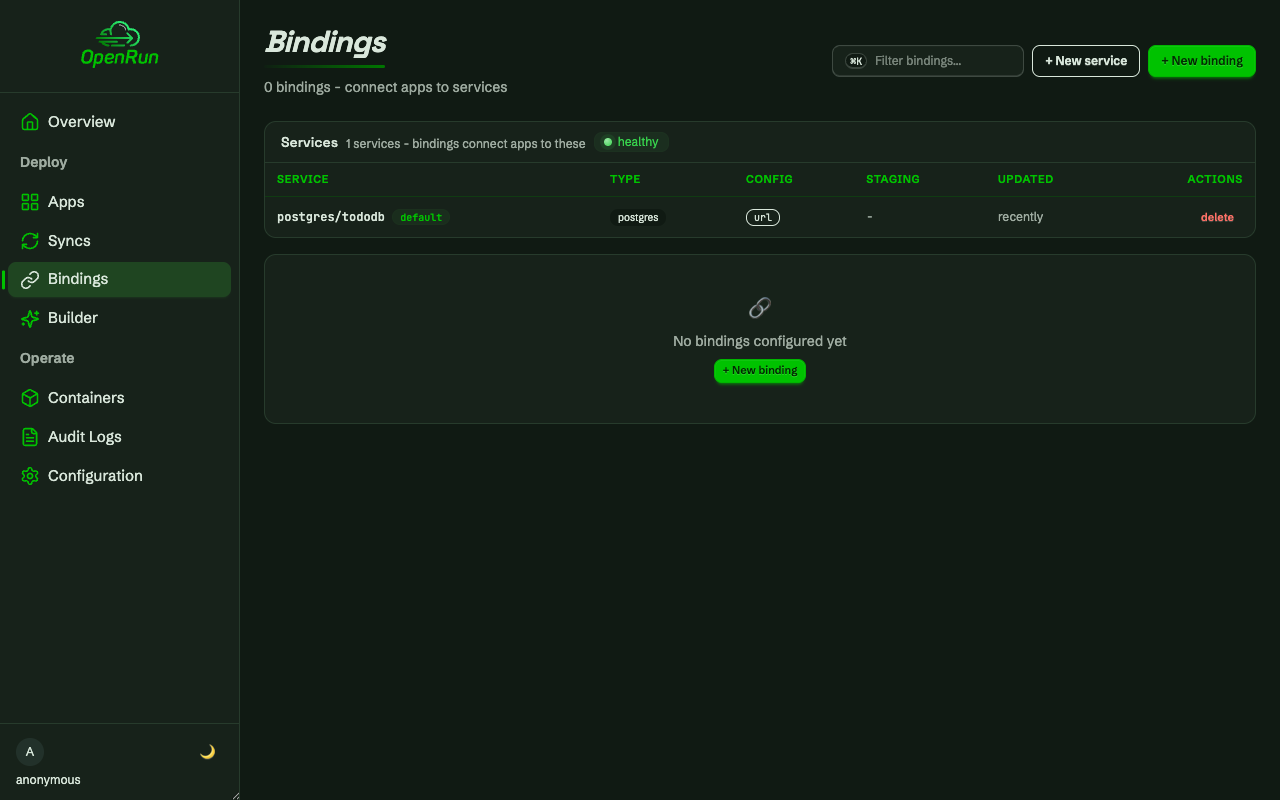
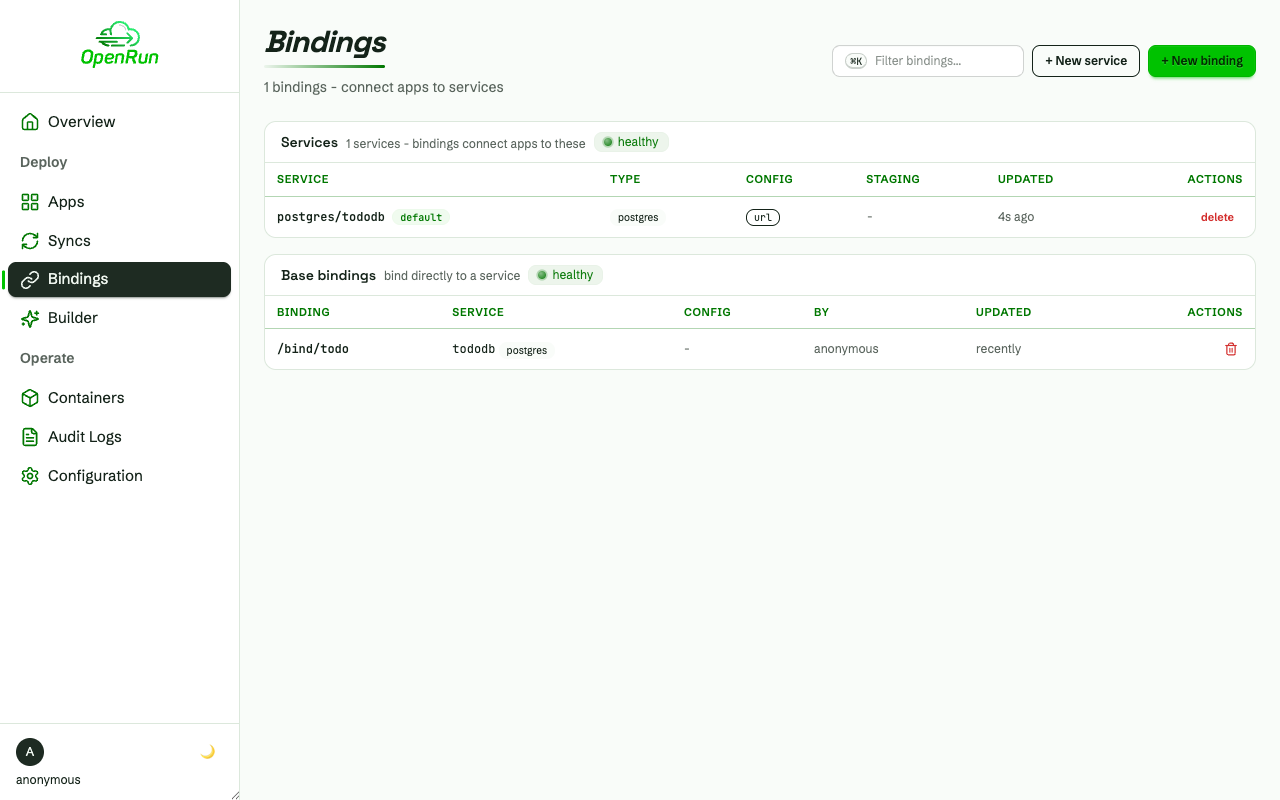
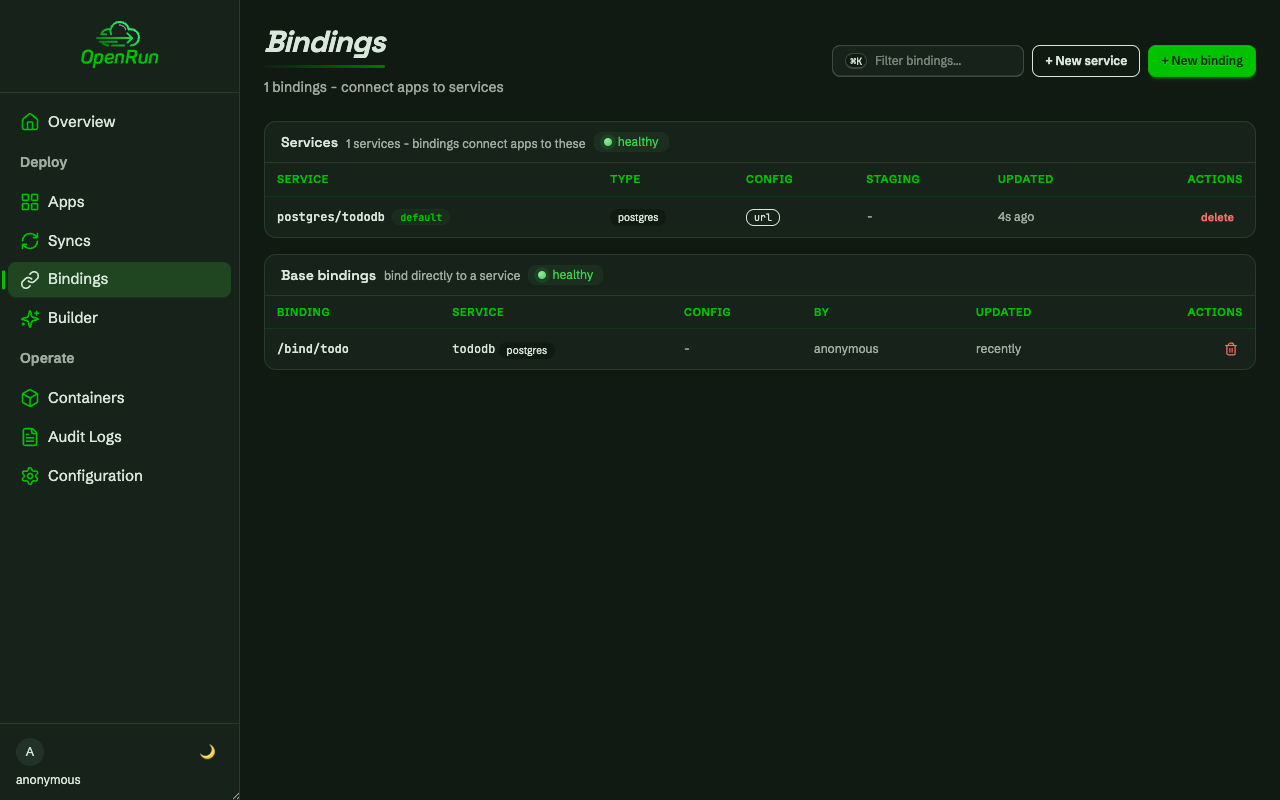
The created service shows on the bindings page with its config keys - the values stay server-side.
Create a binding
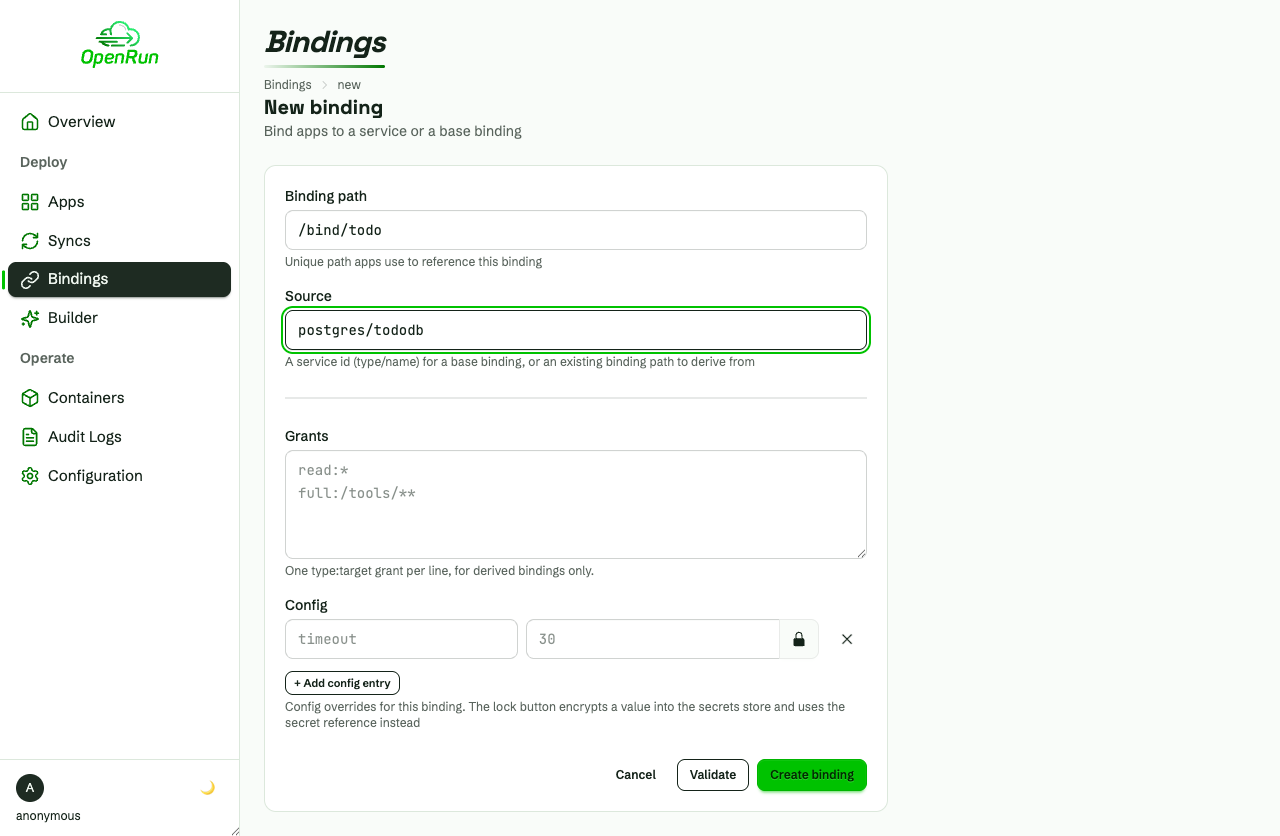
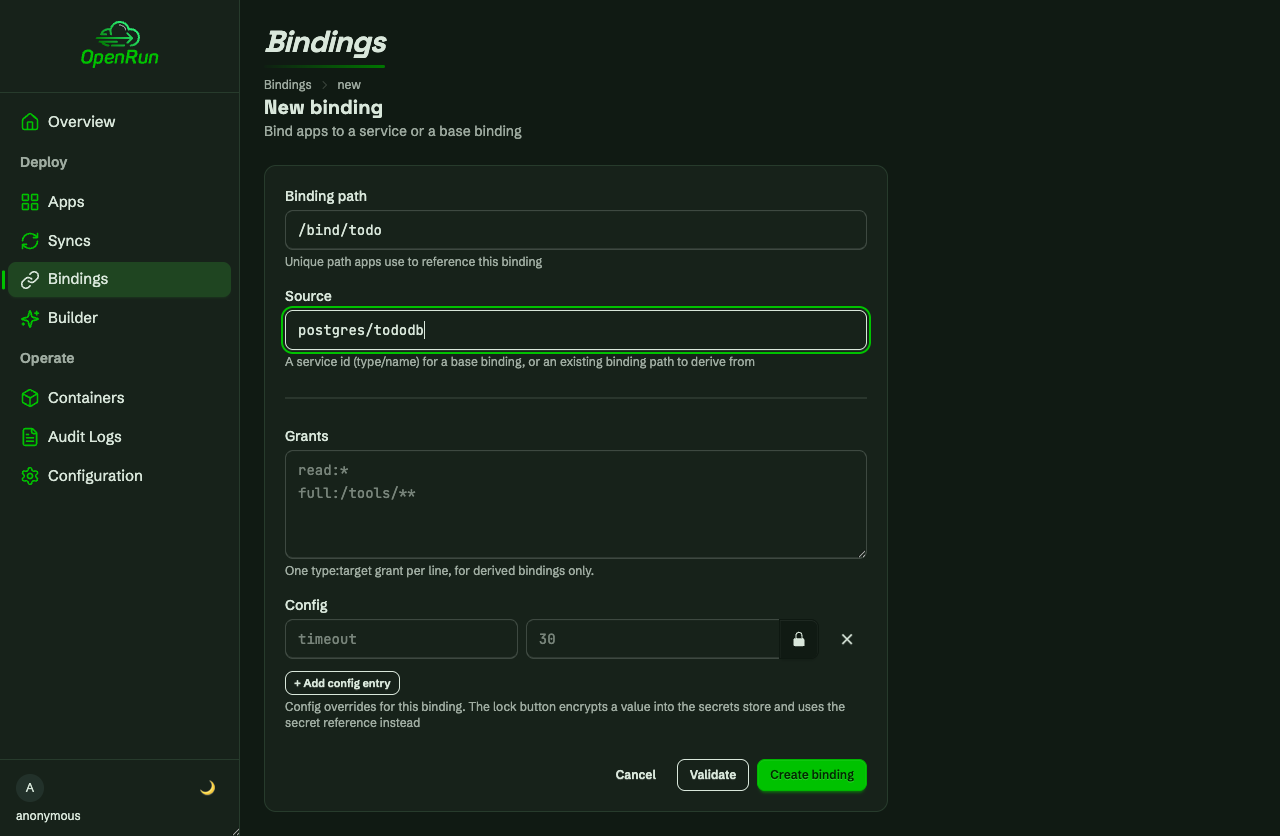
A binding gives apps access to a service. Creating it provisions a dedicated account (role and schema) on the database, so each binding is isolated.
Deploy an app
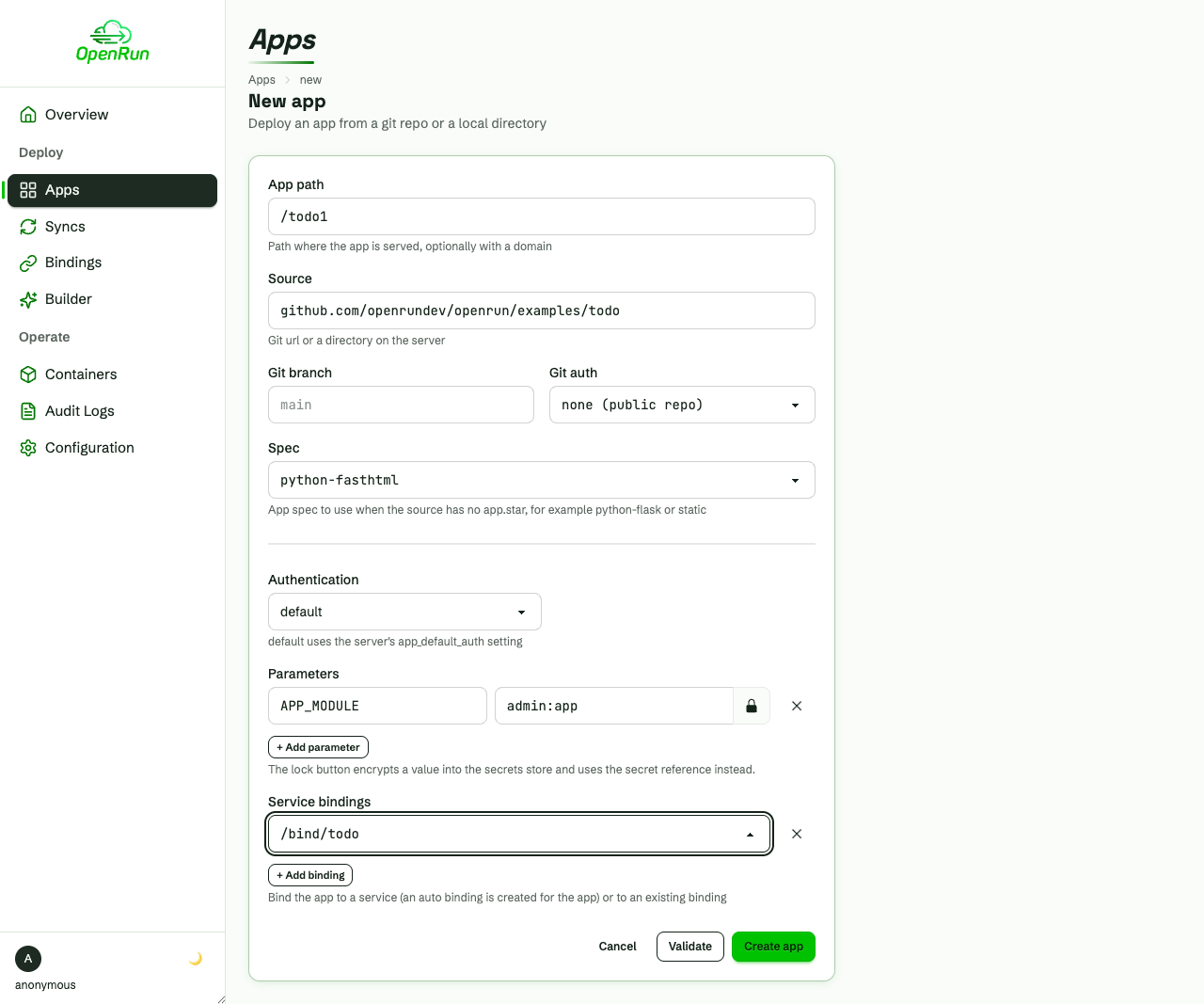
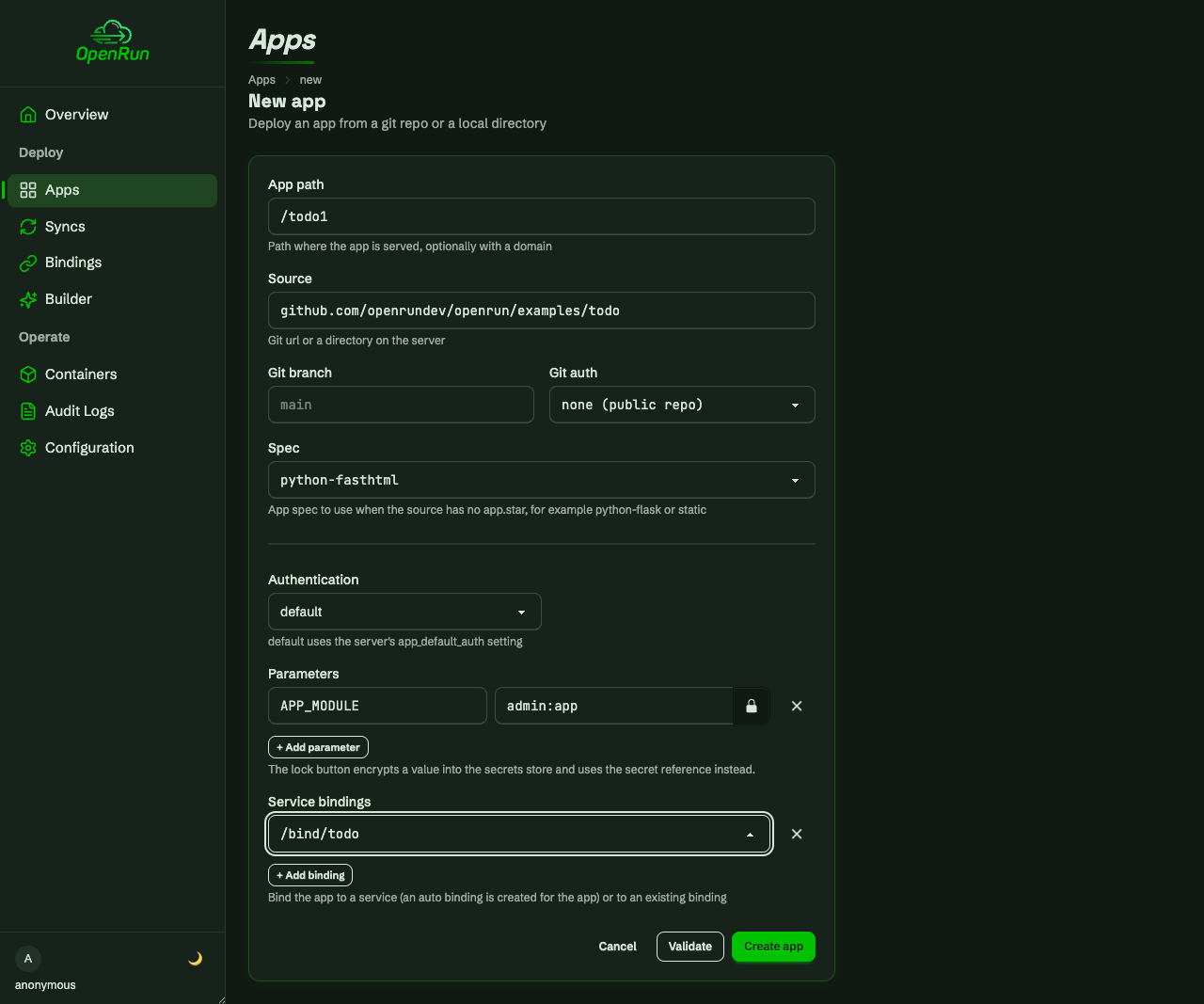
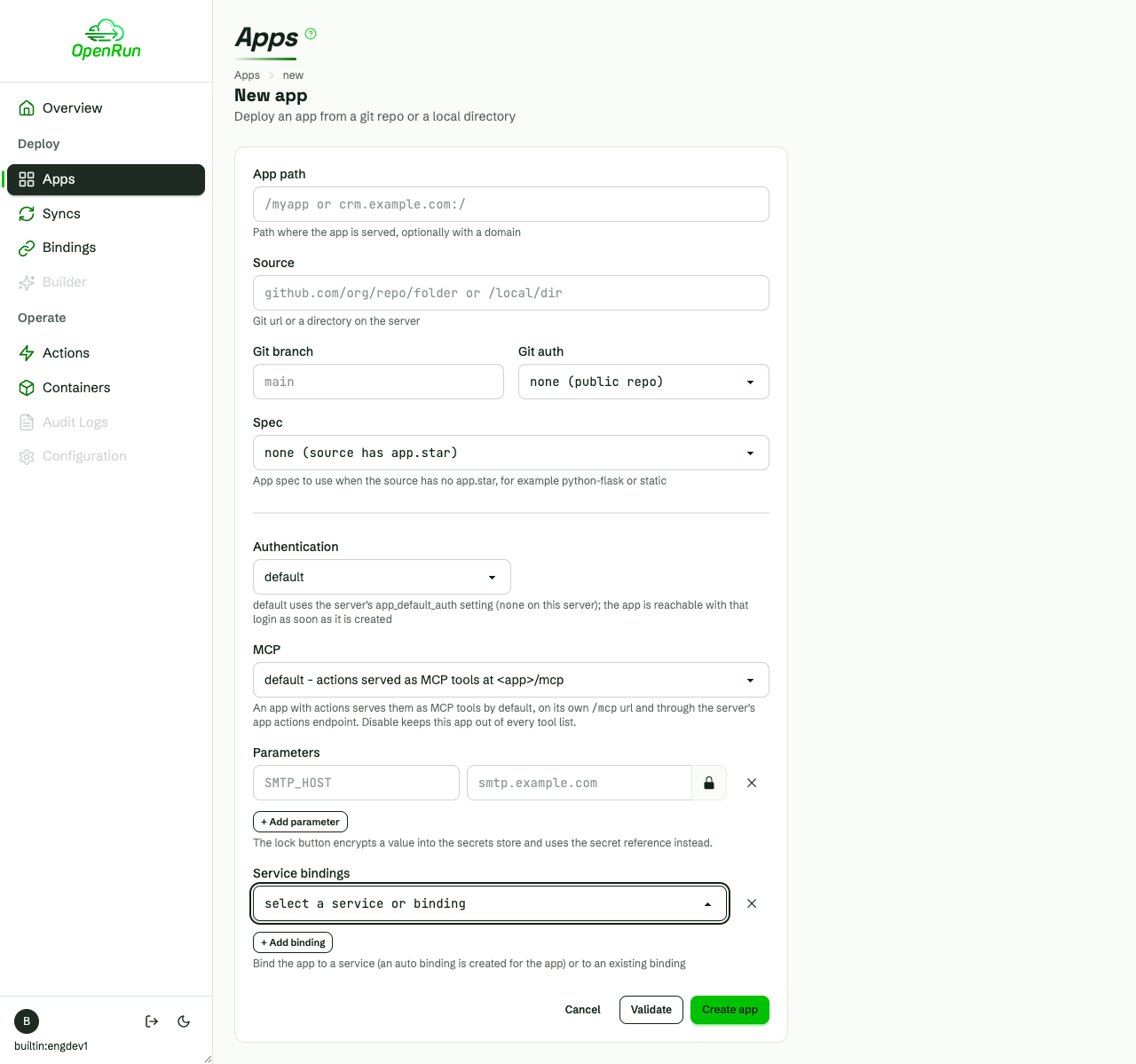
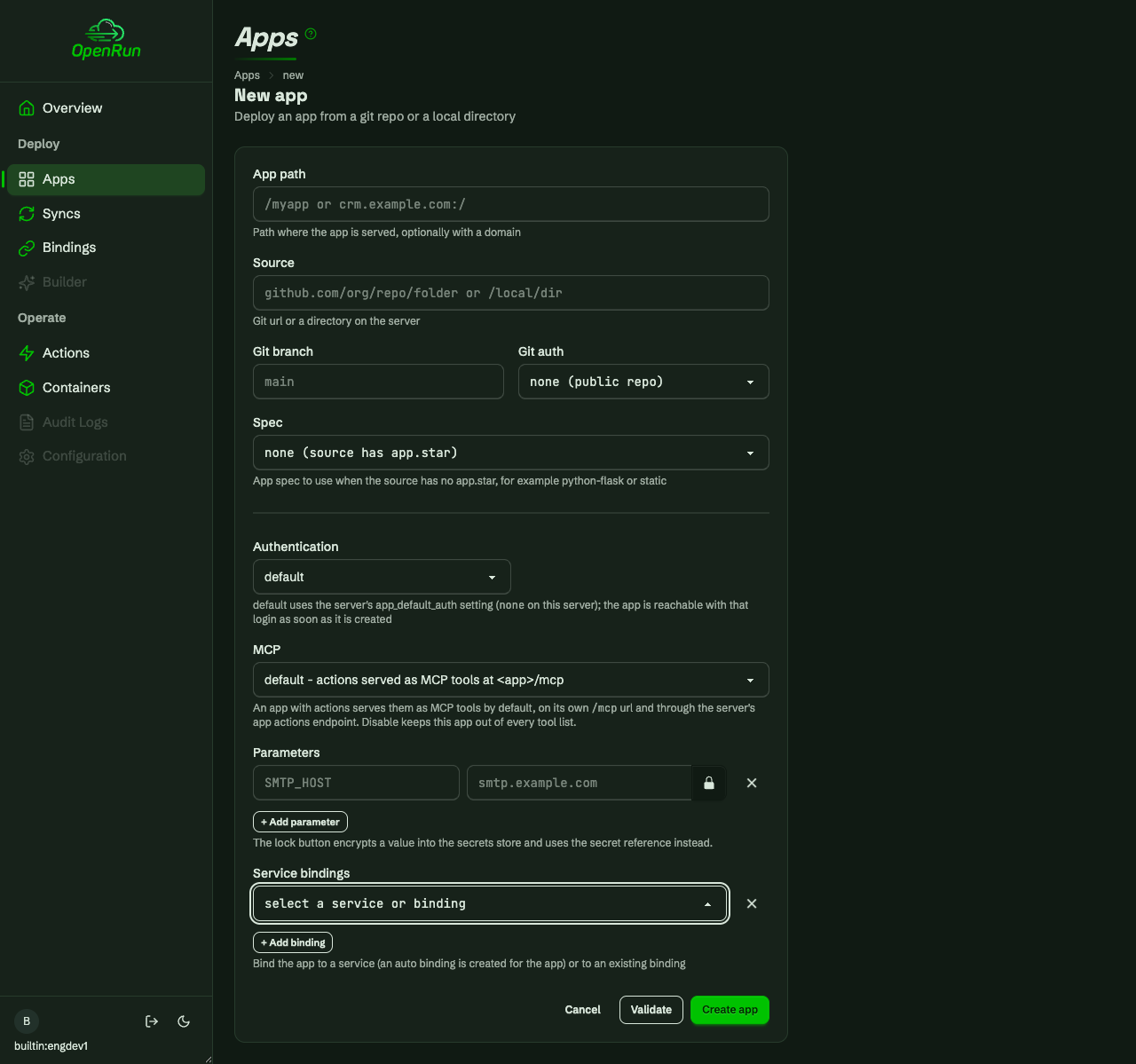
Apps deploy straight from a git repo (or a server directory). The spec dropdown picks the app type for sources without an app.star, parameters are passed as key/value pairs (lockable into the secrets store), and the service bindings dropdown attaches the binding - the app’s container gets the database credentials as environment variables.
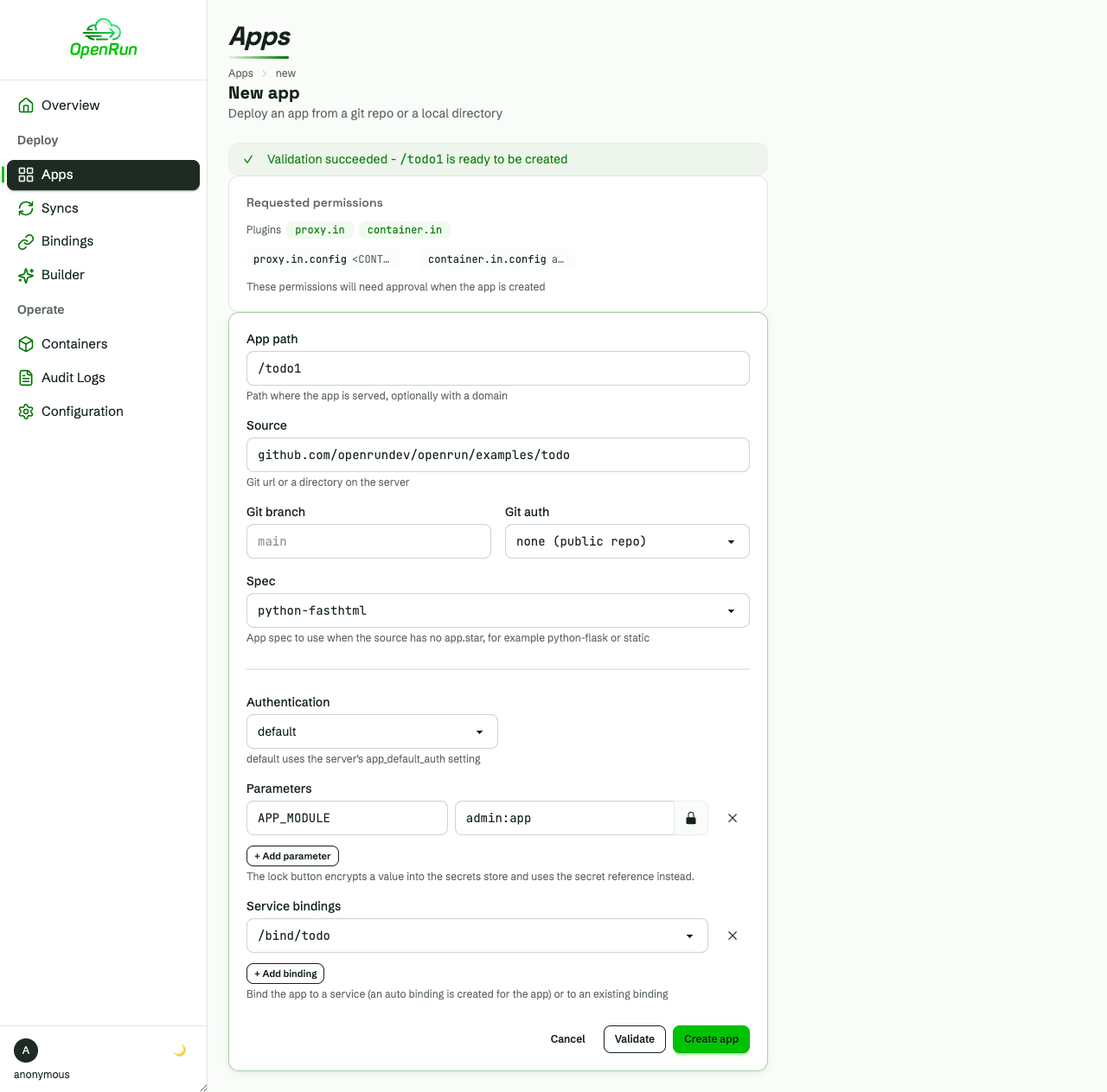
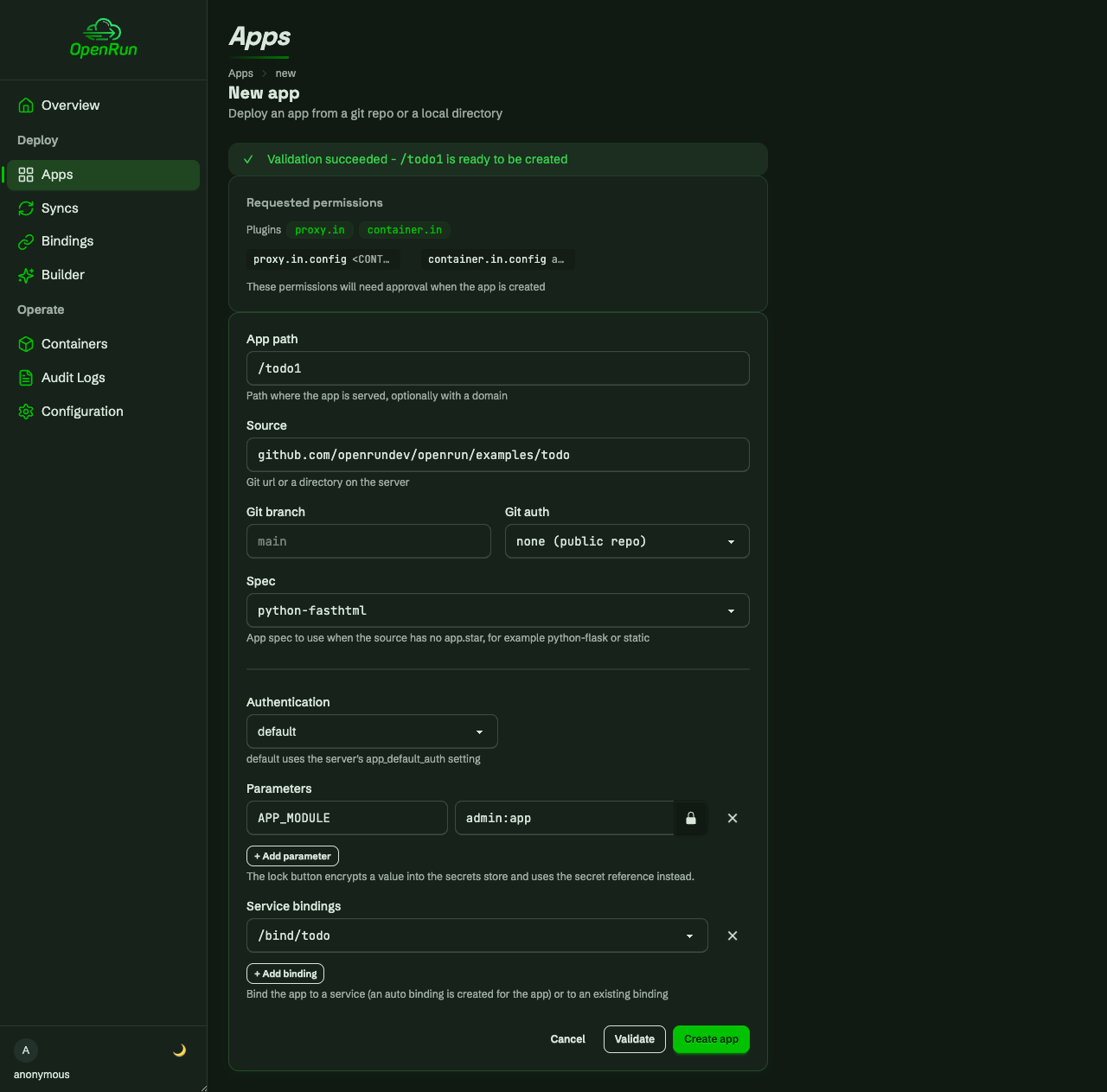
Validate does a dry run: the source is fetched and checked, and the permissions the app will request are listed for review before anything is created.
After create, the app is live with a staging environment alongside prod.
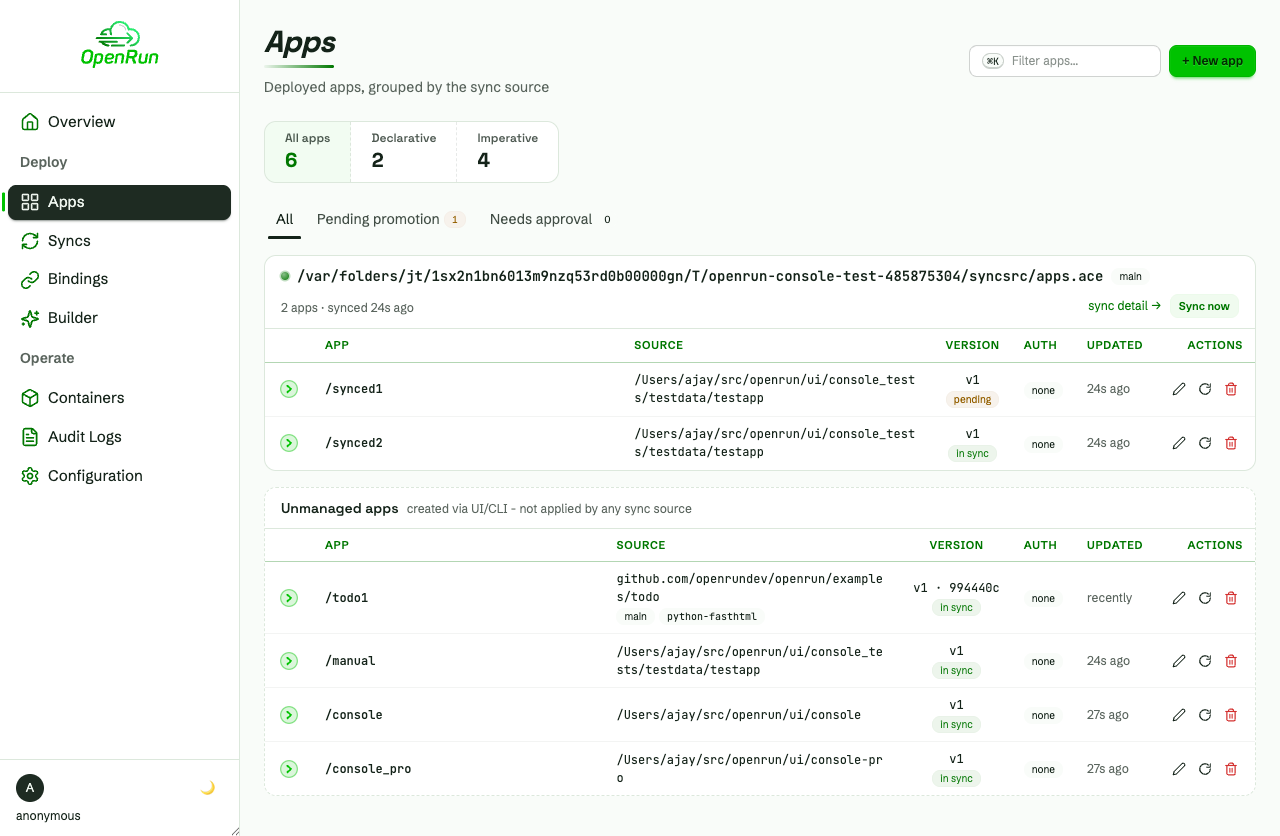
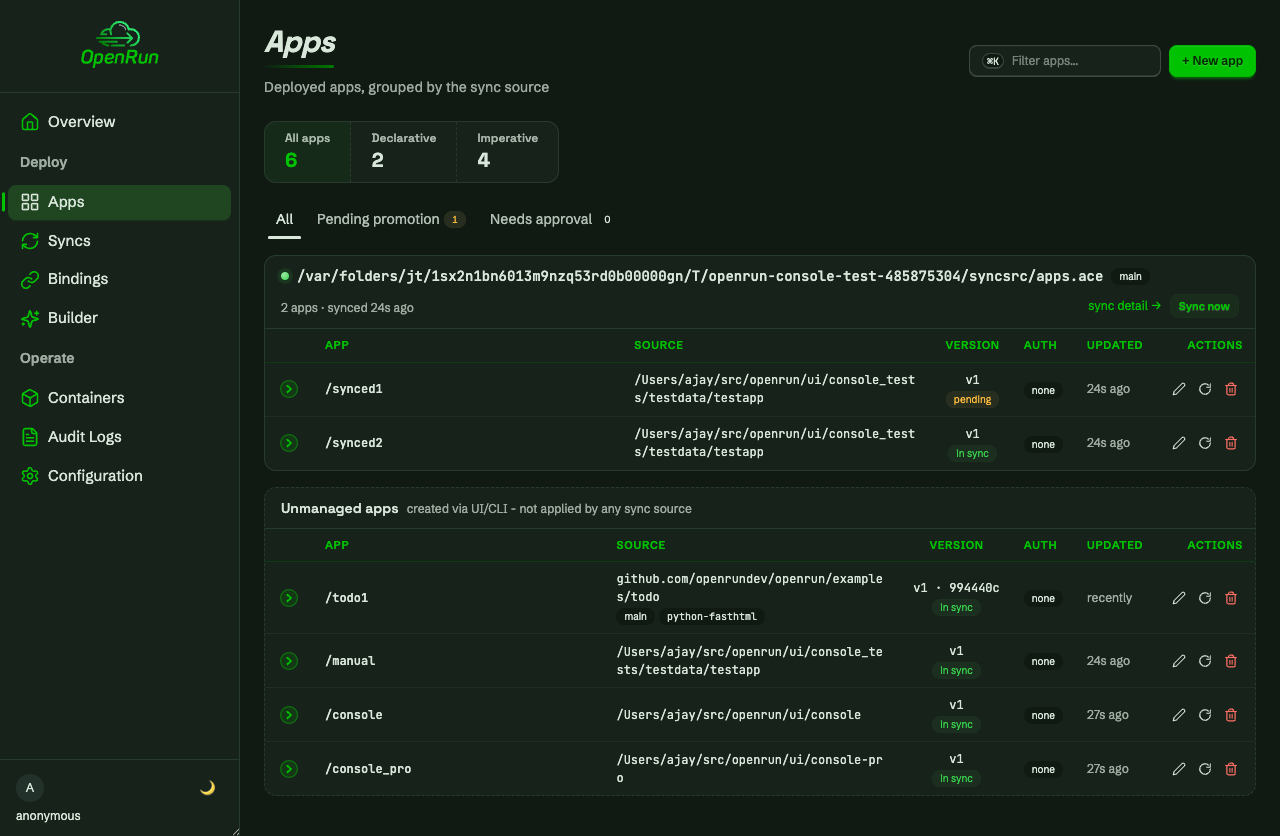
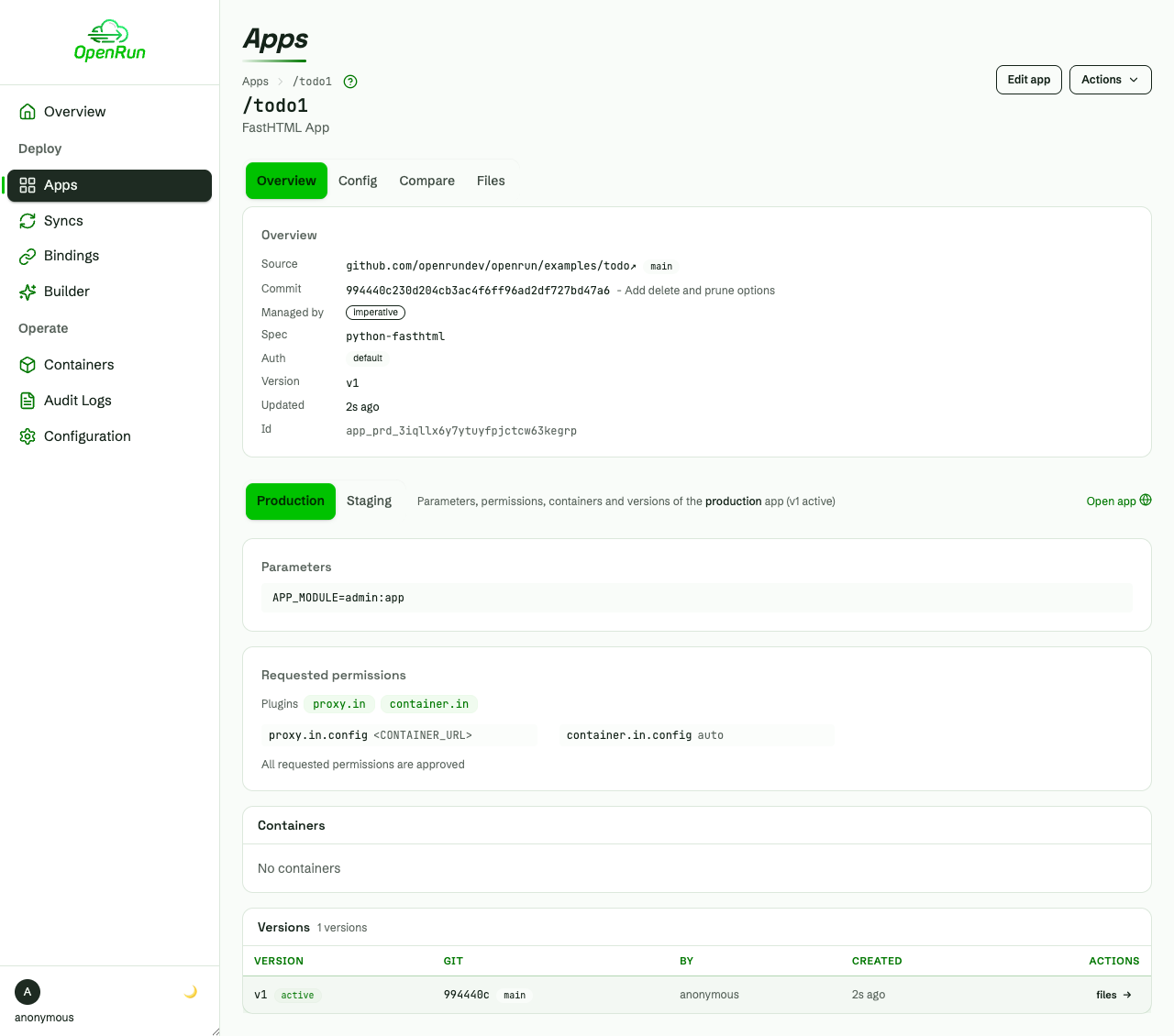
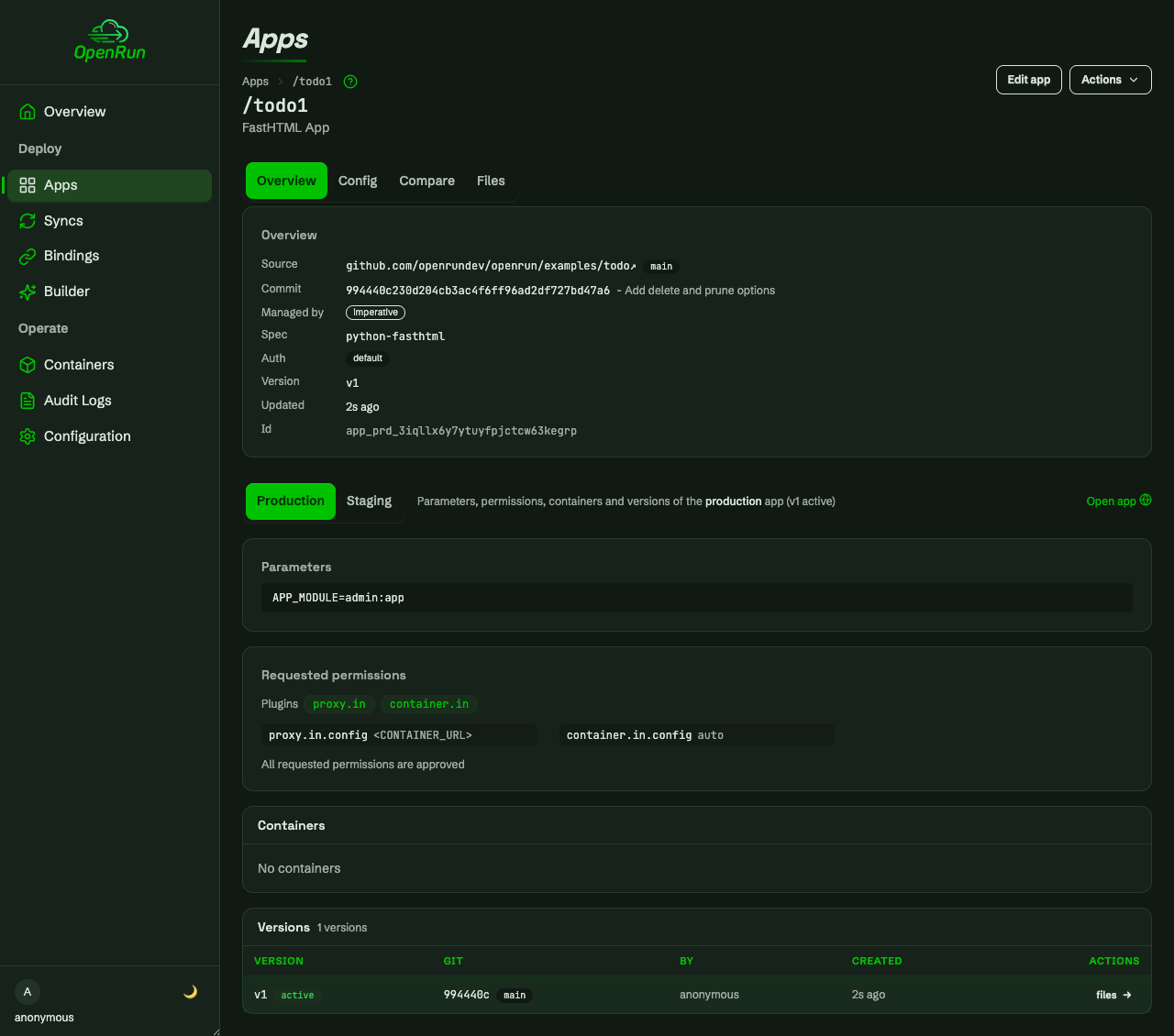
The app detail page shows versions for prod and staging, the approved permissions, and links to open the running app.
Operate
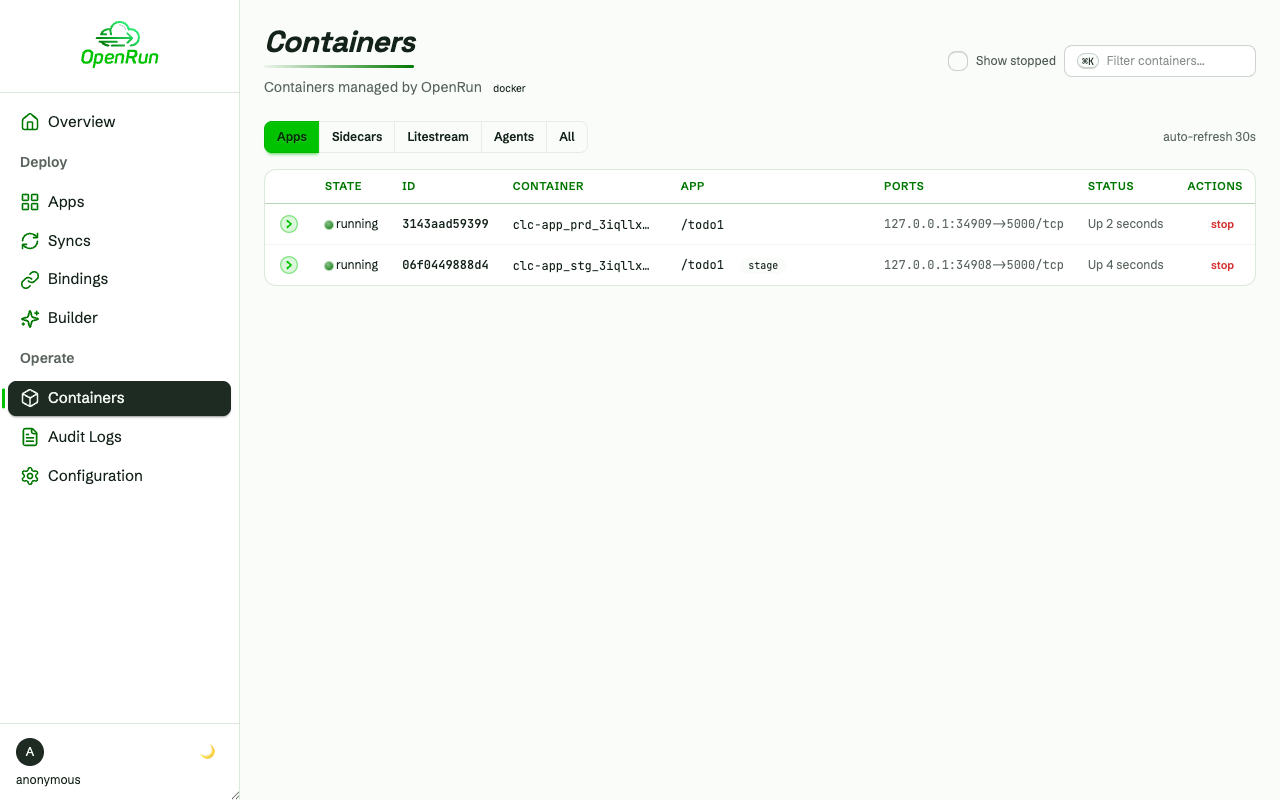
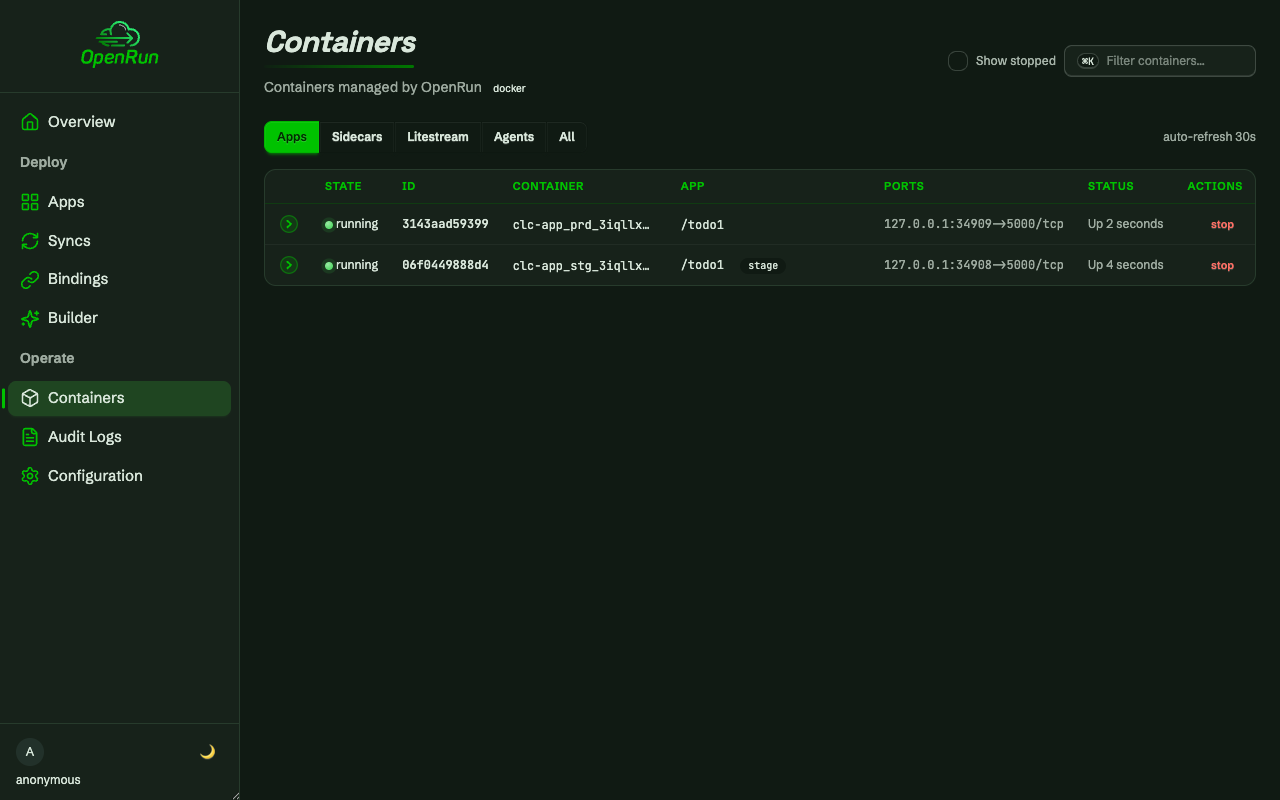
Containers for the deployed apps, with lifecycle actions, stats and logs:
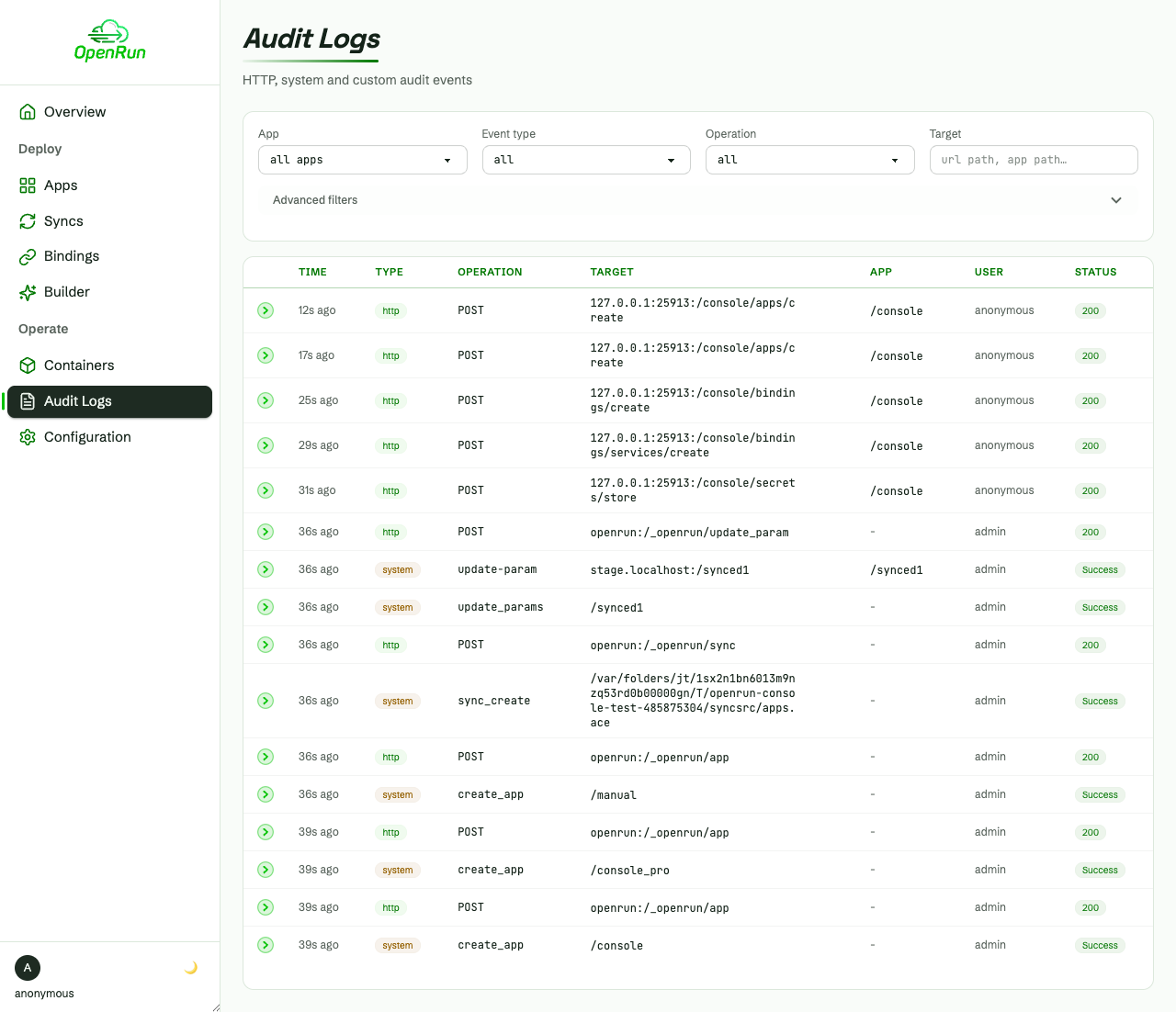
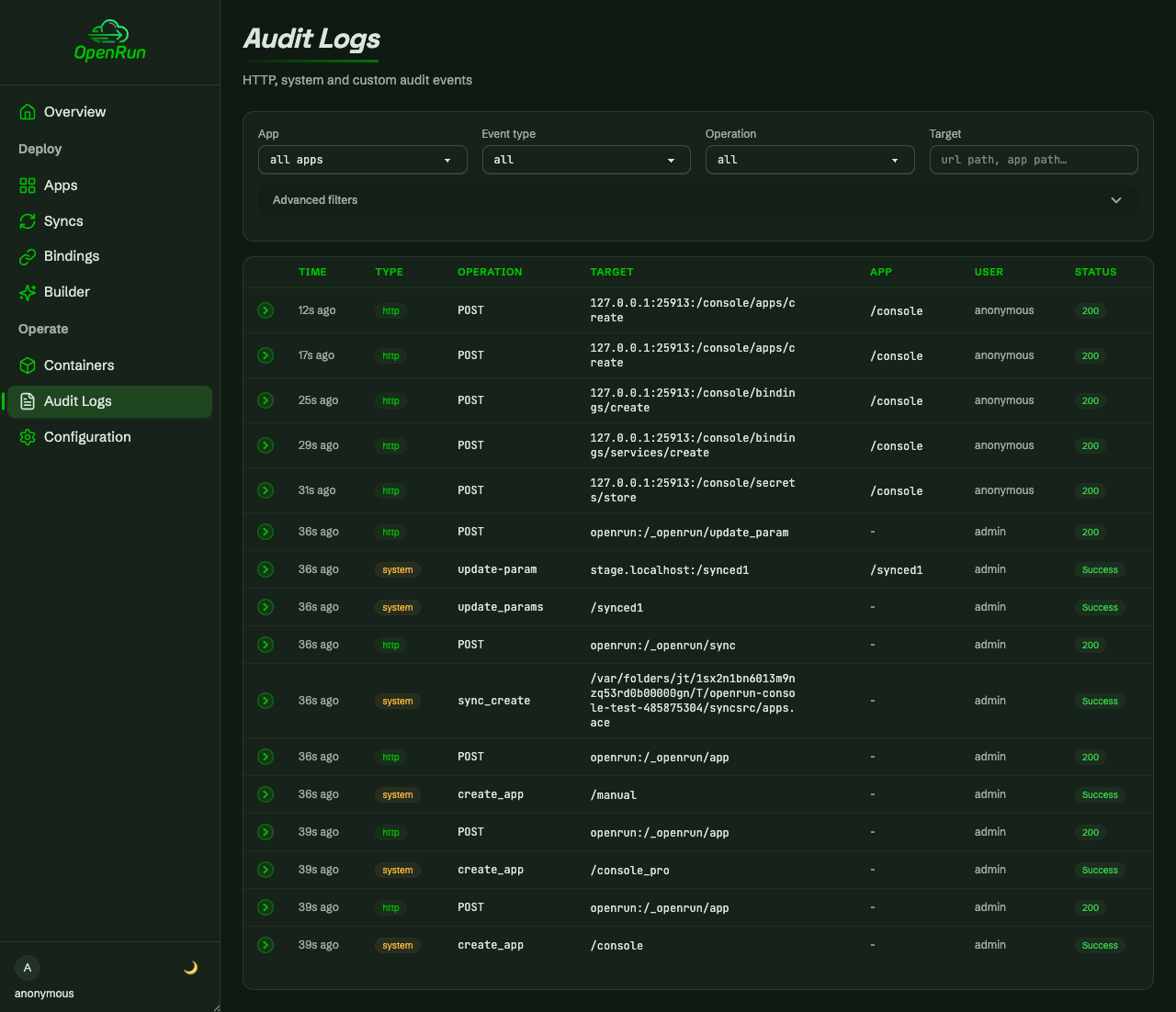
Every operation is audit logged, filterable by app, operation and status:
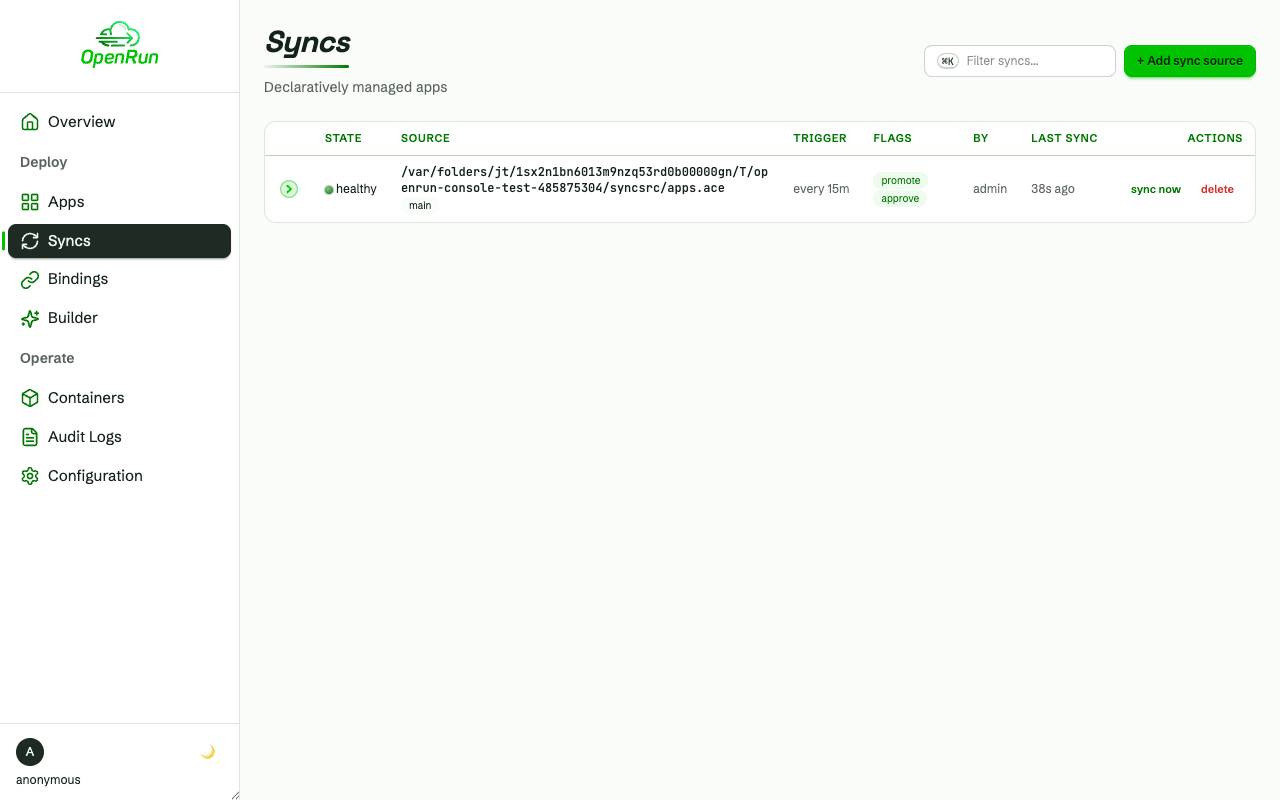
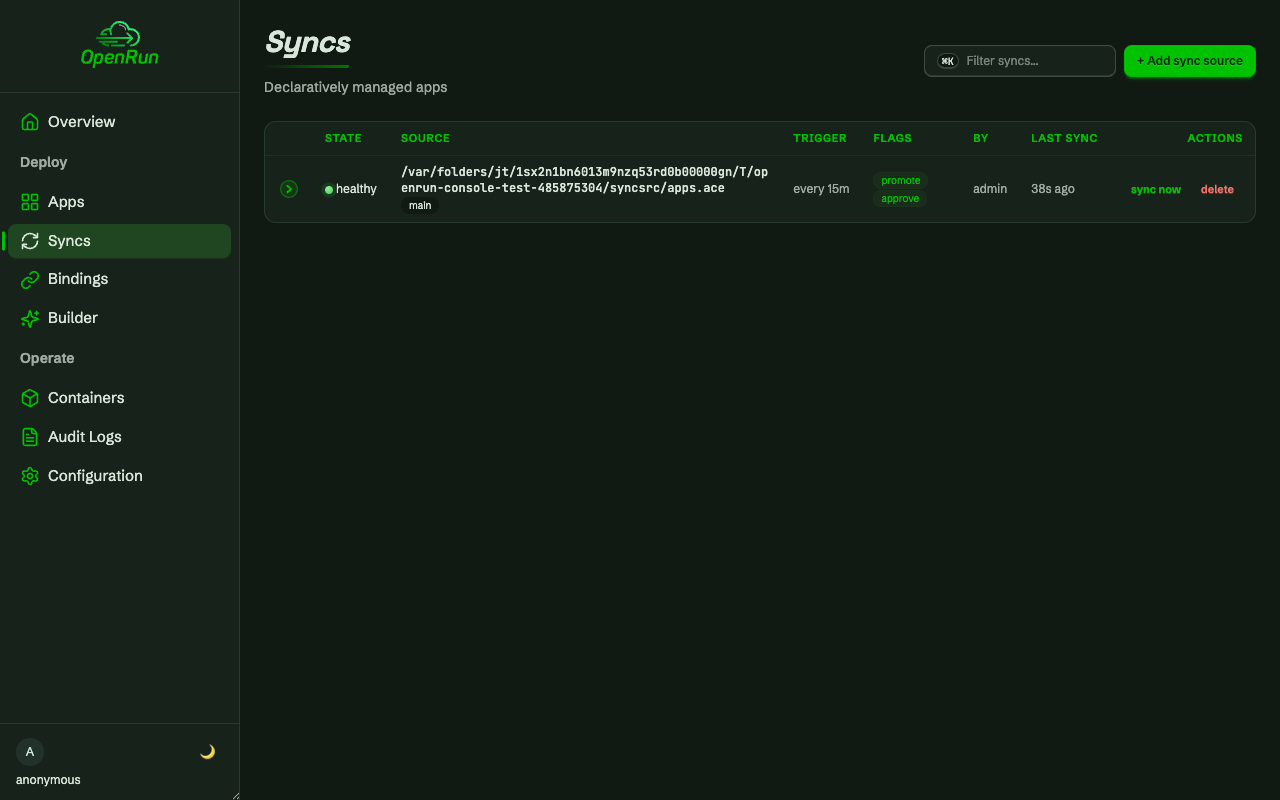
Declarative GitOps sources keep apps synced from a repo on a schedule:
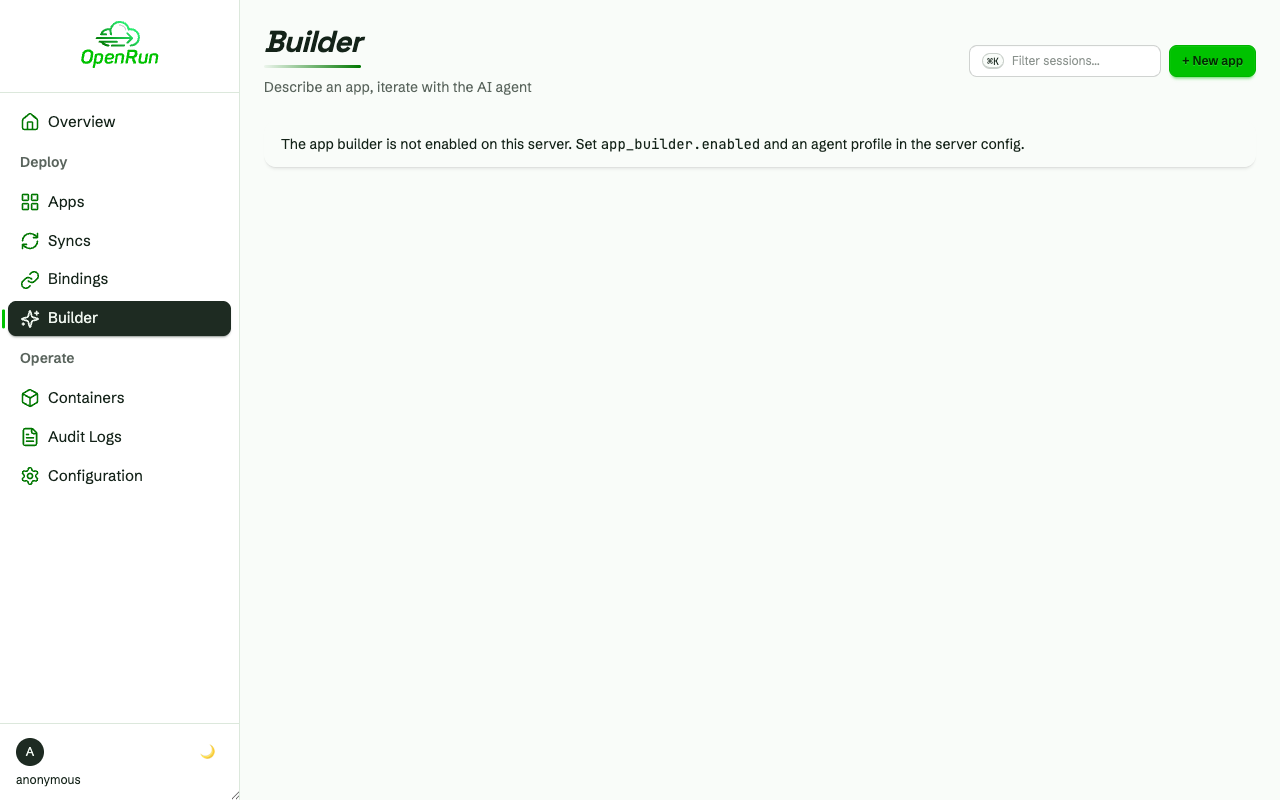
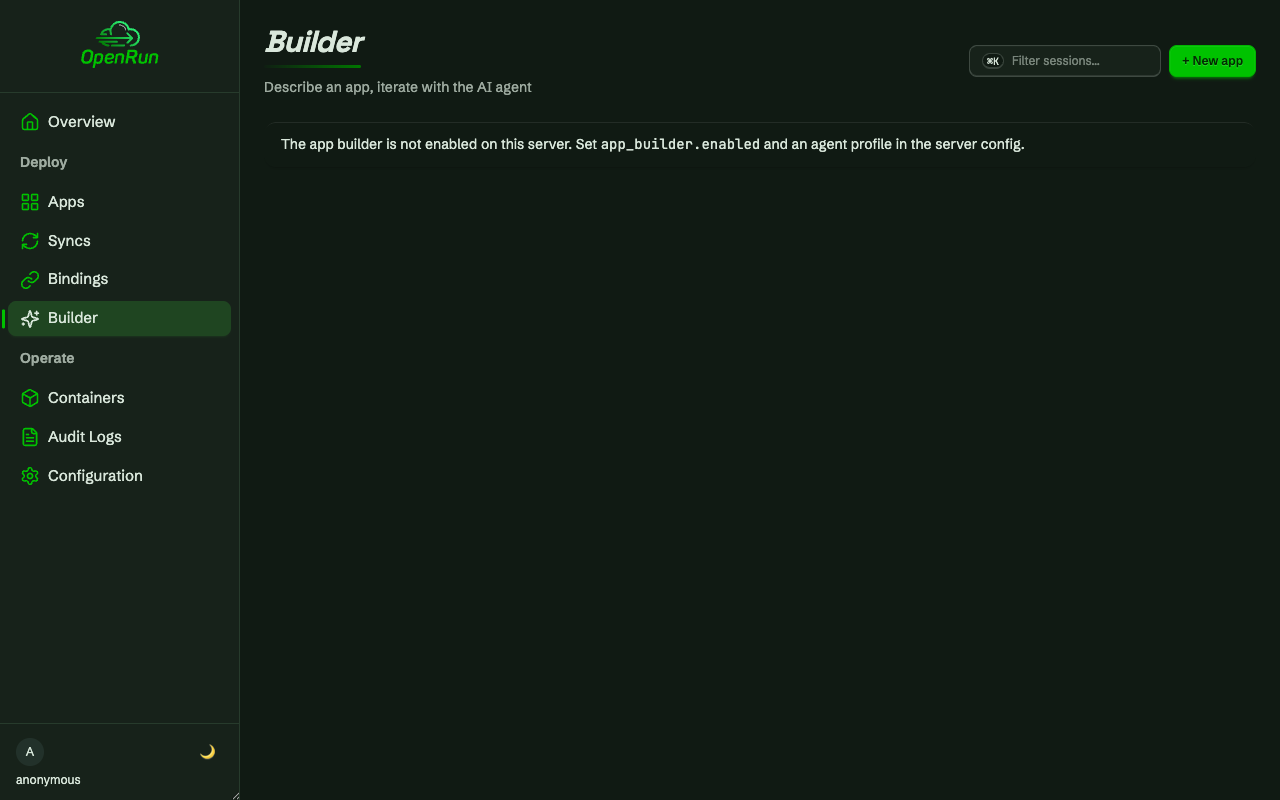
The AI app builder creates apps from a prompt in an agent session:
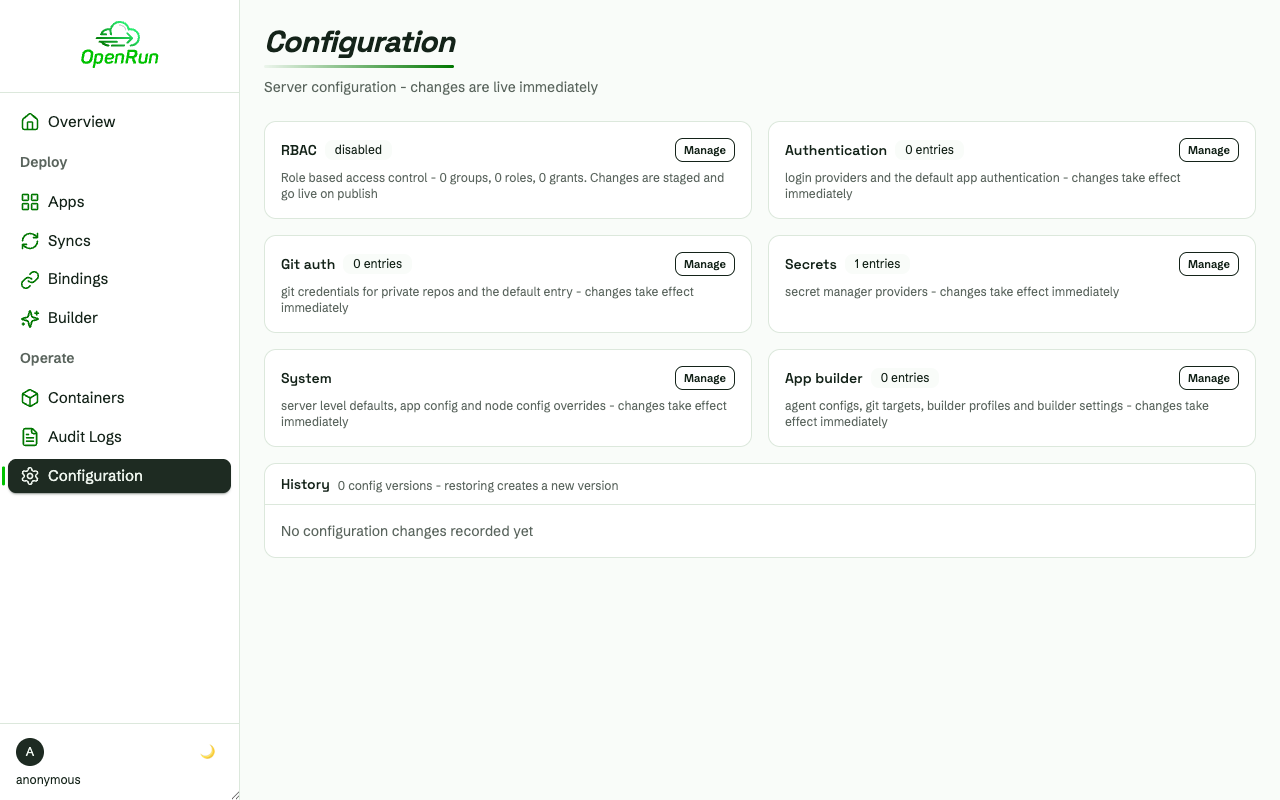
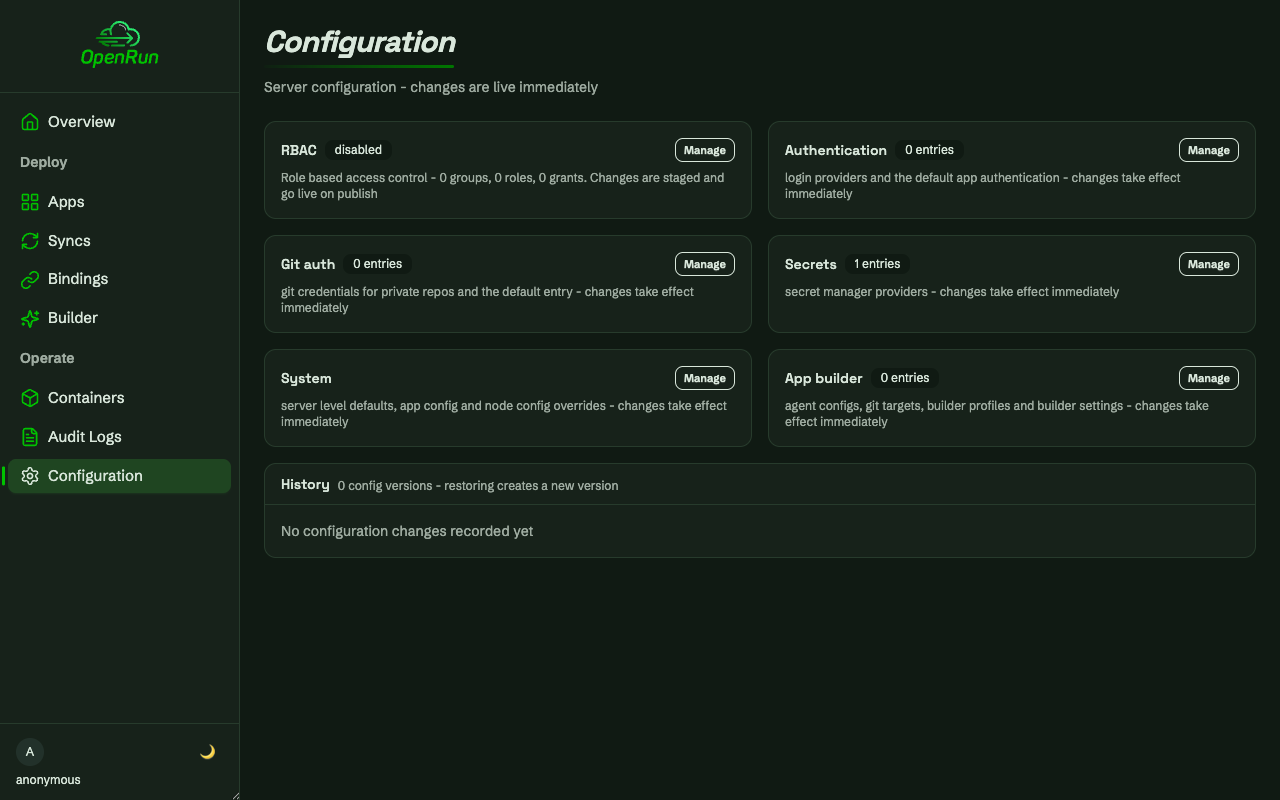
Server configuration - auth, git, secrets, RBAC and system settings - is editable from the console, with staged versions and history:
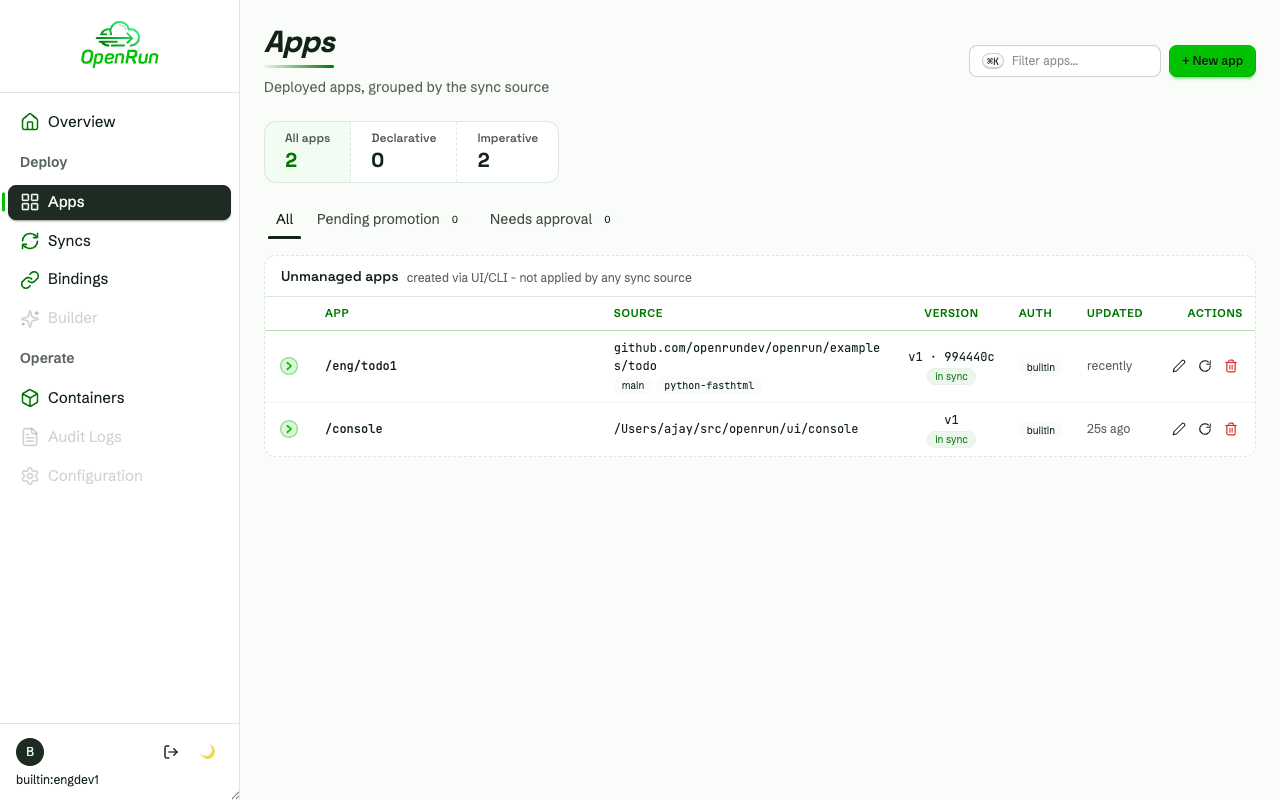
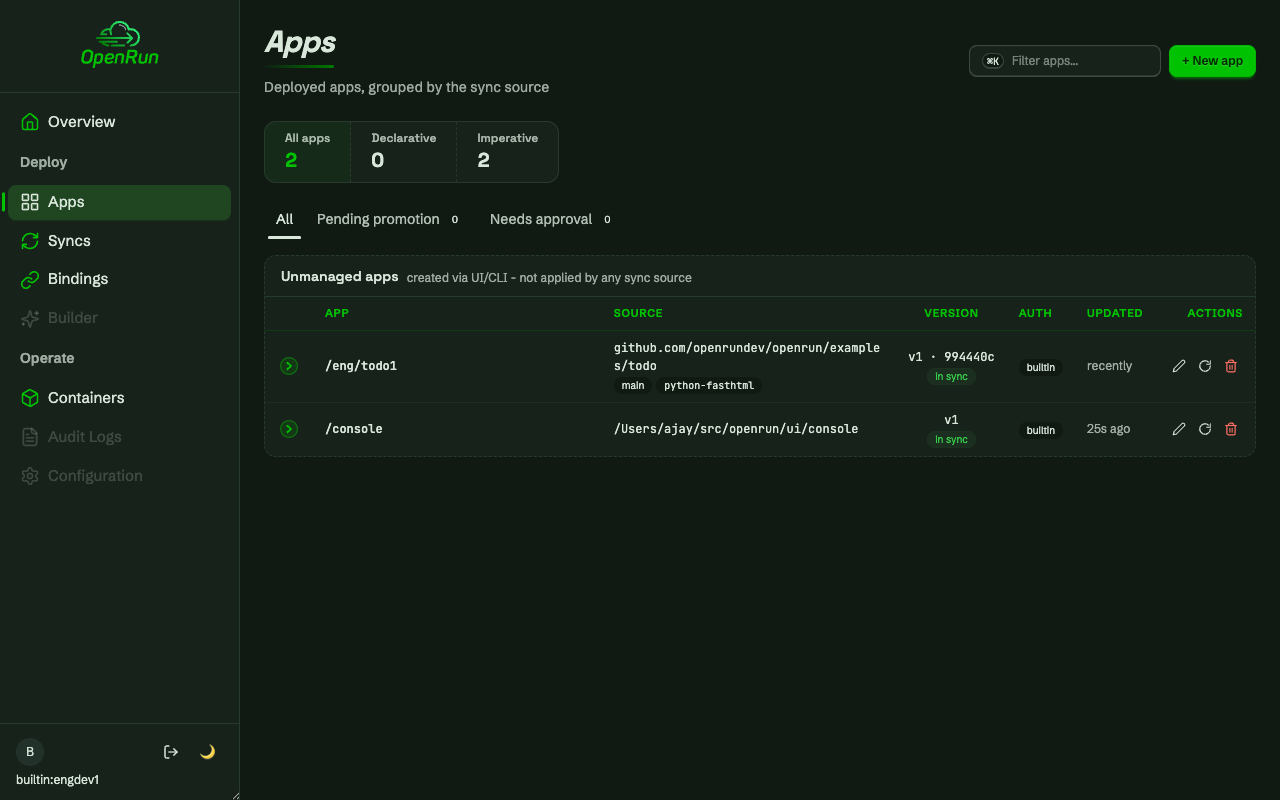
Back on the overview, the deployed app shows in the apps tile and its running container is counted in the containers tile:
Role based access control
The second flow configures RBAC from the console and walks a multi-team setup: eng and finance teams with builtin-auth users, developers scoped to their team’s paths, read-only users, and an operations group covering everything. Everything below is driven through the console UI.
Configure and publish
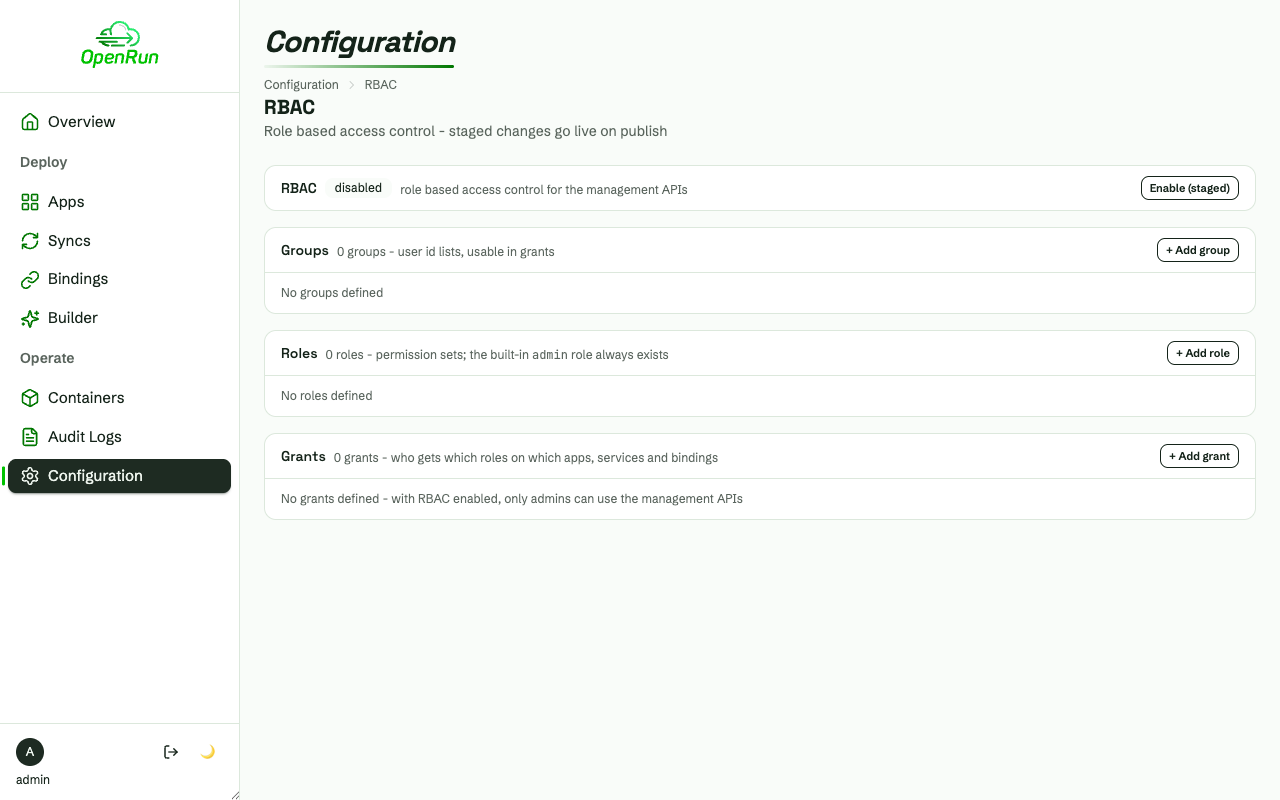
RBAC is always on. A fresh install has a single default grant giving every authenticated principal access to all apps, and every management call is admin-only:
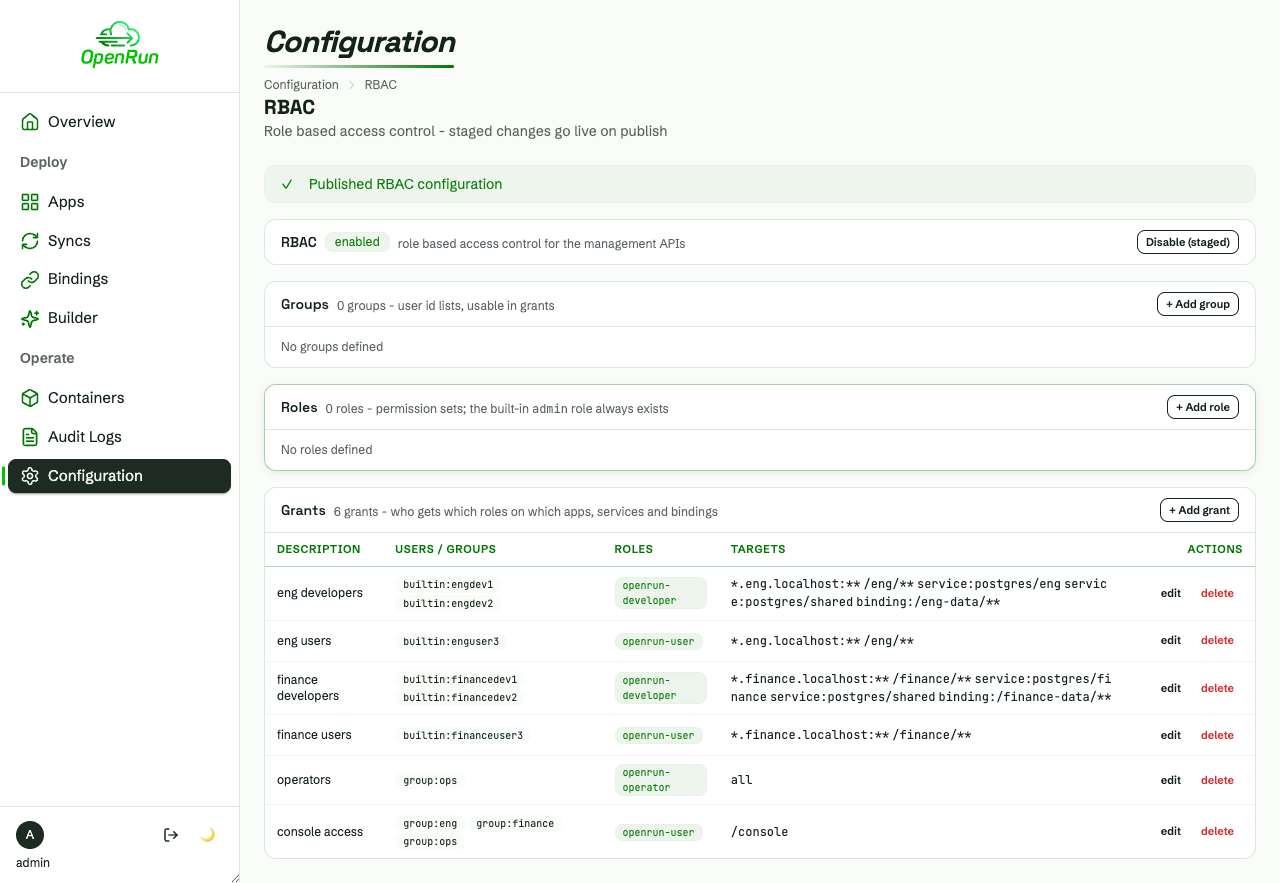
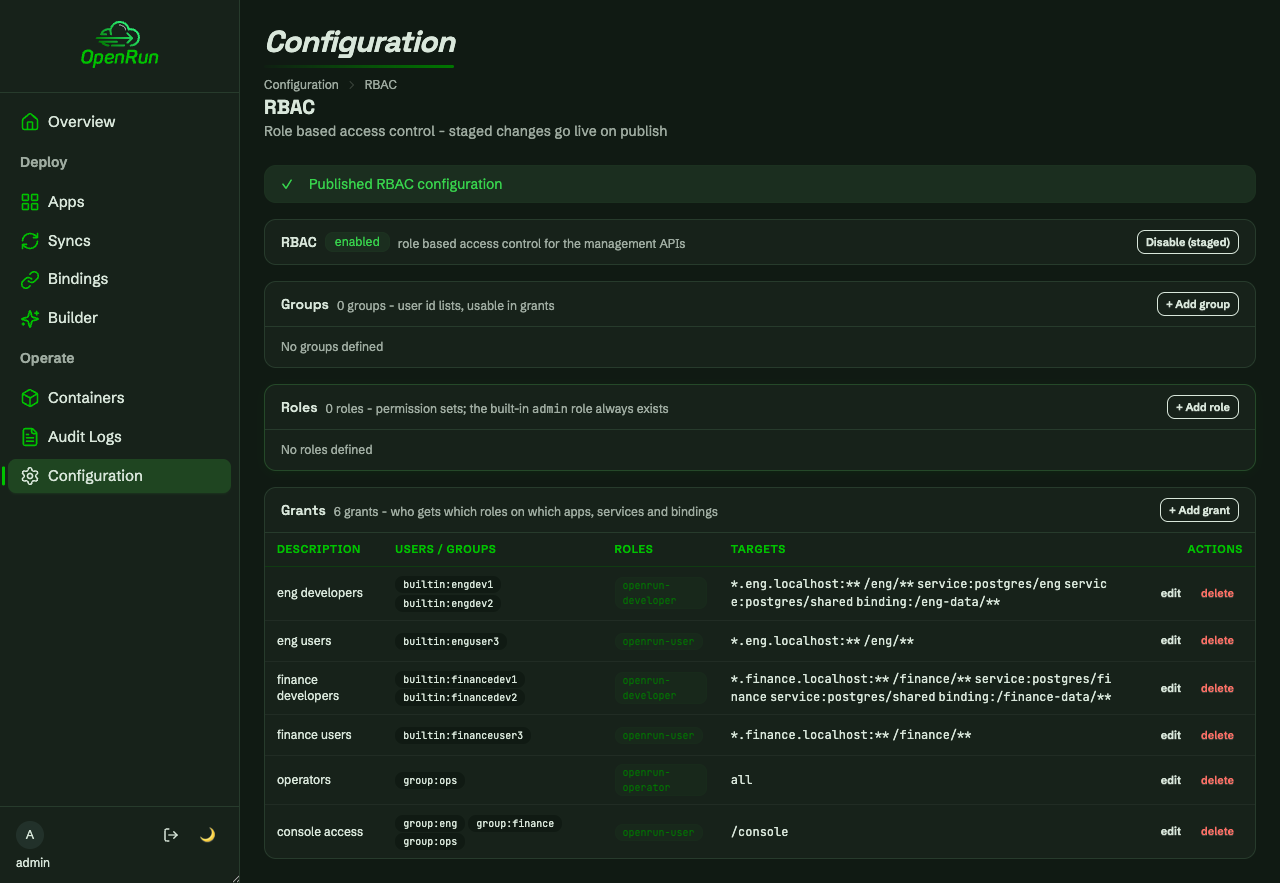
The default grant is removed and the team grants are staged as a draft: team developers get the openrun-developer role scoped to their team paths, domains, services and binding namespace; read-only users get openrun-user on the team apps; the ops group gets openrun-operator on all targets.
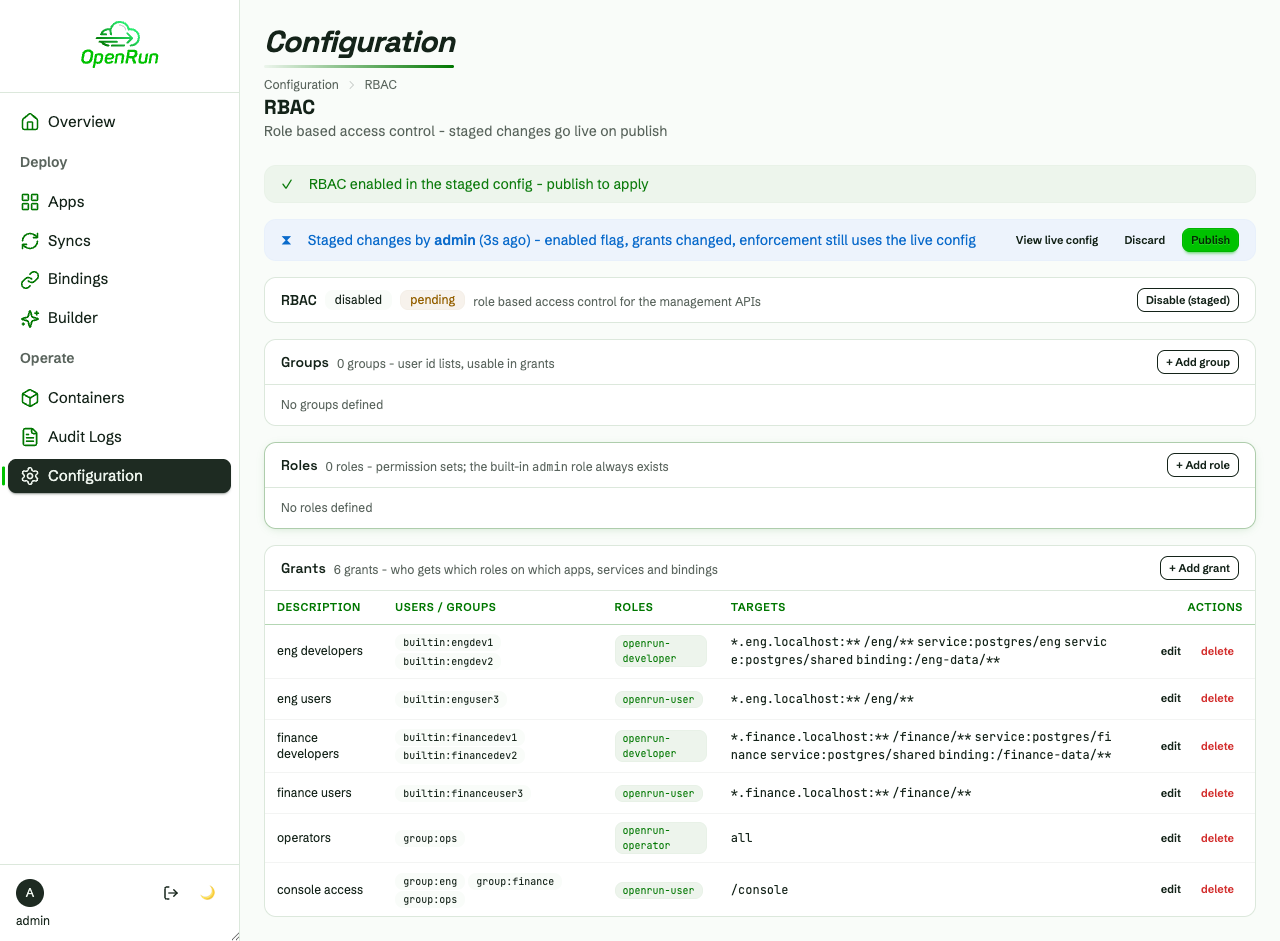
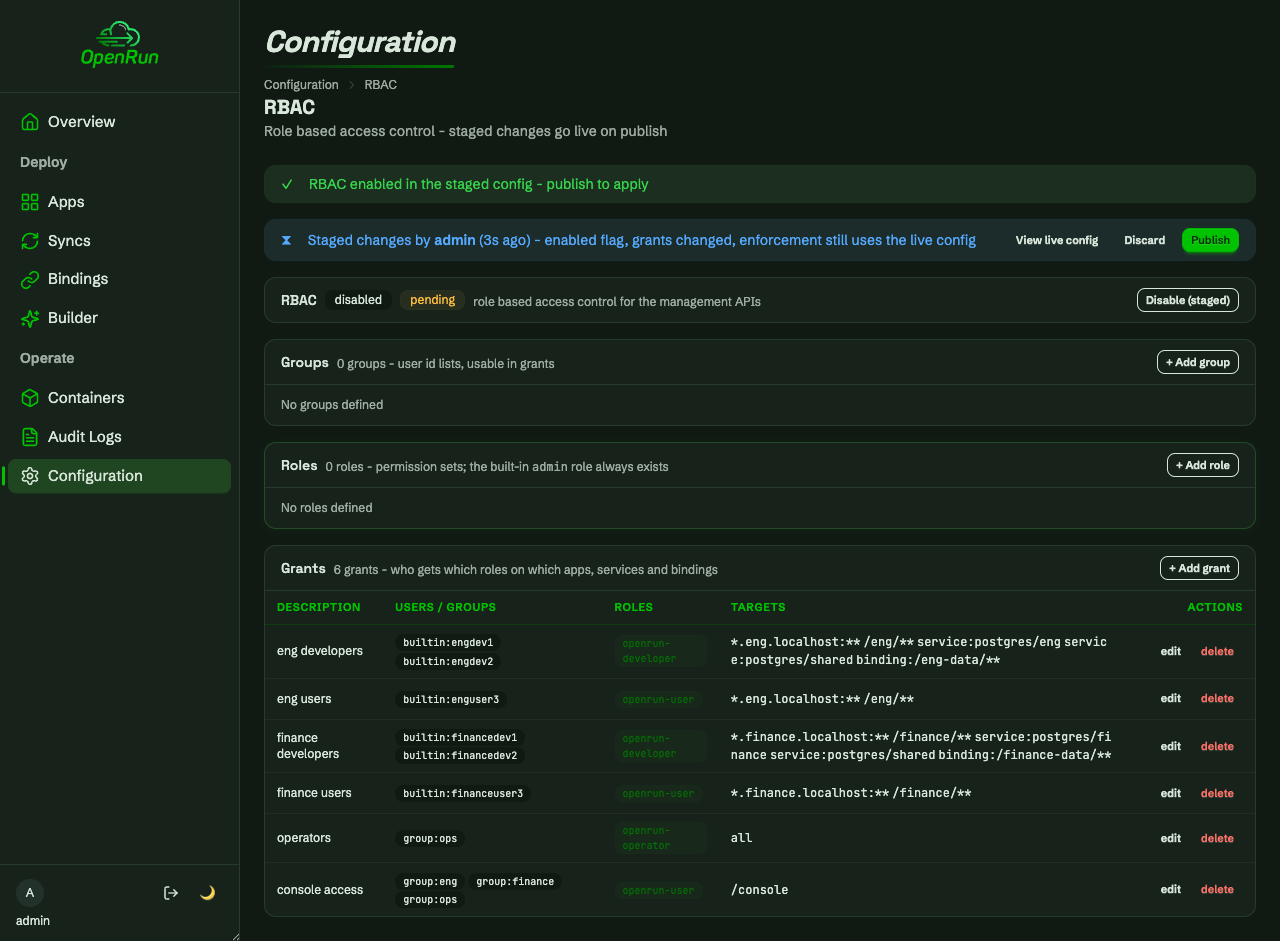
Publishing makes the draft live server-wide, effective immediately - no restarts:
Team setup
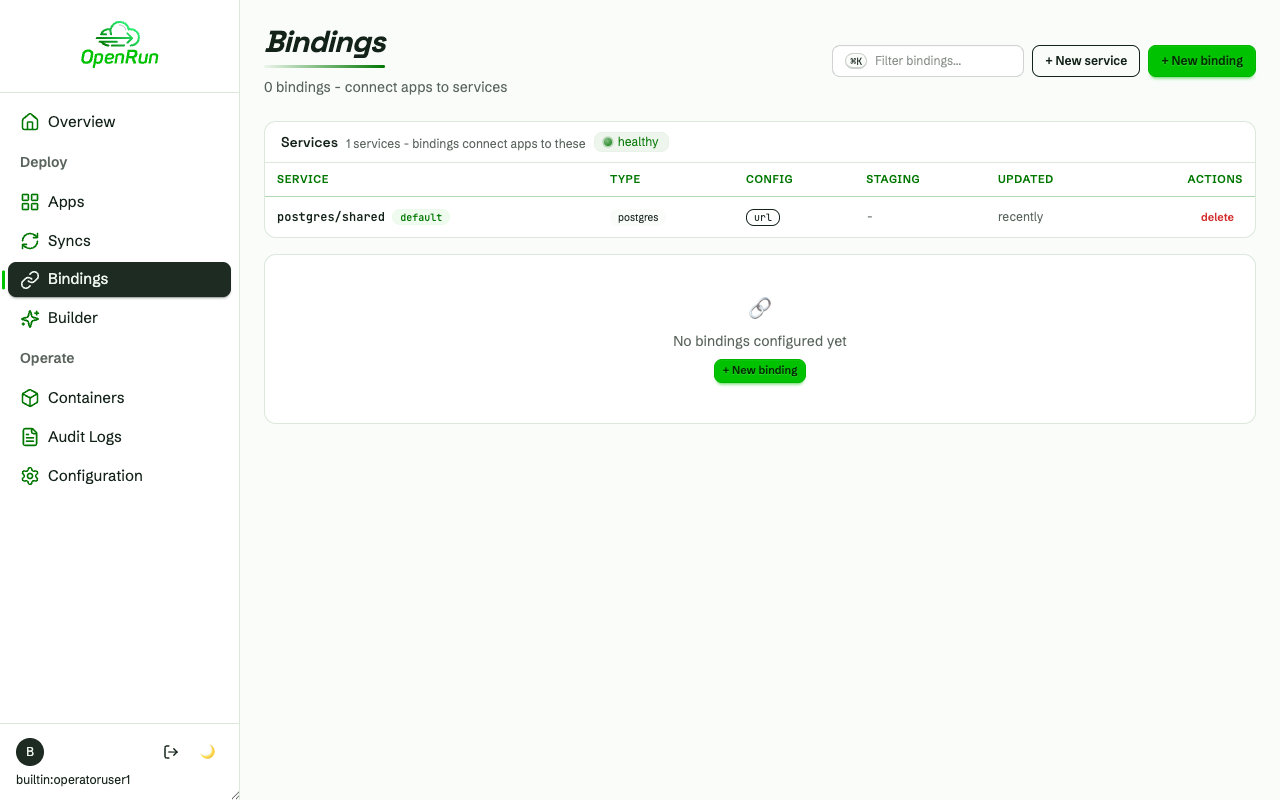
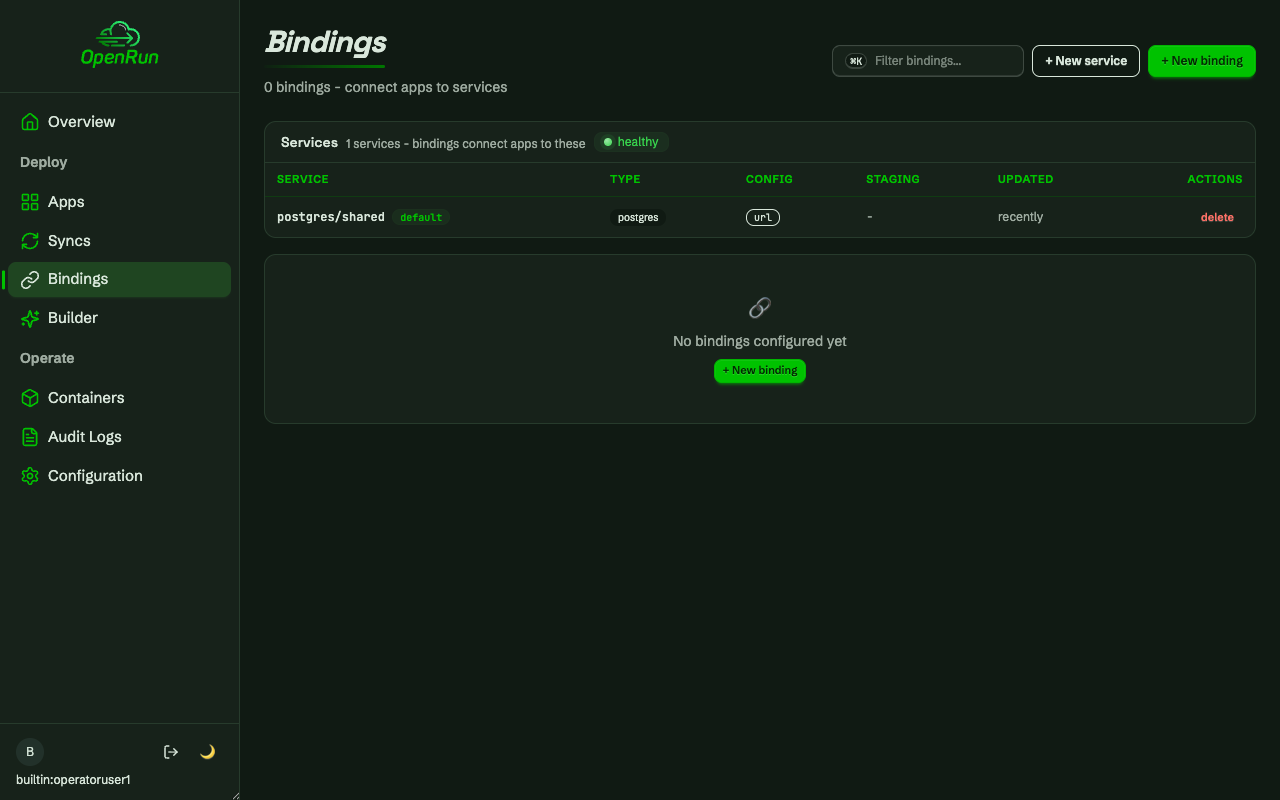
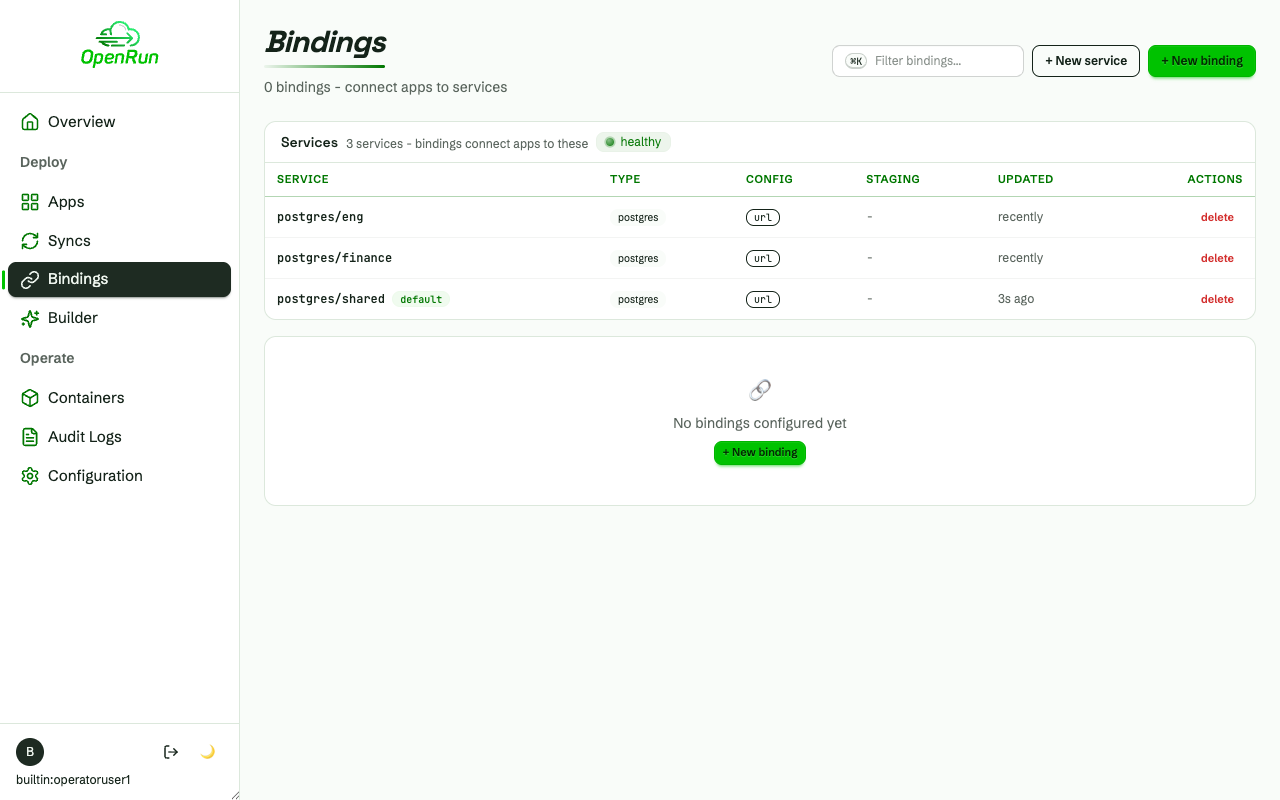
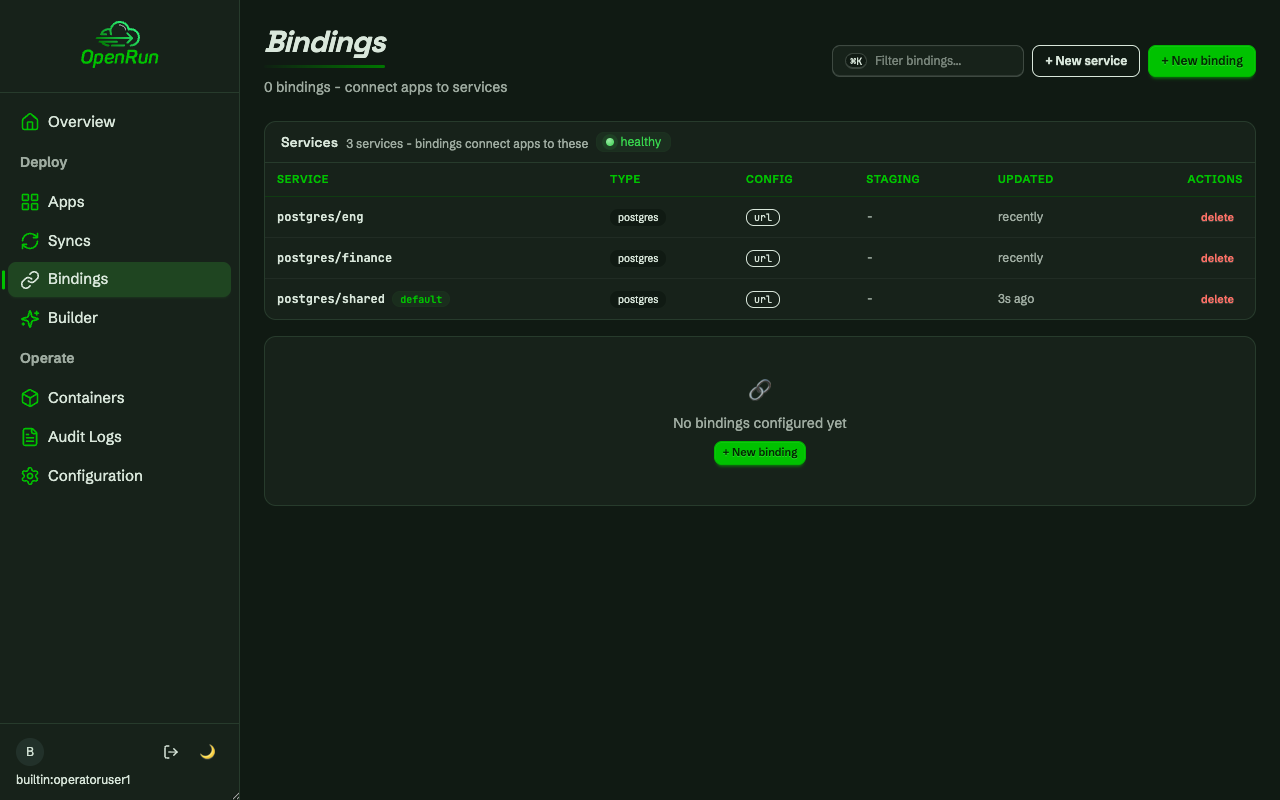
The operator creates the database services - a shared one plus one per team, each on its own database. The all-target grant shows every service:
Scoped development
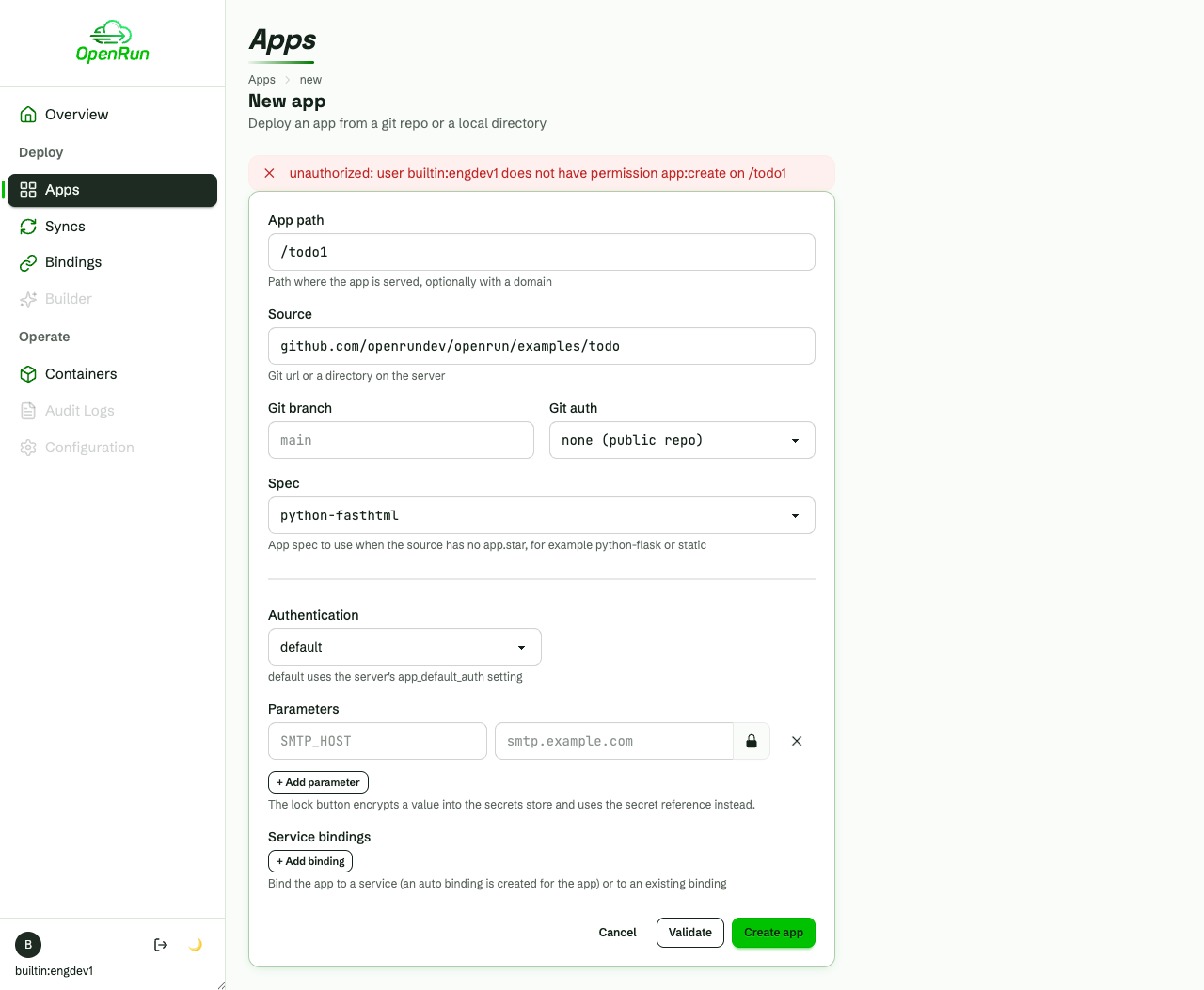
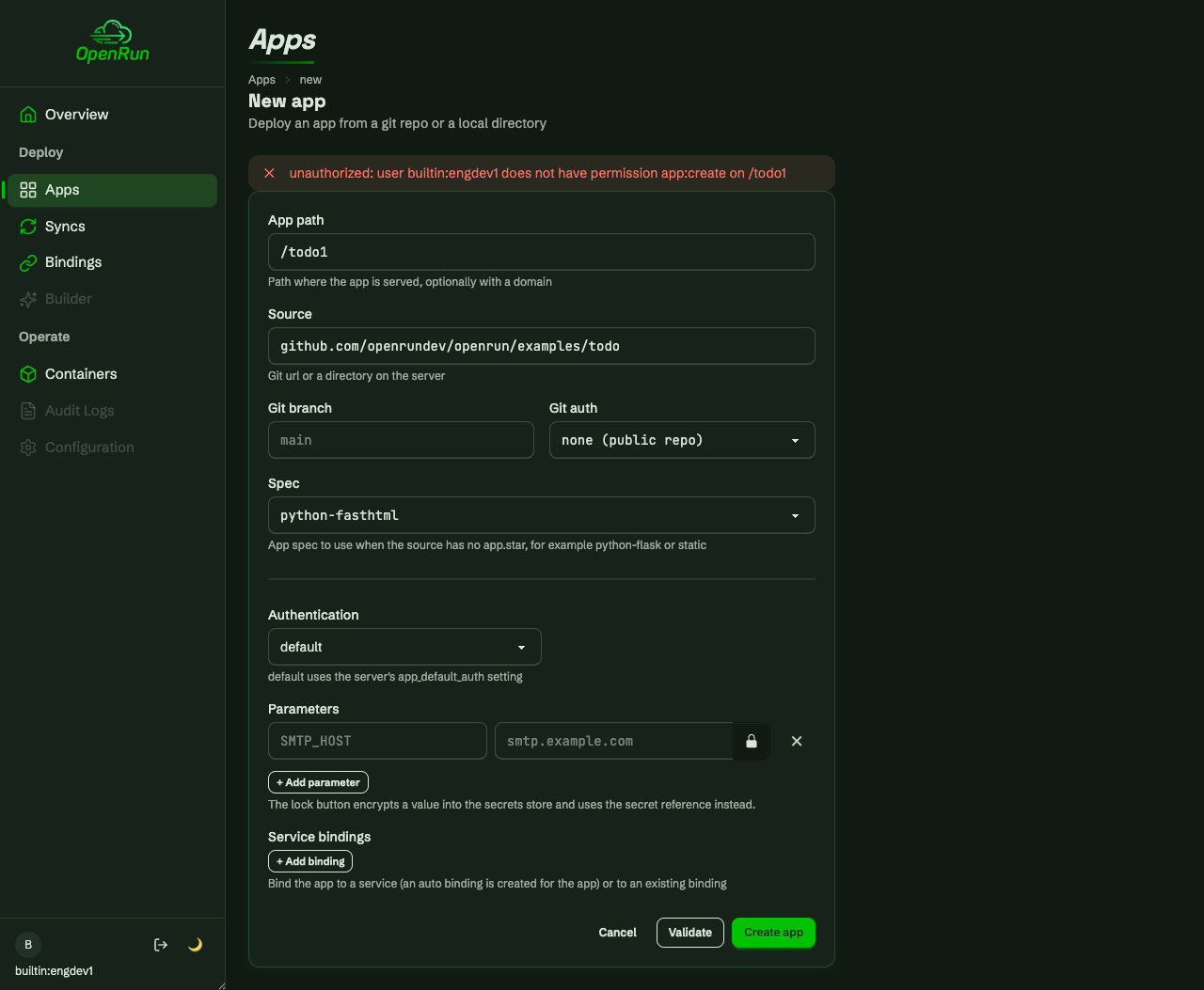
Grants are enforced per resource at action time. A developer can reach the create form (they hold app:create somewhere), but creating an app outside the team scope is denied:
Inside the scope, the developer creates the team’s todo app bound to the team service - binding attach is authorized by service:bind on that service:
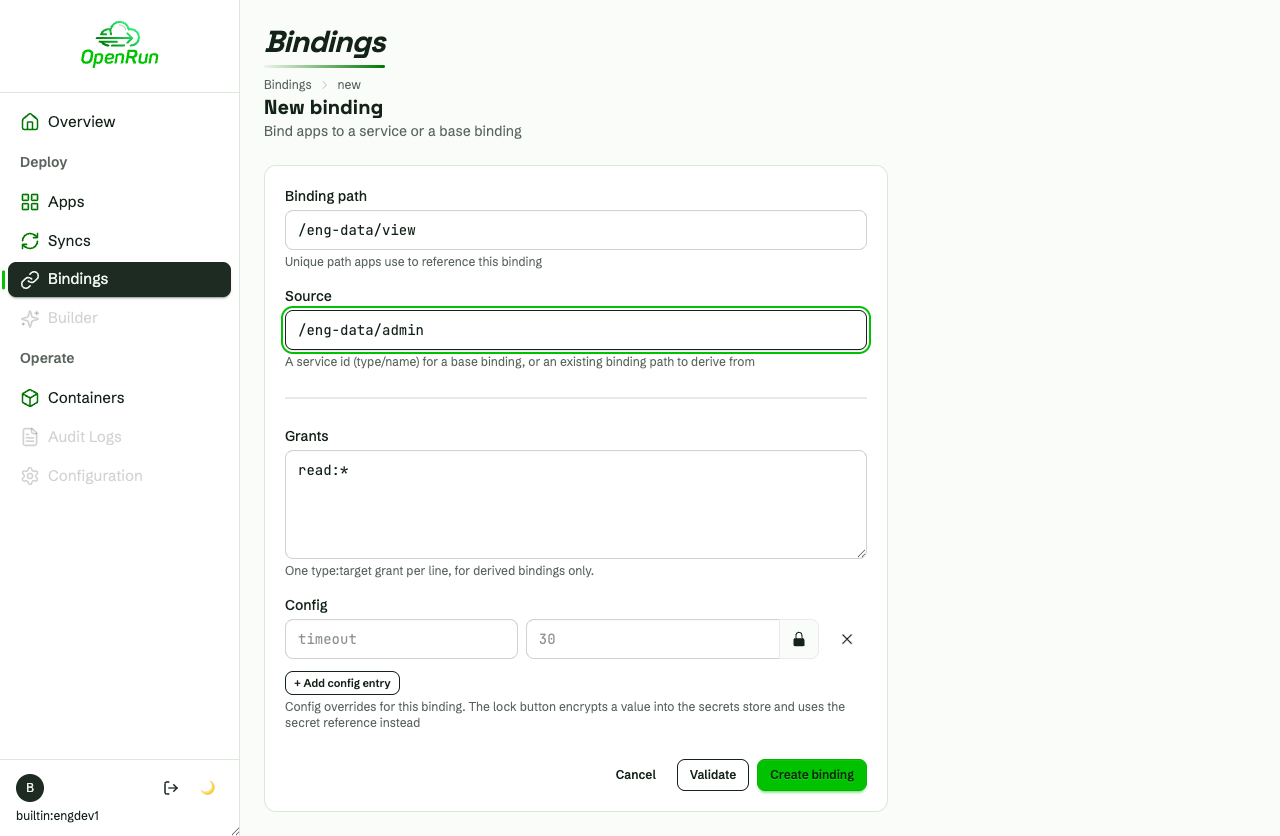
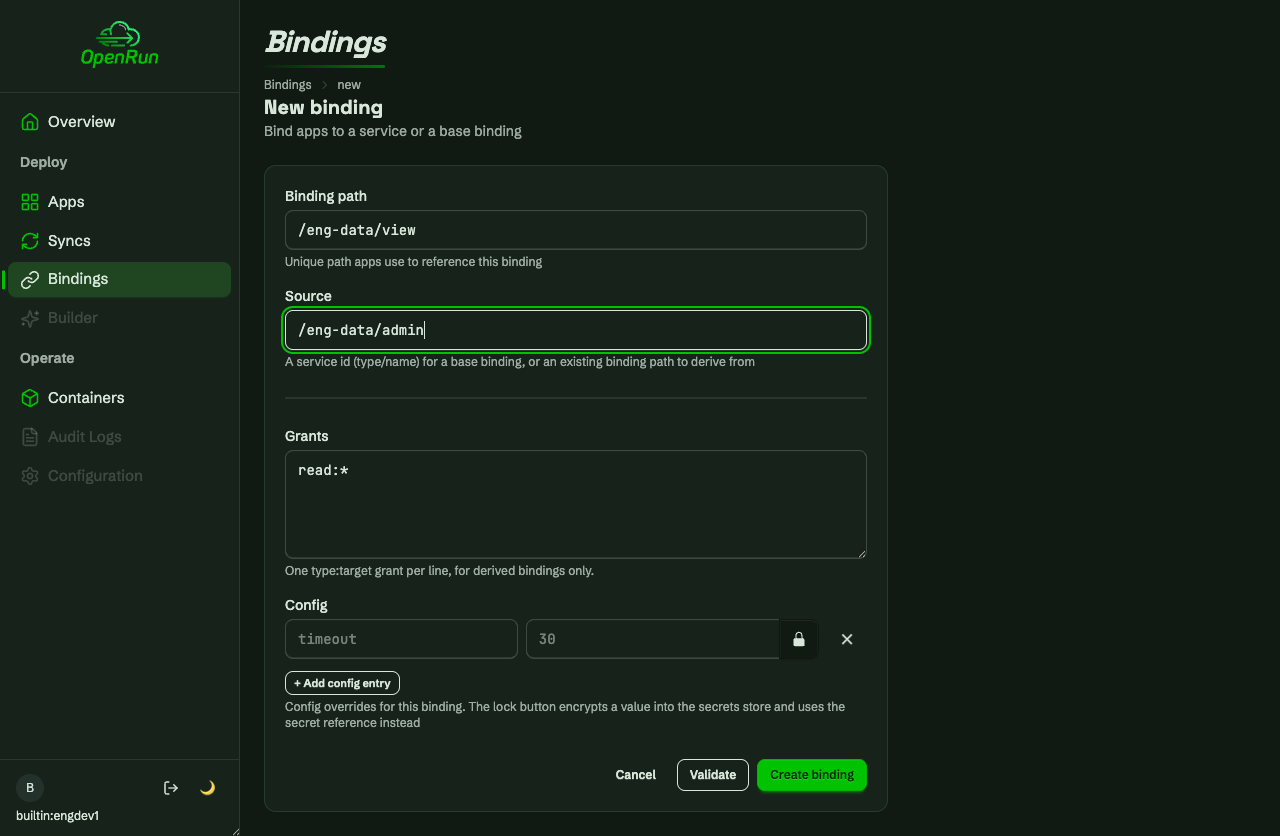
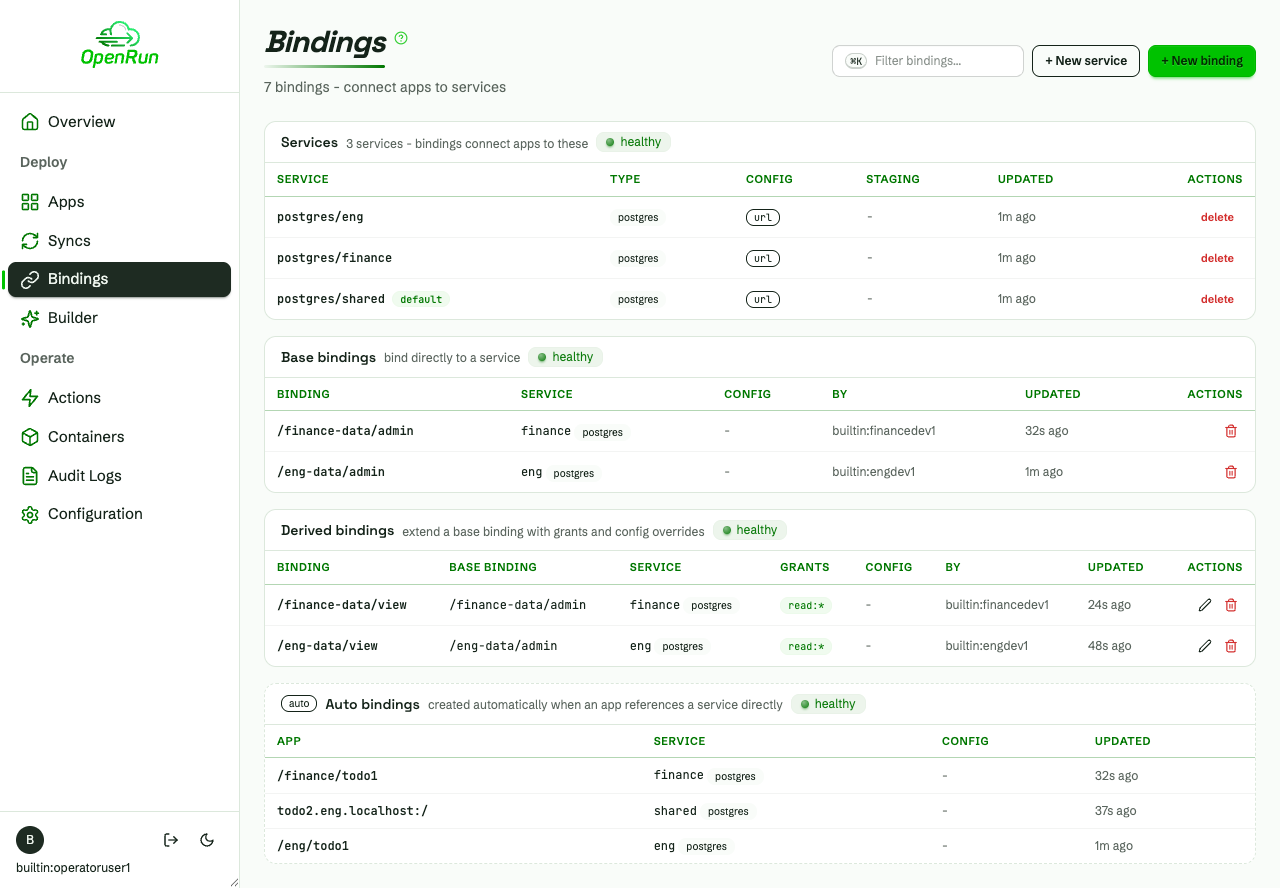
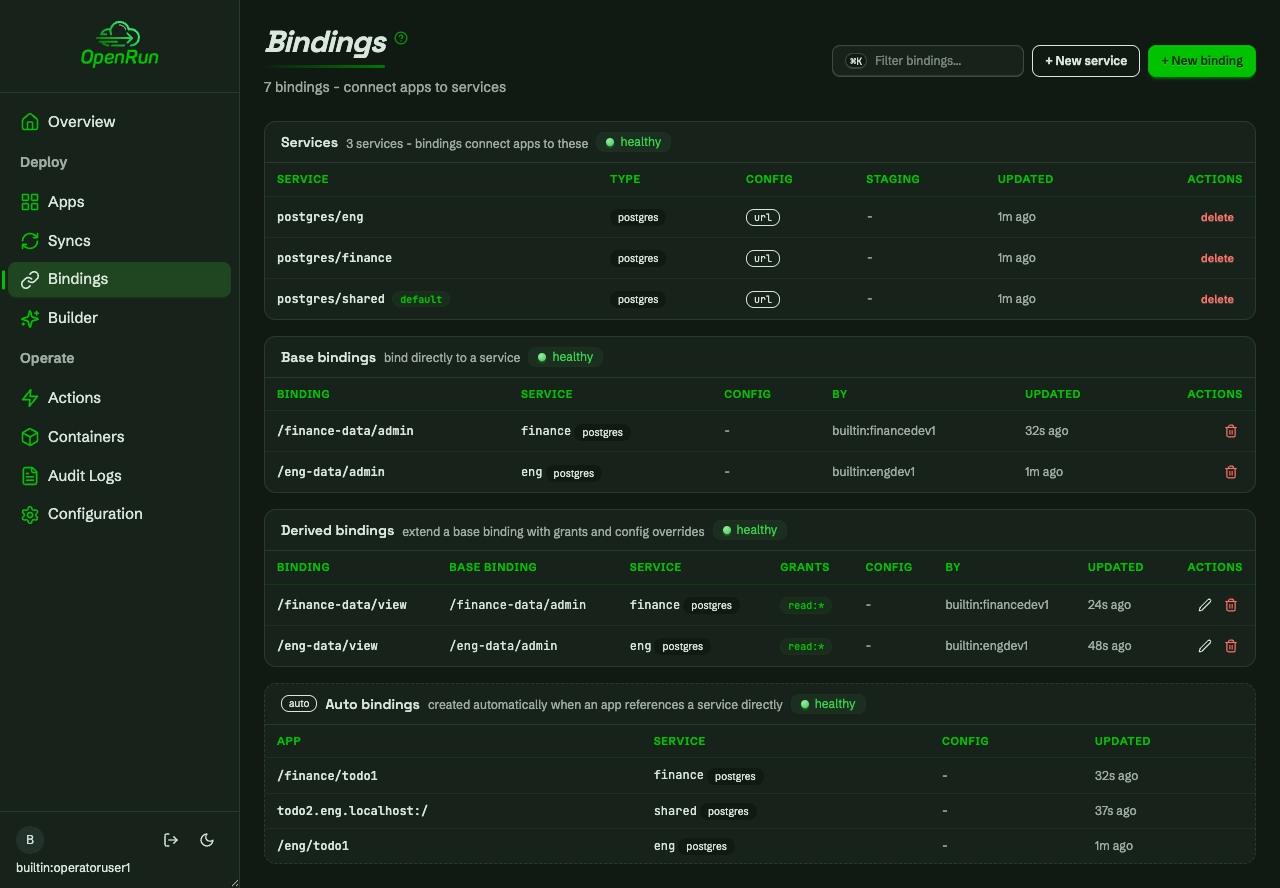
Developers can derive restricted bindings from a base binding - here a read-only view with per-table grants - and build apps on them. The binding dropdown lists only services and bindings the caller can read; other teams’ entries never appear:
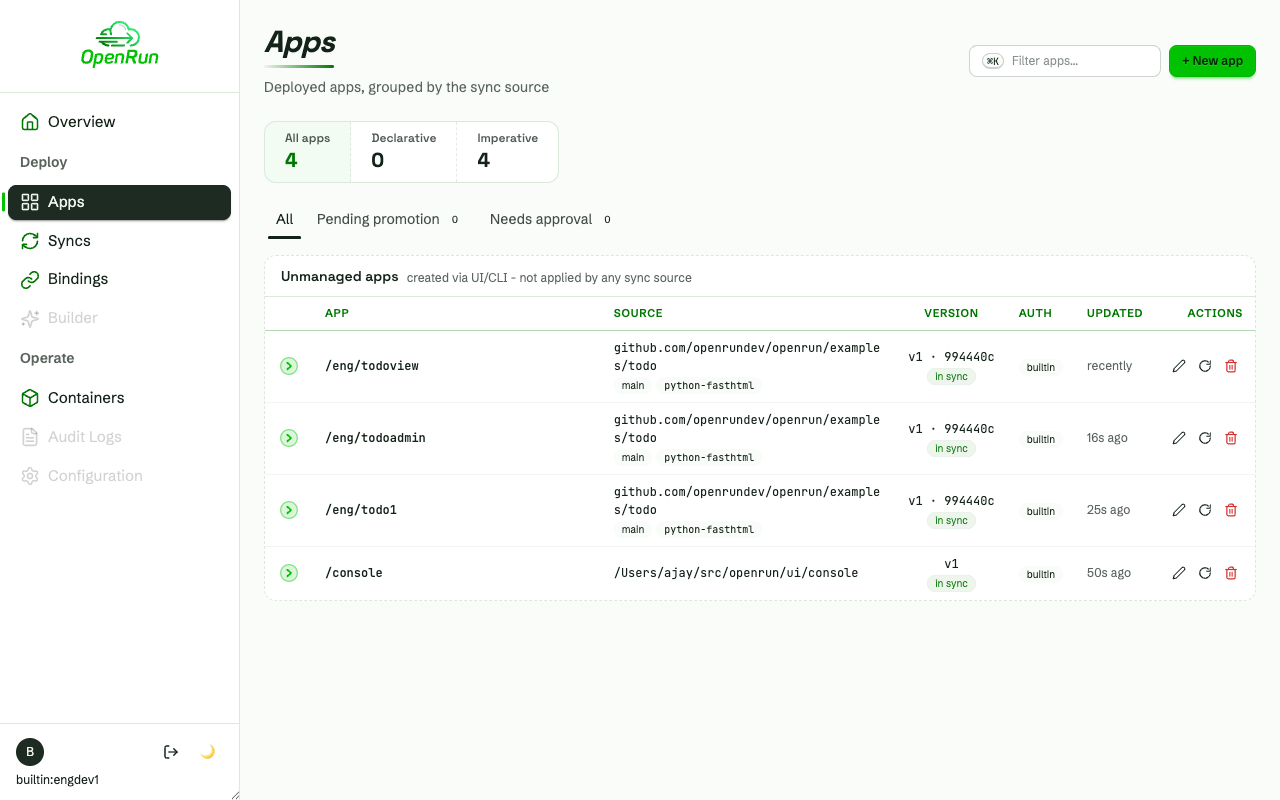
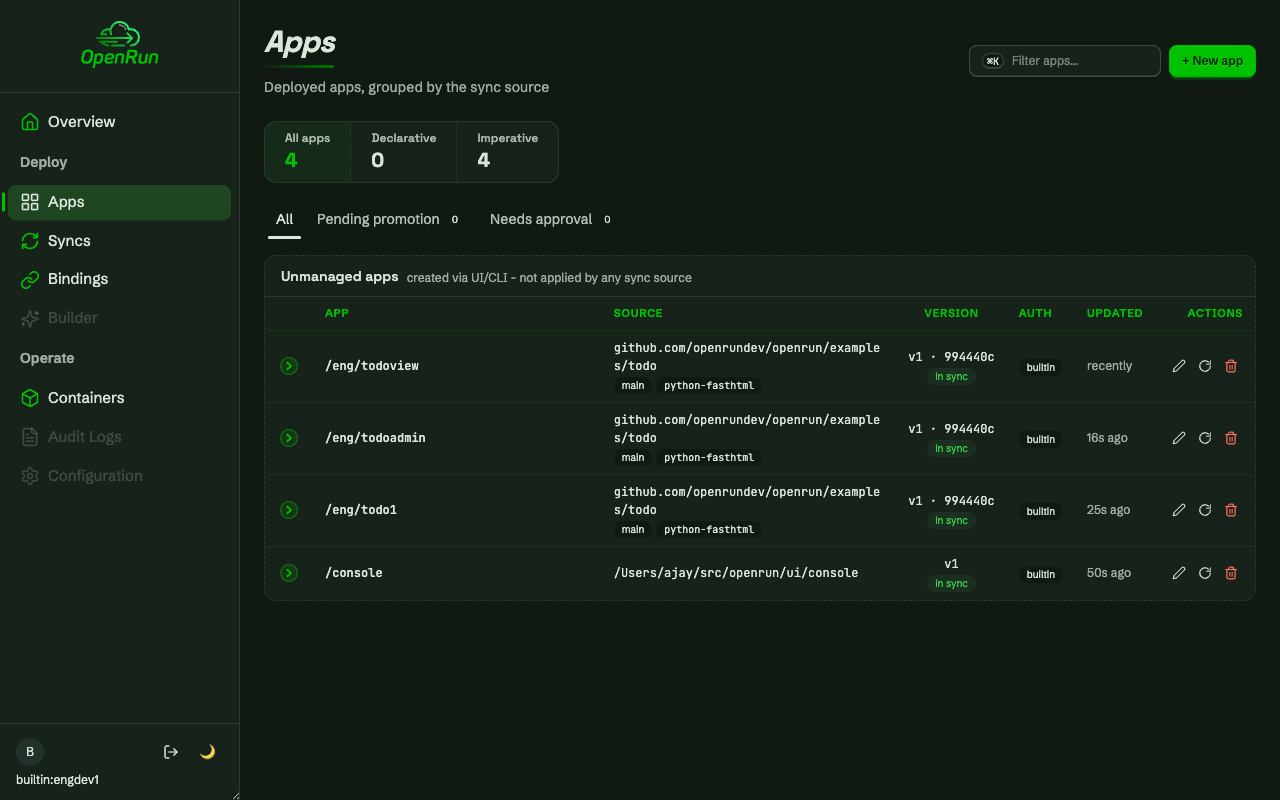
Domain glob targets authorize apps on team subdomains too:
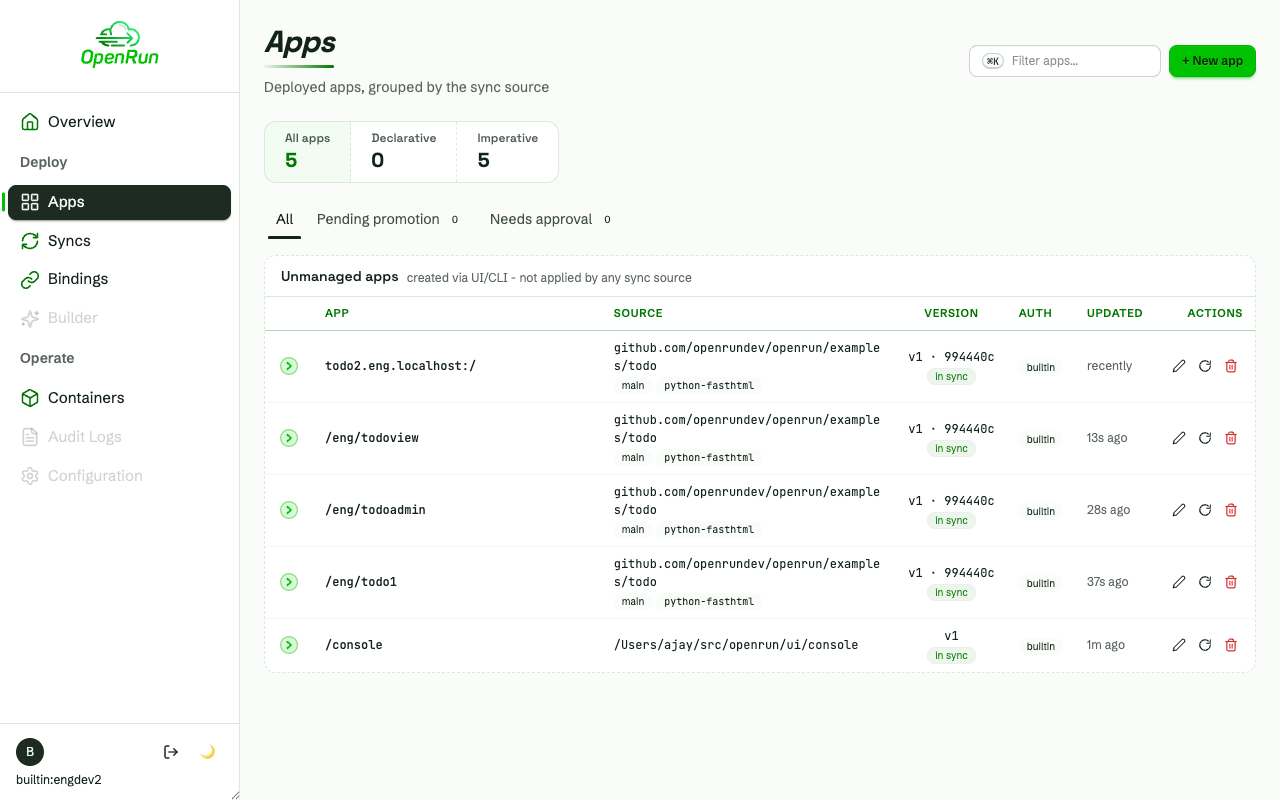
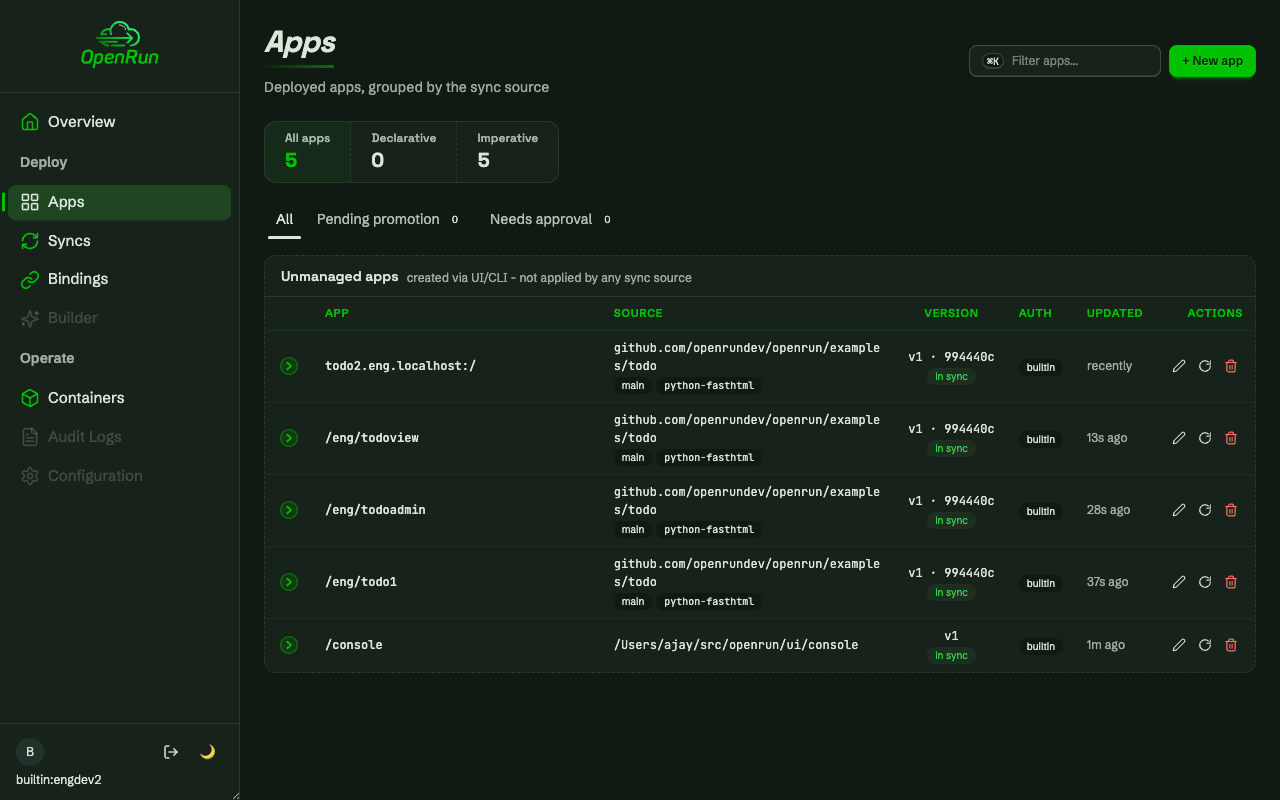
The other team works the same way in its own scope:
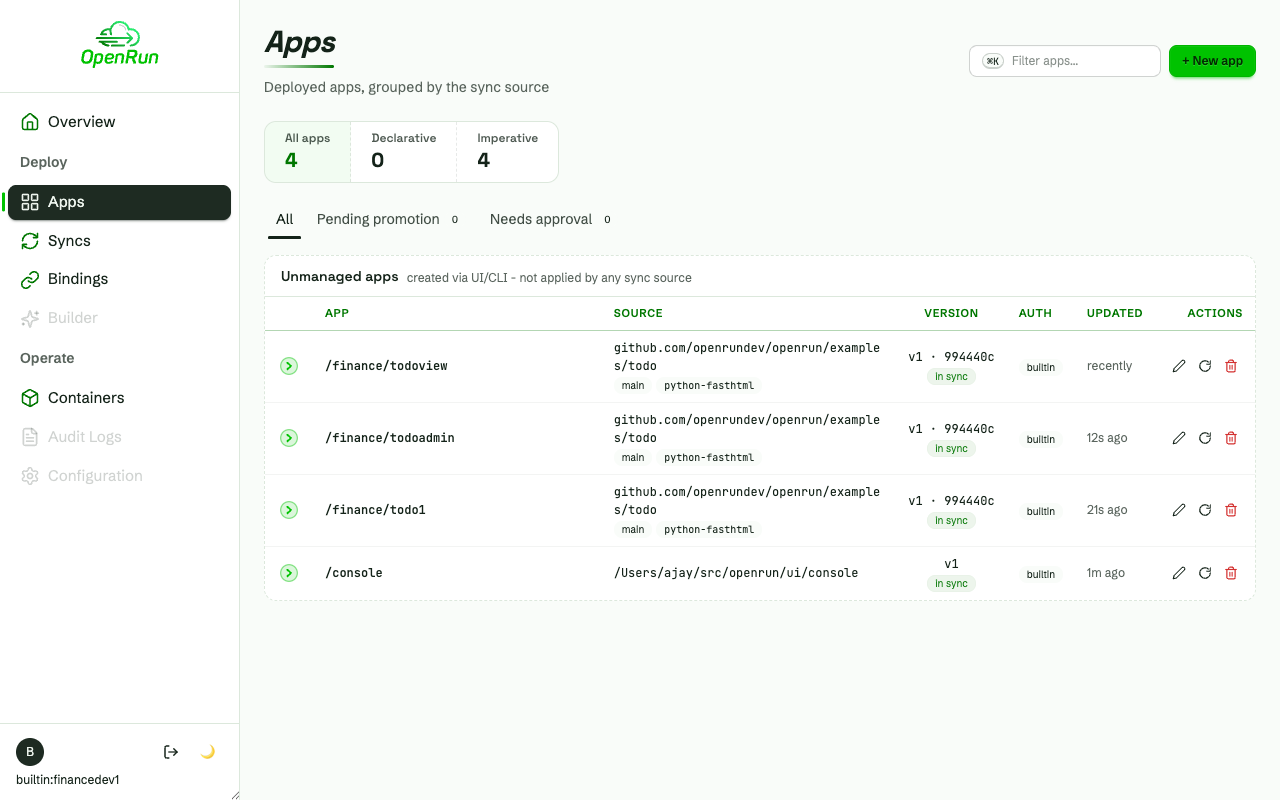
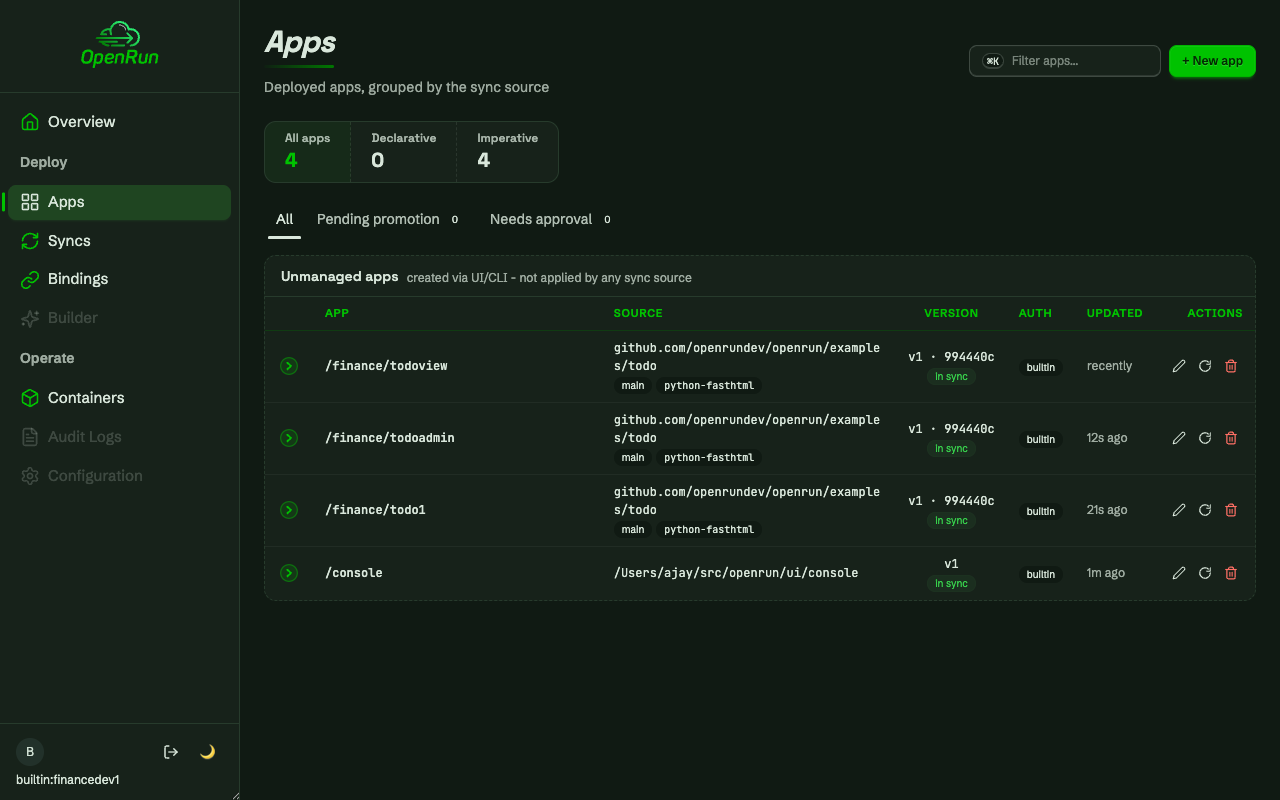
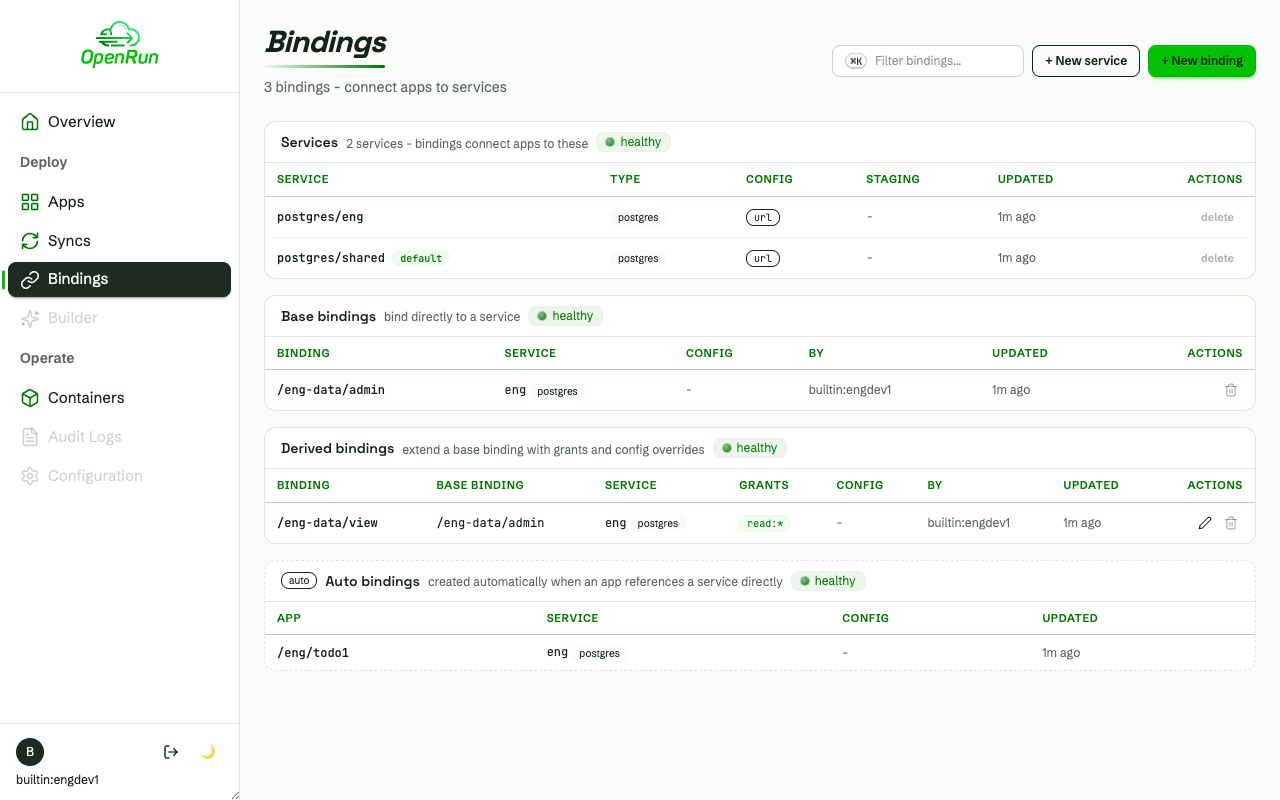
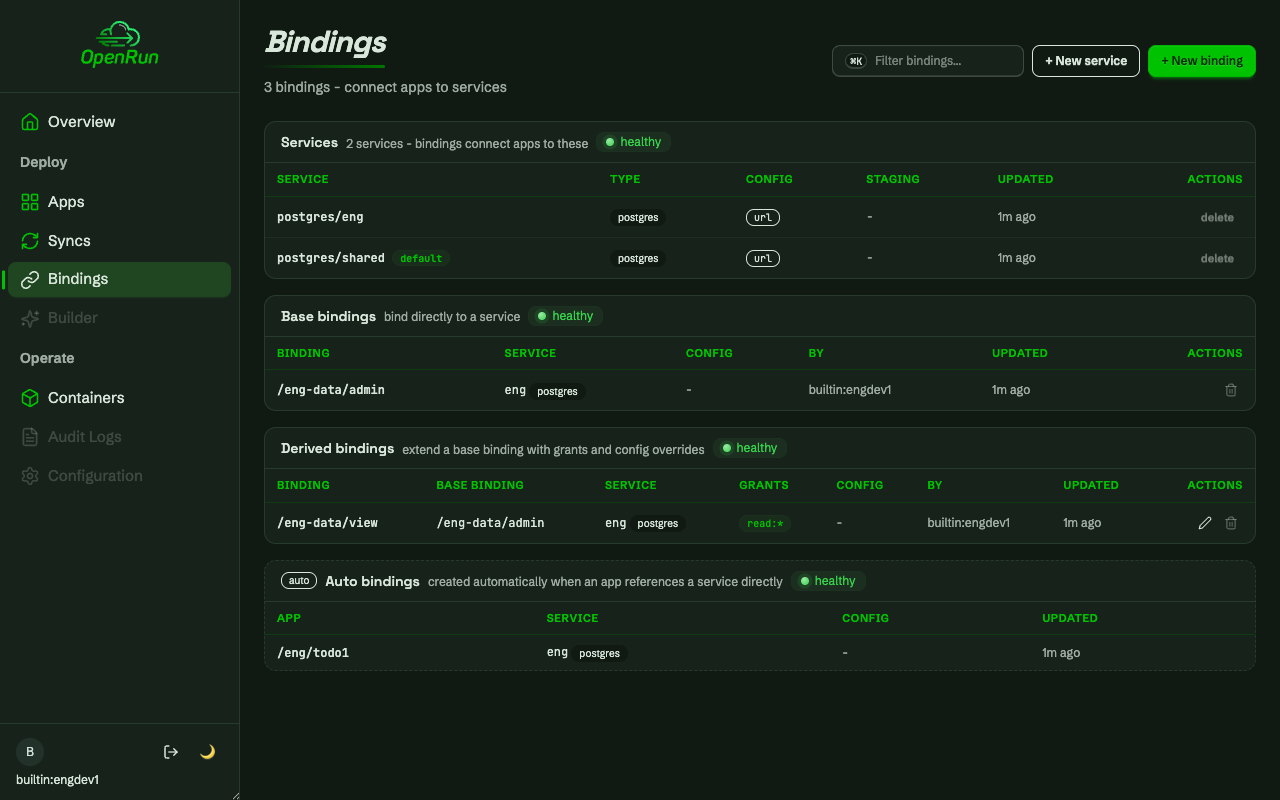
Every list is filtered server-side to what the caller can read - a developer’s bindings page shows the team and shared entries only:
Read-only users and operators
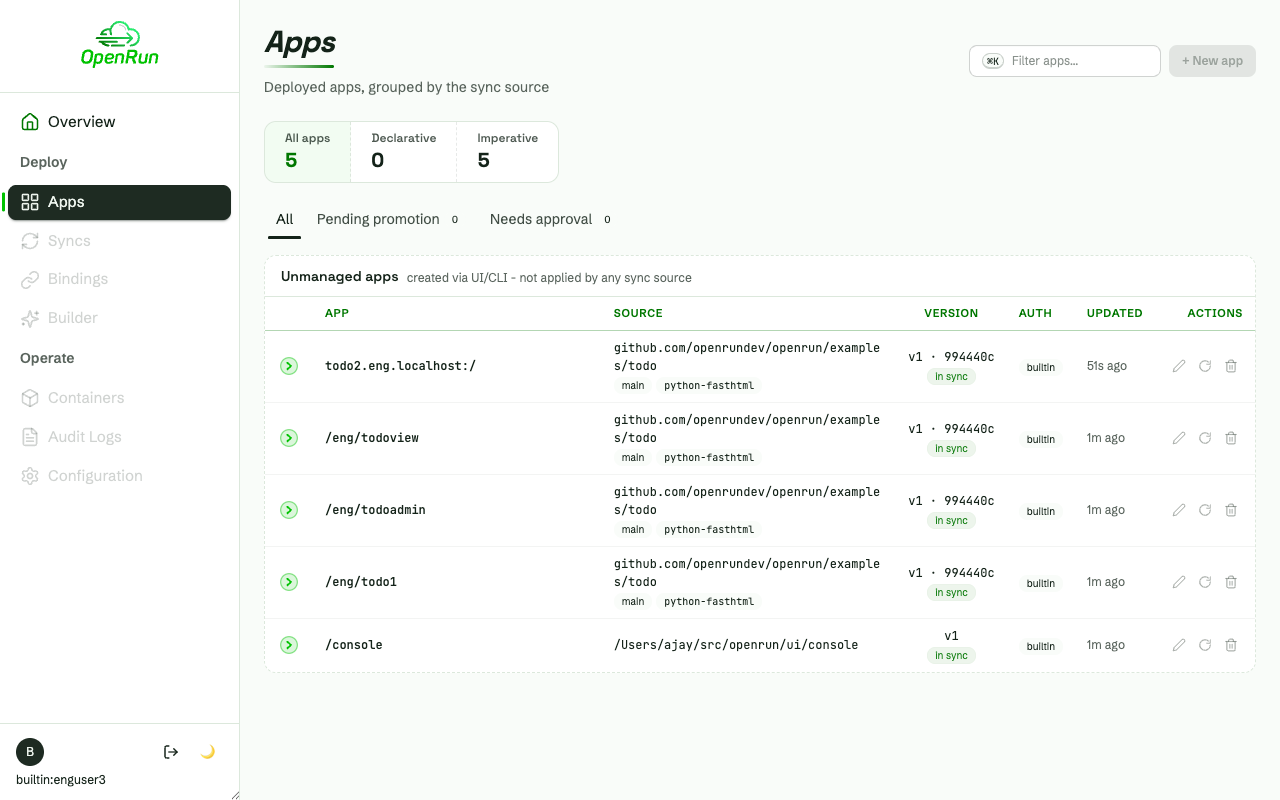
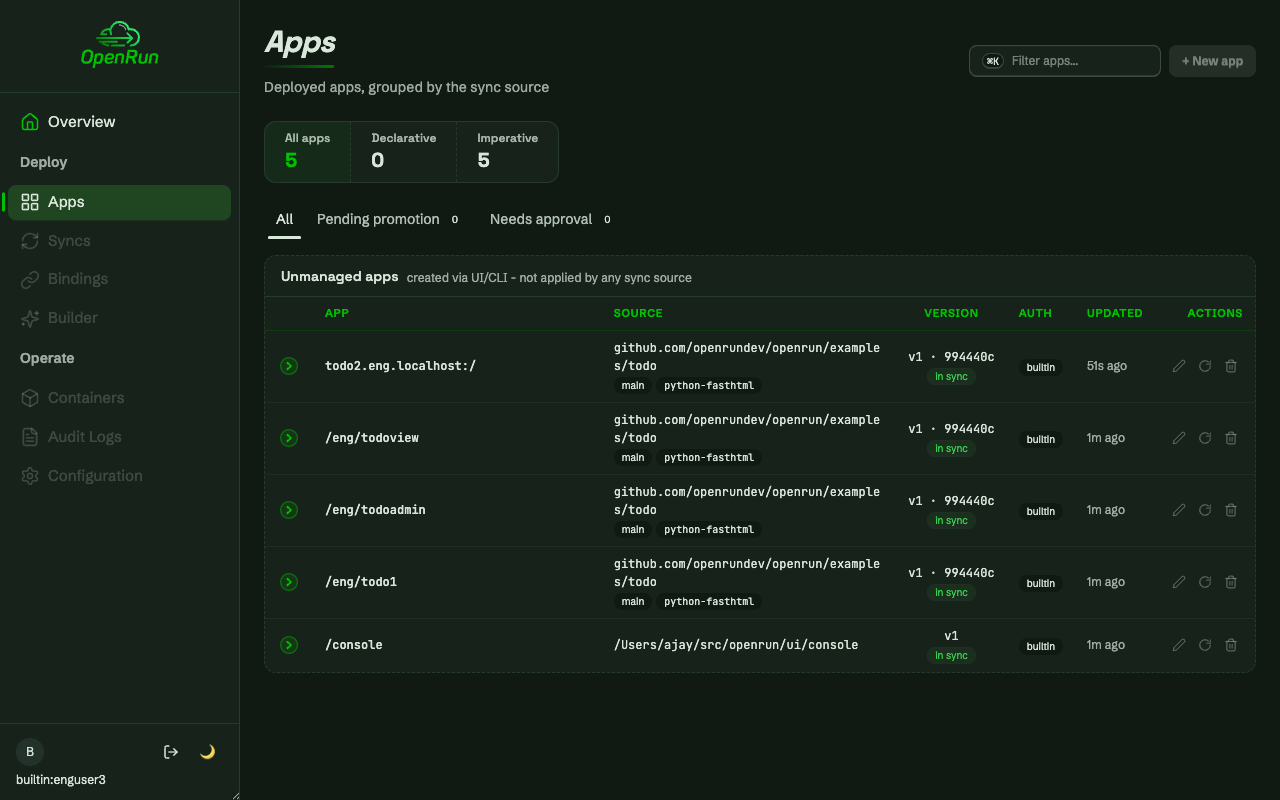
A read-only user sees the team apps, with every write control disabled and labeled with the missing permission; nav areas without a read permission are disabled too:
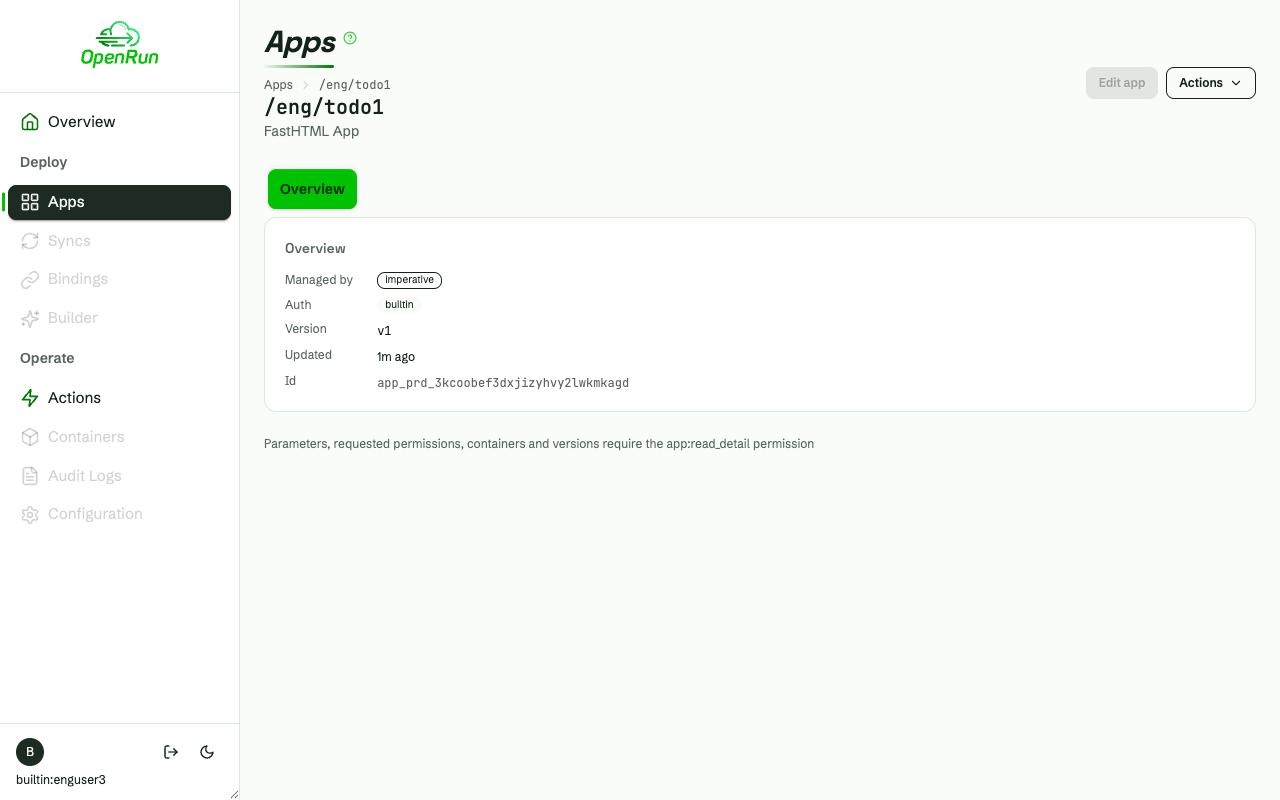
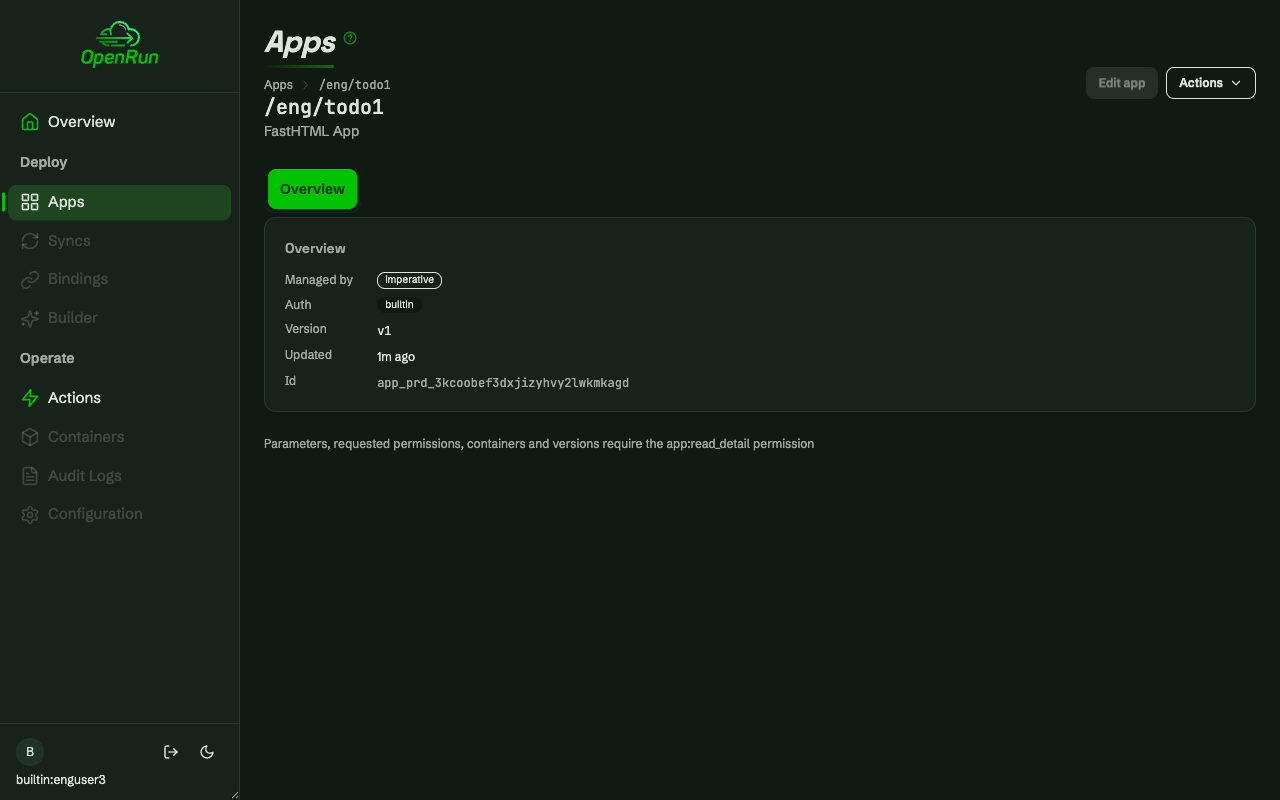
The same user’s app detail page shows only the basic app info. The
Config, Compare and Files tabs, the source and the per-environment panel
need app:read_detail, which the user role does not hold:
The operator’s all-target grant sees everything, plus approve/promote and the configuration pages:
Per-resource denials and staged updates
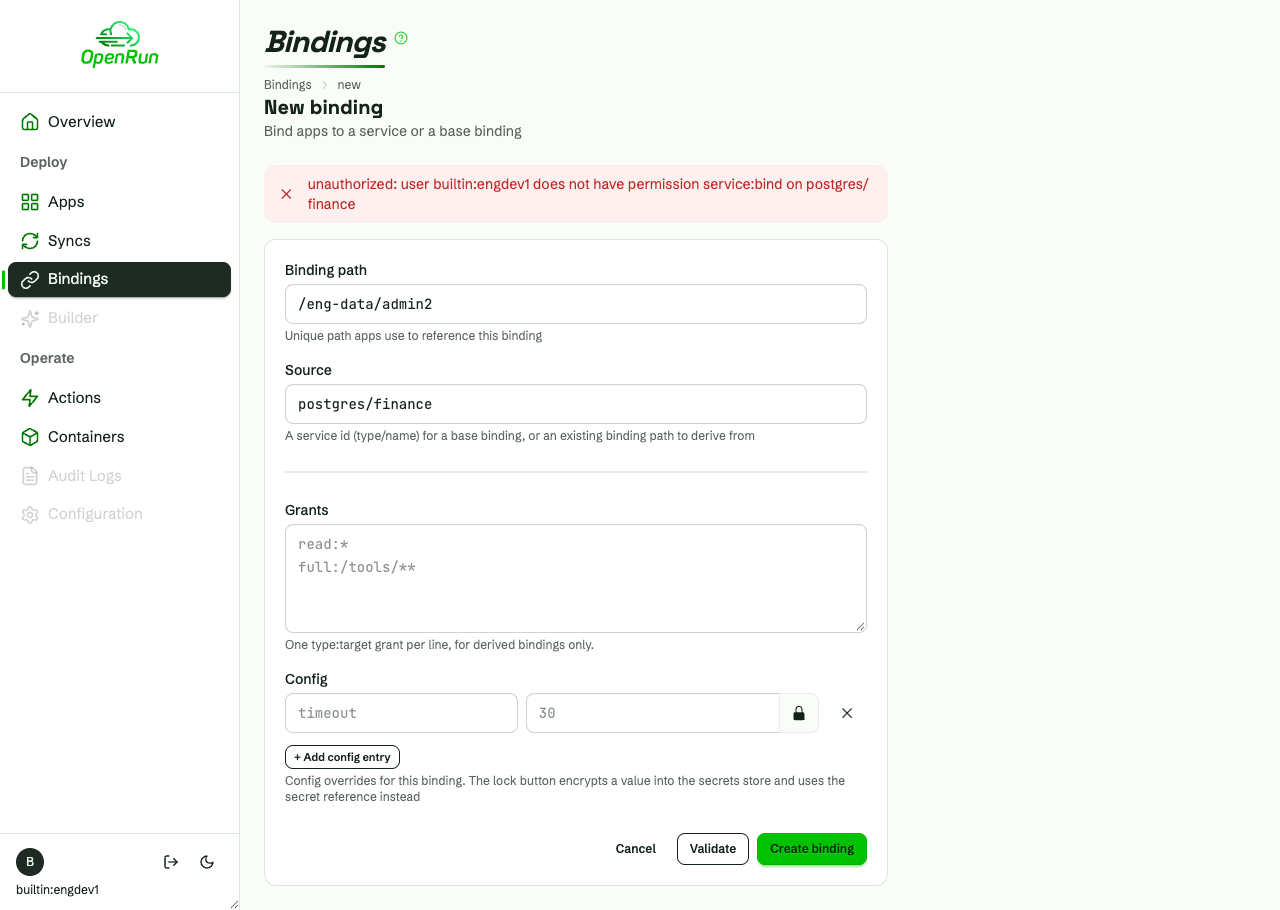
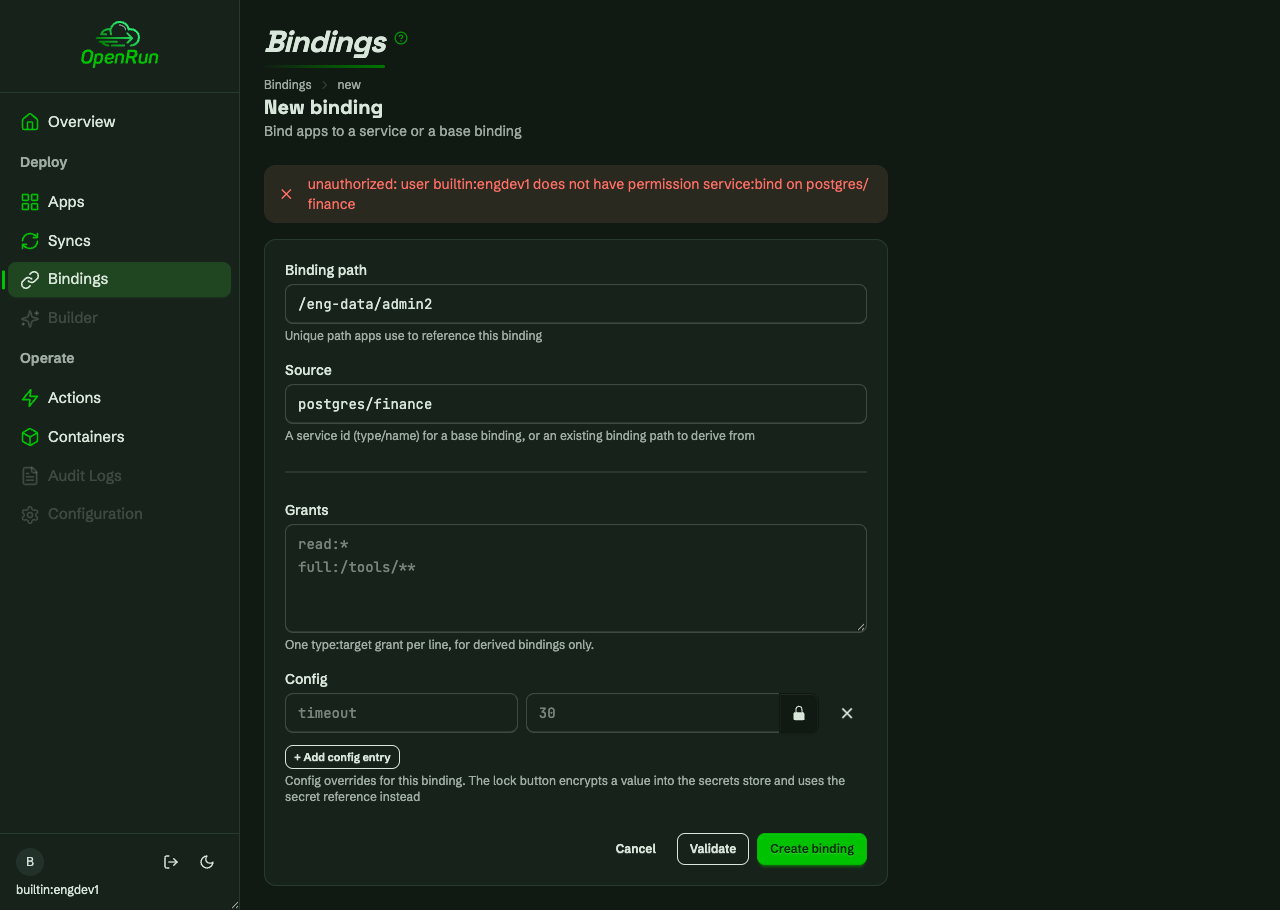
Write attempts outside the granted targets - a service outside the team’s namespace, a binding outside the team prefix, a binding sourced from another team’s service - are each denied per resource, with the form re-rendered in place:
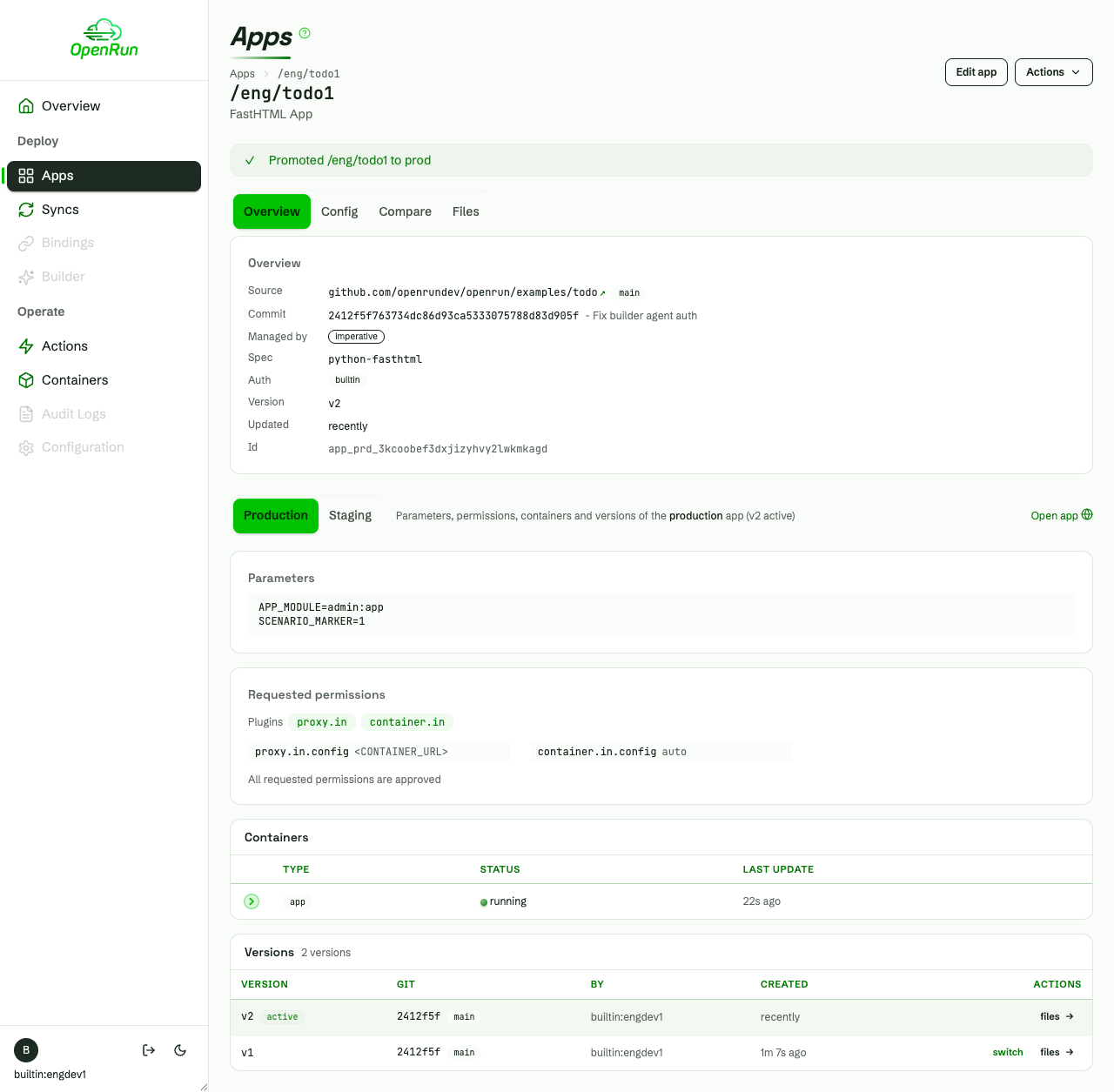
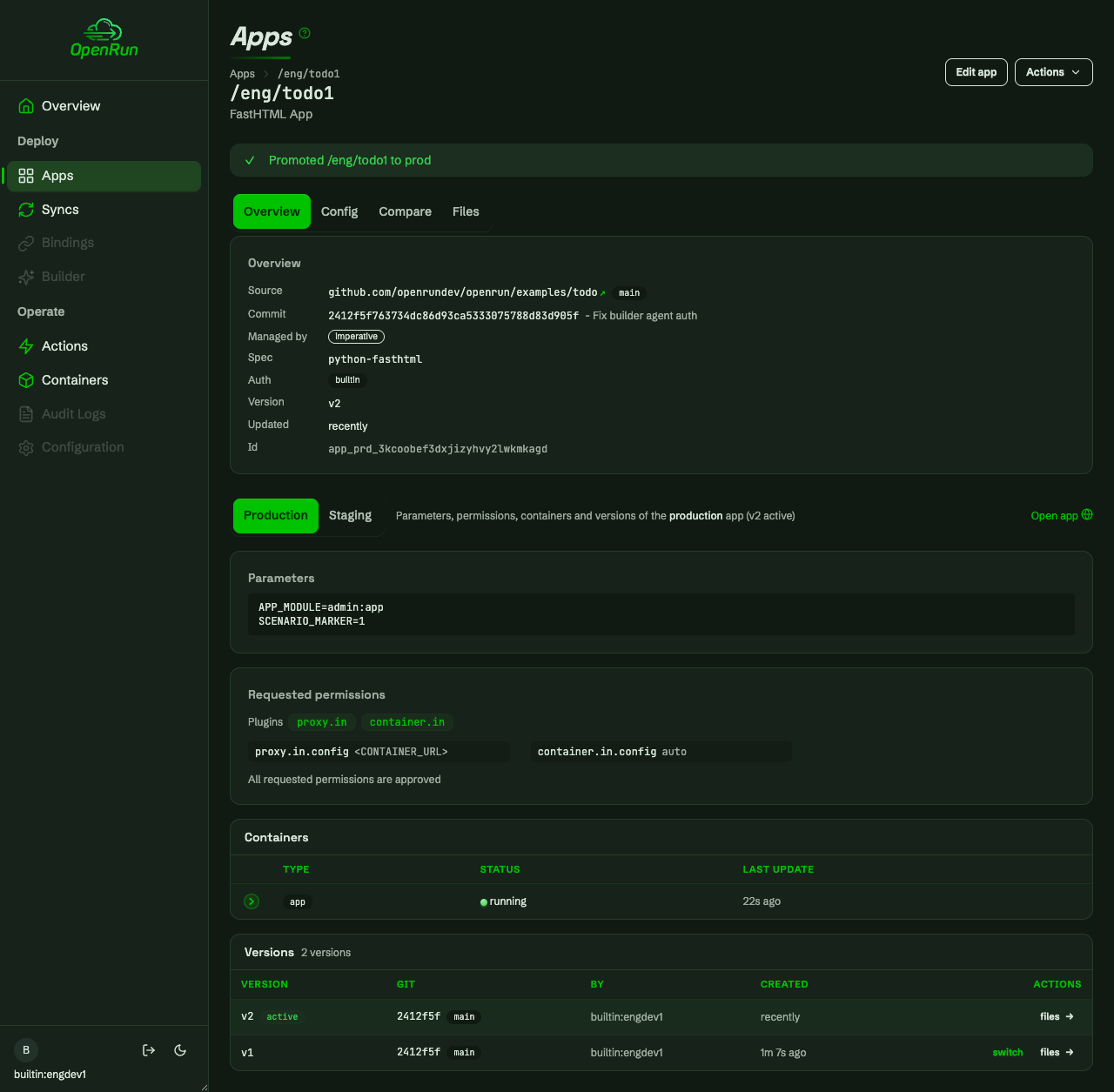
Updates always apply to staging first; promoting to prod is a separate permission. The read-only user sees the pending promotion but a disabled Promote action:
Dynamic grant changes
Grant changes publish without restarts. The operator loans the eng developer to finance - the finance apps, service and bindings appear on their next request:
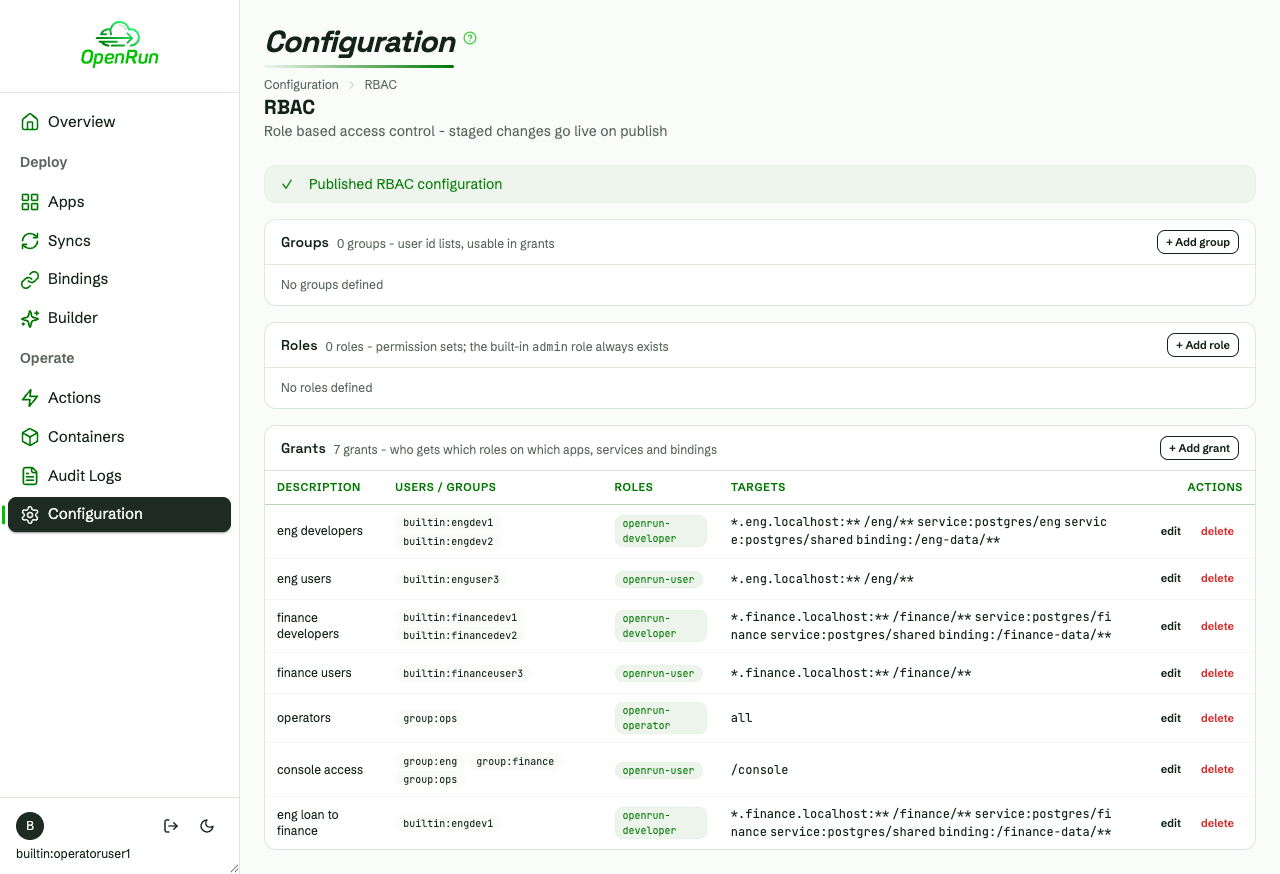
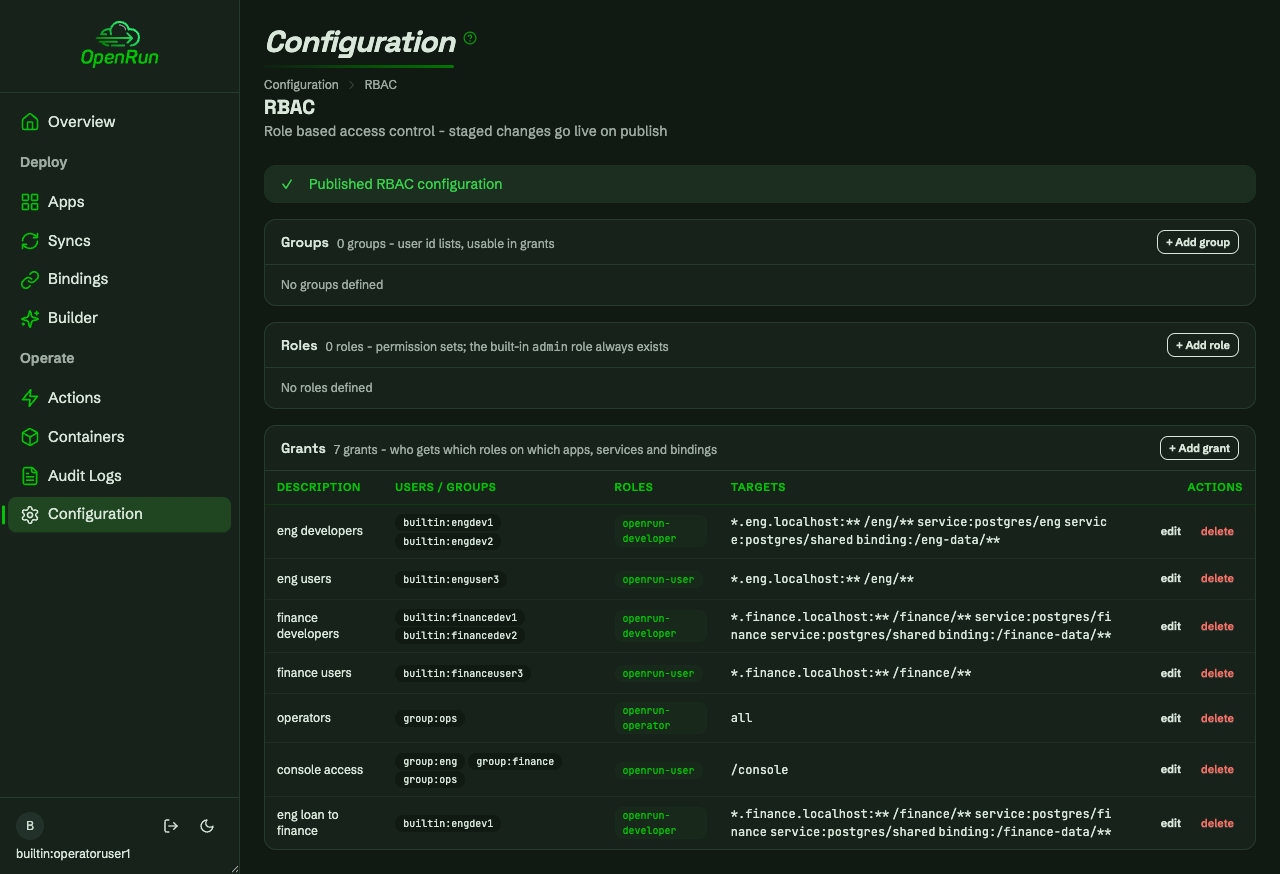
Deleting the loan grant reverts the access just as immediately - the finance apps drop out of the lists and their URLs 403 again: